Bookshaper
FeaturesPricingCompareFree Tools
Download Bookshaper
Blog/Software & Publishing

Best Scrivener Alternatives (2026)

An honest look at the strongest Scrivener alternatives and who each one is for.
·June 15, 2026
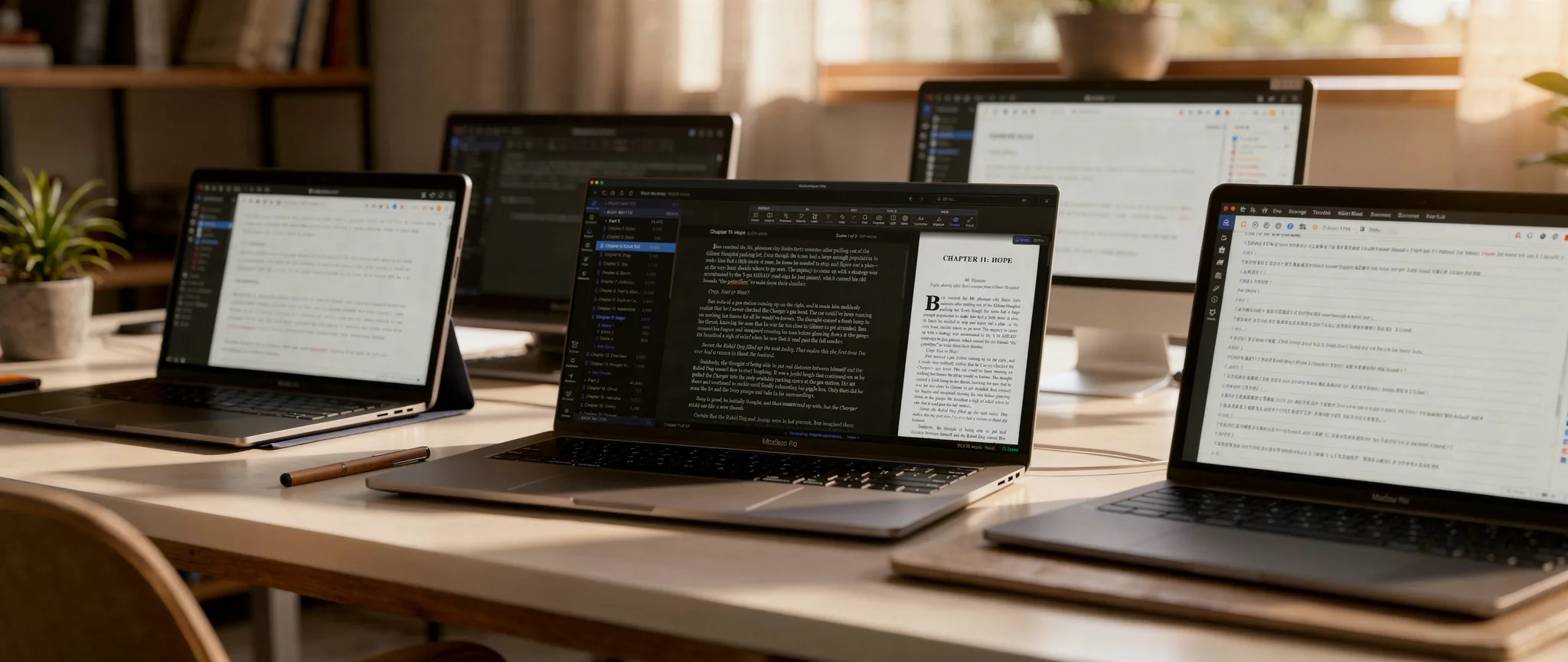
Several open laptops arranged across a sunlit desk, each running a different writing app — comparing tools side by side.

Why look beyond Scrivener?

Scrivener has been the default writing tool for novelists for nearly two decades. It pioneered the binder-based, scene-level approach to manuscript organization that most authors now take for granted. For many writers, it remains an excellent choice.

But Scrivener hasn't changed much in recent years, and the writing tool landscape has. Authors today have access to tools with modern interfaces, AI-powered analysis, built-in formatting, cloud sync, and cross-platform support that Scrivener doesn't offer. If you've been wondering whether there's something better suited to how you work, you're not alone — "Scrivener alternatives" is one of the most searched phrases in the writing software space.

The sections below take an honest look at the best options available in 2026, what each does well, and where each falls short.

What to look for in a Scrivener alternative

Before evaluating specific tools, it helps to know what makes a writing app work for novelists. These are the capabilities that matter most:
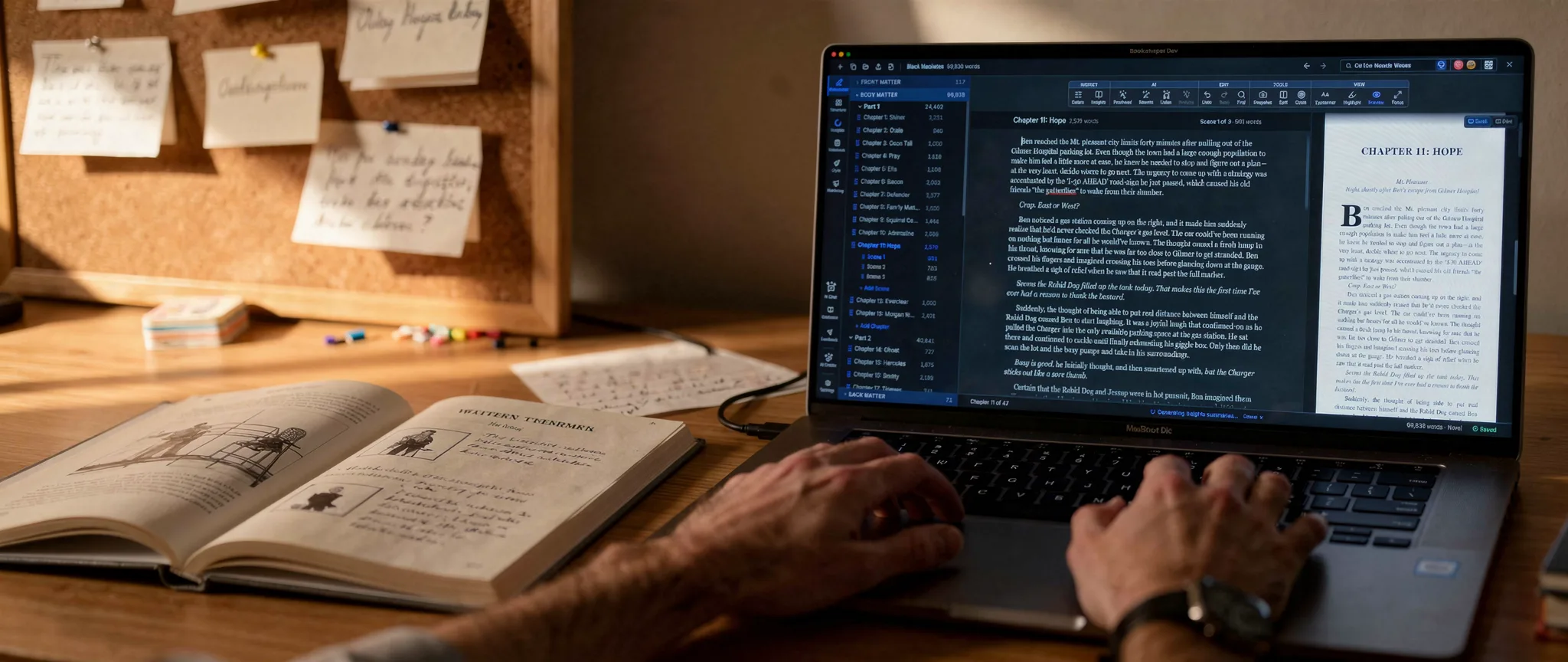
A writer's hands at a laptop running a manuscript-writing app, beside an open notebook and a corkboard of notes.

With those criteria in mind, here are the strongest Scrivener alternatives available today.

Scene-level organization
You should be able to break your manuscript into scenes within chapters and rearrange them freely. This is the single most important feature for long-form fiction.
Manuscript structure
Support for parts, chapters, front matter, and back matter. A flat chapter list isn't enough for complex novels.
Export quality
Can the tool produce files you can actually publish? EPUB for ebooks, print-ready PDF for paperback — without needing a second tool.
Character and world management
A place to track characters, locations, and research notes alongside your manuscript.
Cross-platform support
Does it run on your operating system? Can you move between devices?
Active development
Is the tool still being improved, or has it stalled?

Bookshaper — The one-tool pipeline (write, analyze, format, publish)

Bookshaper is a desktop writing environment that combines scene-based writing, manuscript organization, AI-powered narrative analysis, professional formatting, and a full set of going-to-market tools in a single application.

A familiar writing environment

Bookshaper's writing environment will feel familiar to Scrivener users. You organize your manuscript into parts, chapters, and scenes, with a sidebar for navigation and drag-and-drop reordering. It adds a card view for visual scene management, two ways to plan structure — a top-down Outline tree and a bottom-up Beat Cards board that share the same beats — and a manuscript preview pane for reading full chapters in context while editing individual scenes.

Where Bookshaper diverges from Scrivener is in three areas that Scrivener doesn't address at all: structural analysis, formatting, and taking the finished book to market.

Structural analysis Scrivener can't do

The AI analysis engine reads your manuscript and surfaces insights about pacing, character arcs, themes, emotional cadence, and continuity. It doesn't generate or rewrite your content — it surfaces the kind of structural issues a developmental editor looks for and lets you decide what to do about them, a way to strengthen a draft before or between professional edits. On top of the report card it builds a multi-level synopsis ladder (book, part, chapter, and scene), an AI-extracted Story Bible of characters and locations, and a Thread Health view that shows where each plotline goes quiet — plus an AI Chat panel for follow-up questions and, separately, optional refinement, line-edit, and proofreading tools that propose changes calibrated to your voice for you to accept or reject.

Built-in formatting

The formatting pipeline is the next differentiator. Scrivener's Compile system is powerful but known for being difficult to use, and most authors end up exporting to Word and then using a separate formatting tool like Vellum or Atticus. Bookshaper pairs 60 built-in templates organized by genre and era with a style editor of 41 typographic targets — running headers, chapter openers, body text, margins, page layout — for when you want control beyond a template, and exports directly to publish-ready EPUB, print-ready PDF, and DOCX. No second tool needed.

Taking the finished book to market

The third area is everything that happens once the draft is done. A Cover Studio designs front covers, back covers, and spines — from AI-generated concepts or your own artwork — and exports a print-ready KDP cover wrap. From the analysis it already ran, Bookshaper drafts the assets authors normally assemble by hand across half a dozen separate tools: a query letter, synopsis, and author bio; back-cover and retailer blurbs; KDP storefront metadata; web-verified comparable titles; discoverability trope tags; a one-page pitch sheet; social pull-quote cards set in your book's own typography; and mailing-list reader magnets. Scrivener does none of this.

Rounding it out: character profiles with AI-inferred summaries, location tracking, a character presence matrix, interactive dashboards behind every finding, grammar and style proofreading, scene audio narration with AI voices, and a research notebook with scene linking.

Where it falls short: Bookshaper is a native desktop application (macOS, Windows, Linux) with no mobile or browser version. It takes a local-first approach — your manuscripts live on your computer as plain Markdown and JSON files and are also synced to the cloud (your synced copy is encrypted on your device before upload), which is great for privacy, ownership, and cross-device access but won't appeal to authors who want to write in a browser or on a phone. It's a subscription ($9.99/month for the base tier, $14.99/month for Pro with AI analysis; less billed annually), so authors who prefer a one-time purchase may hesitate.

Best for: Authors who want one tool for the full pipeline — writing, organization, structural analysis, and professional formatting — without juggling multiple applications.

Ready to try Bookshaper?

Start your 7-day free trial — no credit card needed.

Start your free trial

Atticus — Best for formatting-first authors

Atticus is a browser-based tool that combines a basic writing interface with strong formatting and export capabilities. It's become popular among indie authors who want to skip the Scrivener-to-Vellum pipeline.

Formatting is where Atticus shines. It offers a selection of polished templates for both ebook and print, with a visual editor that makes it easy to see what your final book will look like. Export to EPUB and print-ready PDF is straightforward. For authors who primarily need a clean way to go from manuscript to published book, Atticus handles that workflow well.

The one-time price of $147 (with lifetime updates) is appealing for authors who dislike subscriptions. It runs in the browser, so it works on any device with an internet connection.

Where it falls short: Atticus supports chapters and scenes, but its organizational tools stop there — no card view, no outline view, and no character or location tracking. It has no AI capabilities. As a writing environment, it's minimal — it's really a formatting tool with a basic editor attached.

If you're coming from Scrivener expecting deep organizational tools, Atticus will feel like a significant step backward in that department, even though it's a step forward in formatting.

Best for: Authors who already have a writing workflow and primarily need a formatting and export tool, especially those who want a one-time purchase.

Dabble — Best for cloud-first simplicity

Dabble is a subscription-based writing tool that emphasizes a clean interface, goal tracking, and cloud sync across all devices.

Dabble's interface is modern and approachable. It supports chapters and scenes, drag-and-drop reordering, word count goals with visual progress tracking, and sticky notes for story planning. The cloud sync is genuine — you can switch between your laptop, tablet, and phone and pick up exactly where you left off.

Its higher tiers include grammar and style checking comparable to Grammarly, which is useful for catching sentence-level issues during revision.

Where it falls short: Dabble has no publish-ready export. It exports to DOCX but not to EPUB or formatted PDF, so you'll still need a separate formatting tool. There's no AI-powered structural analysis, no character presence tracking, no interactive dashboards, and no style editor for typographic control.

At $19 to $49/month across its three tiers, Dabble sits toward the higher end of the category.

Best for: Authors who value cloud sync and a clean, simple interface above formatting and analysis capabilities.

Ulysses — Best for Apple-ecosystem authors

Ulysses is a subscription-based writing app available exclusively on Mac, iPad, and iPhone. It's known for its minimalist Markdown-based editor and tight integration with the Apple ecosystem.

Ulysses has one of the cleanest writing interfaces available. It uses a Markdown-based editor that gets out of your way and lets you focus on words. iCloud sync across all Apple devices is seamless. The organizational system uses nested groups and filters, which works well for both fiction and non-fiction.

At $49.99/year, it's one of the most affordable subscription options. Publishing directly to WordPress and Medium is a nice bonus for authors who also blog.

Where it falls short: Ulysses is Apple-only. No Windows, no Linux, no browser version. Its organizational model is based on flat text sheets rather than a structured parts/chapters/scenes hierarchy, which can feel limiting for complex novels. There's no AI analysis and no character tracking; its styled export (EPUB, PDF, DOCX) handles basic self-publishing but isn't a dedicated book-formatting engine.

If you're on a Mac, write in Markdown, and also produce non-fiction content, Ulysses is a strong choice. If you're writing novels and need structural tools, it's less compelling.

Best for: Authors in the Apple ecosystem who want a beautiful, minimal writing experience across Mac and iOS devices.

NovelPad — Best for browser-based novel writing

NovelPad is a subscription-based writing tool that runs entirely in the browser. It's designed specifically for fiction writers and offers a focused feature set.

NovelPad supports scene-based organization, character notes, and integrated grammar checking via ProWritingAid. The browser-based approach means it works on any device without installing software. The interface is purpose-built for novels rather than adapted from a general-purpose writing tool.

At $15/month, pricing is competitive. There's a 14-day free trial.

Where it falls short: Being browser-based means your manuscripts are stored on NovelPad's servers, and there's no offline access without an internet connection. NovelPad exports a publish-ready EPUB (cover included) but no print-ready PDF, and has no AI structural analysis, no typographic/formatting engine, and no visual dashboards. The feature set is solid but narrow.

Best for: Authors who want a browser-based, fiction-focused writing tool with scene organization and don't need formatting or analysis capabilities.

yWriter — Best free option

yWriter is a free, donation-supported writing tool developed by Simon Haynes (himself a published author). It's been around since 2005 and has a loyal following.

yWriter supports scene-based organization with character and location tracking. You can tag scenes by character, track word count goals, and view your manuscript through multiple organizational lenses. The fact that it's completely free — no trial period, no feature limits, no subscription — makes it accessible to every author.

Where it falls short: yWriter's interface shows its age. The free app is Windows-first (third-party paid Mac, iOS, and Android ports exist, and it runs on Linux via Wine), with no cloud sync, no AI analysis, no styled-formatting engine, and only basic EPUB/MOBI export. Development is occasional and the interface feels dated, but for a free tool maintained by a working author it remains genuinely useful.

Best for: Authors on a tight budget who need basic scene organization and don't mind a dated interface.

Quick comparison

FeatureBookshaperAtticusDabbleUlyssesNovelPadyWriter
Scene-based editorYesPartialYesNoYesYes
Parts/chapters/scenesYesPartialYesNoYesYes
Card viewYesNoPartialNoYesNo
Character trackingYesNoPartialNoPartialYes
AI narrative analysisYes (Pro)NoNoNoNoNo
Refine & editingYes (Pro)NoNoNoNoNo
Grammar/style checkingYesNoYes (Premium)NoYesNo
Publish-ready EPUB/PDFYesYesNoPartialPartialPartial
Style editorYesYesNoNoNoNo
Cover design (KDP wrap)YesNoNoNoNoNo
Marketing & submission kitYesNoNoNoNoNo
Cloud syncYes (encrypted)YesYesYes (Apple)YesNo
macOSYesYesYesYesYesNo
WindowsYesYesYesNoYesYes
LinuxYesYesYesNoYesNo
PricingFrom $9.99/mo$147 one-timeFrom $19/mo$49.99/yr$15/moFree

Which alternative is right for you?

There's no single best Scrivener alternative — the right one depends on what you need most:

Want one tool for everything
Bookshaper covers the full pipeline — writing, organization, structural analysis, professional formatting, cover design, and the marketing and submission assets that come after the draft — all in a single subscription.
Want the best formatting
Atticus is purpose-built for it, especially if you already have a writing tool you like.
Want cloud sync and simplicity above all else
Dabble delivers a clean, modern experience across every device.
All-in on Apple, fiction and non-fiction
Ulysses is hard to beat for the price.
Need browser access and fiction-specific features
NovelPad is a solid choice.
Need free
yWriter gets the job done.

The bottom line

The best approach is to try the tools that match your priorities. Most offer free trials, and the ones that don't offer money-back guarantees. Your writing workflow is personal — the right tool is the one that disappears and lets you focus on your story.

Explore on Bookshaper

Bookshaper vs. Scrivener

A feature-by-feature look at the two.

All tool comparisons

See how Bookshaper stacks up against every major writing tool.

Bookshaper pricing

Plans from $9.99/month with a 7-day free trial.

Keep reading

Novel Writing Software: The Complete 2026 Guide

Every major category of writing tool, what each does well, and how to choose.

Scene-Based Writing: Why It Works and How to Do It

Chapters are containers. Scenes are where the story actually happens.

Get the next data breakdown

Occasional emails when we publish a new measured study. No spam, unsubscribe anytime.

Ready to try Bookshaper?

Write, organize, analyze, and publish in one app. 7-day free trial, no credit card required.

Start your free trial
← All postsWriting GuidesComparisons

Bookshaper

Write, organize, analyze, and publish your manuscript in one place.

Product

  • Features
  • Pricing
  • Documentation
  • Writing Guides
  • Blog
  • Comparisons
  • Free Pacing Analyzer
  • FAQ
  • Support
  • About
  • Press Kit
  • Affiliate Program

Help

  • Protecting Your Work
  • Windows Performance
  • System Status

Legal

  • Terms of Service
  • Privacy Policy
  • Licensing Agreement
  • Affiliate Terms
  • Open-Source Licenses

Bookshaper uses AI for analysis and select generation features (back-cover blurbs, cover concepts). Your manuscripts are stored locally, and we do not authorize AI providers to train on them.

© 2026 Bookshaper. All rights reserved.