One app for your entire manuscript workflow
Bookshaper walks with you through the whole journey—draft it, keep it safe, make it better, publish it, and help readers find it—all in one place.
Phase 1 · Draft
Shape your story
Plan your structure and write scene by scene in a focused environment built for long-form fiction — with every change autosaved, backed up, and synced across your devices.
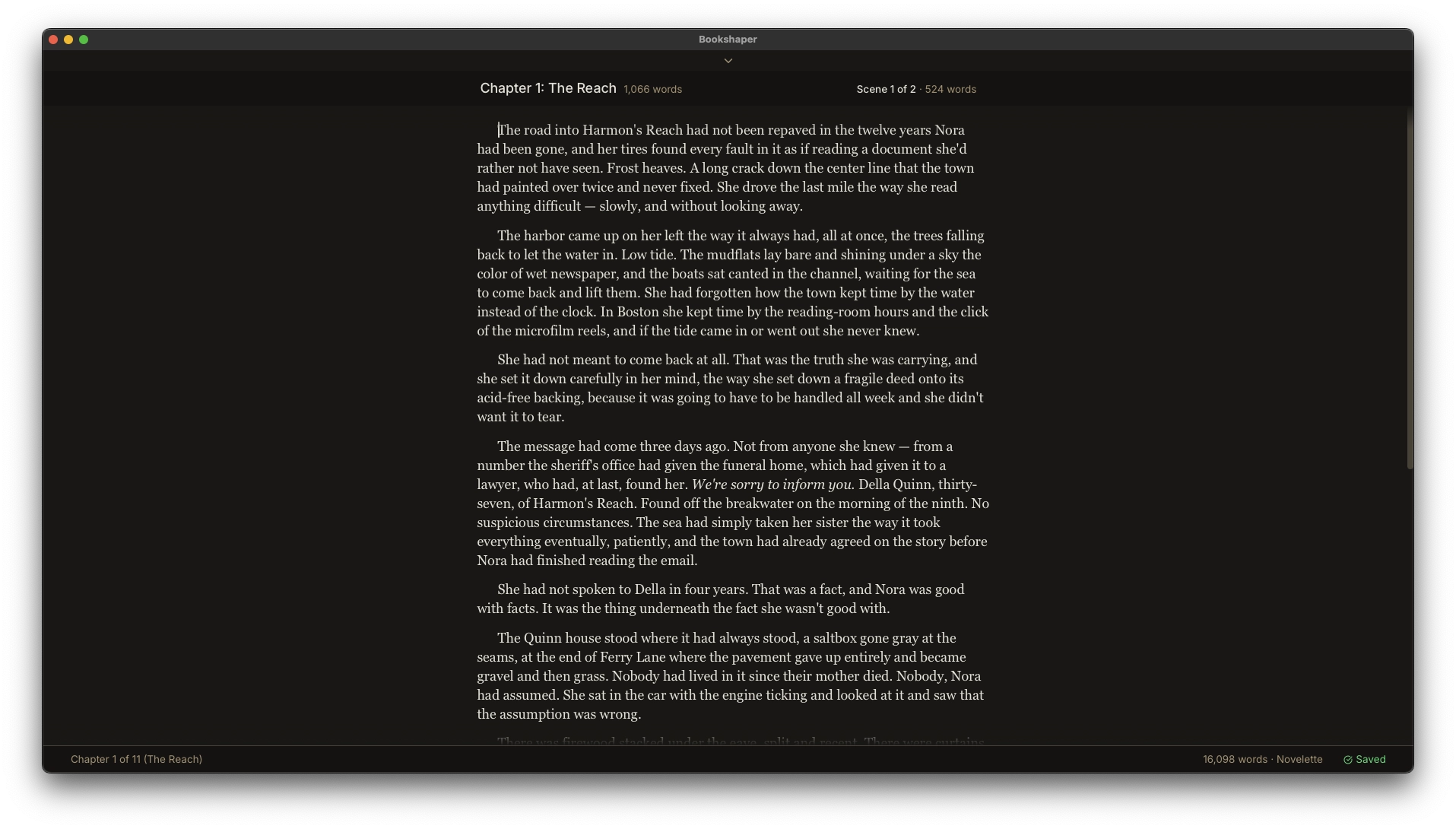
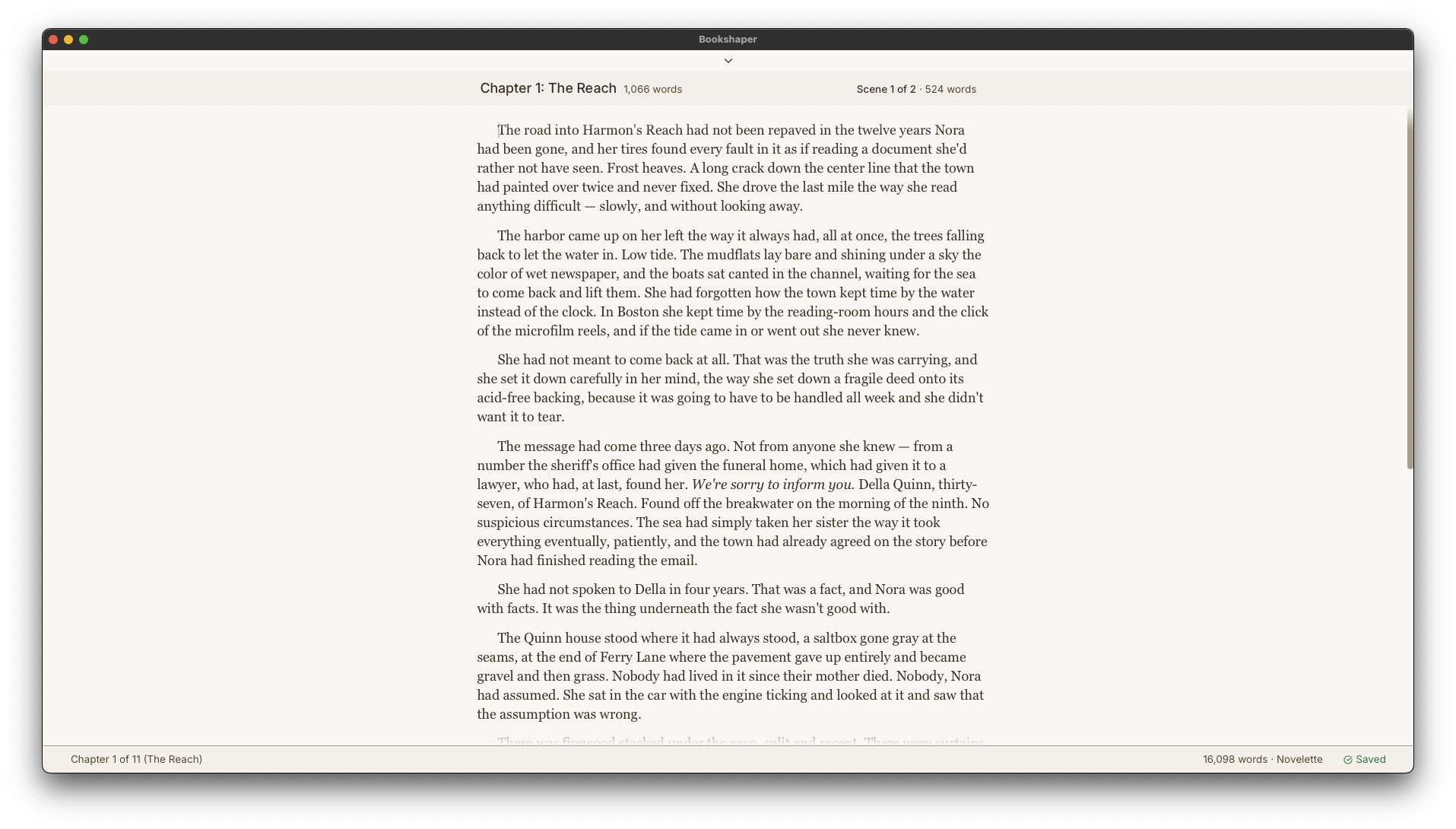
A focused space for long-form writing
Writing Environment
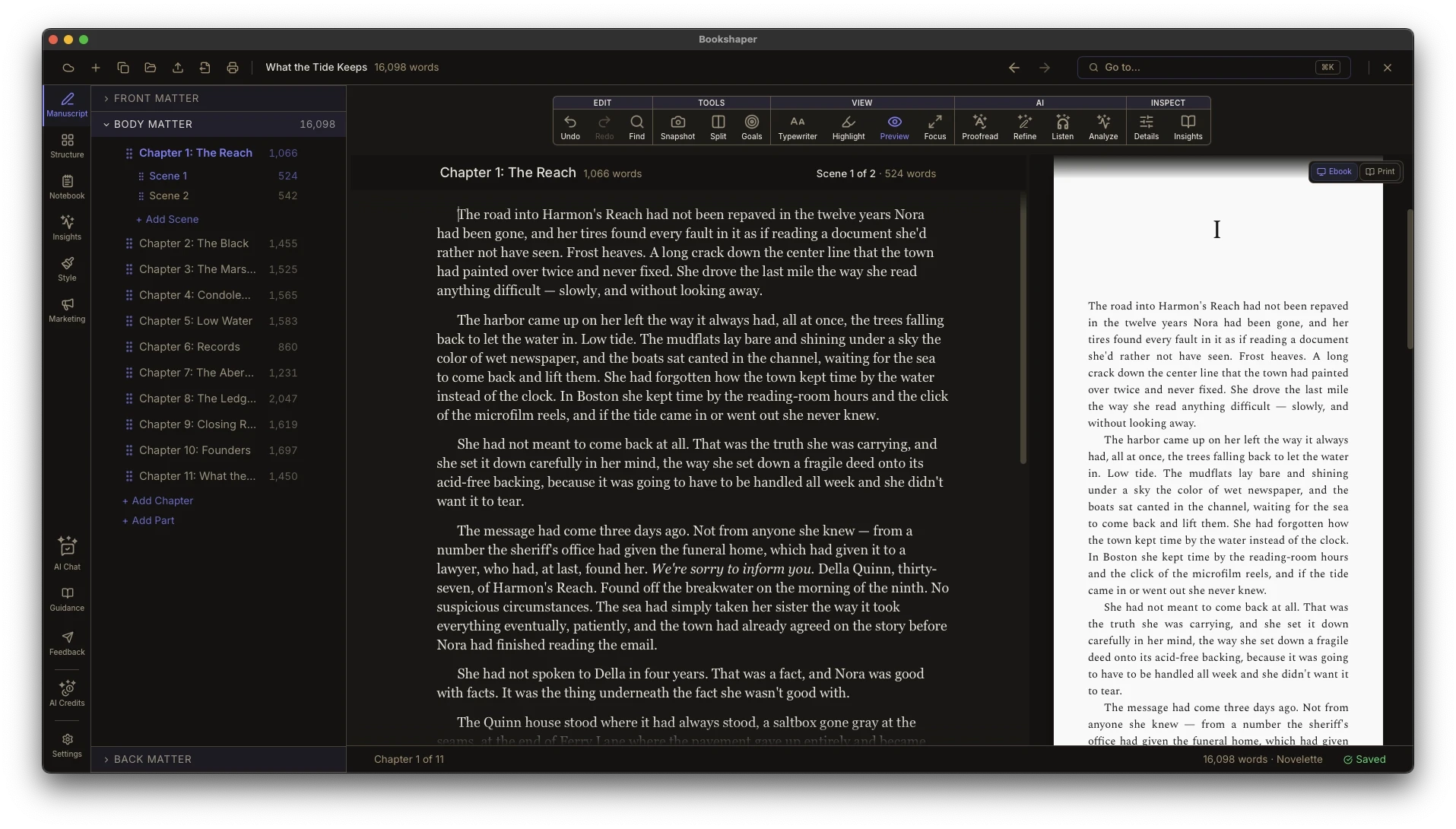
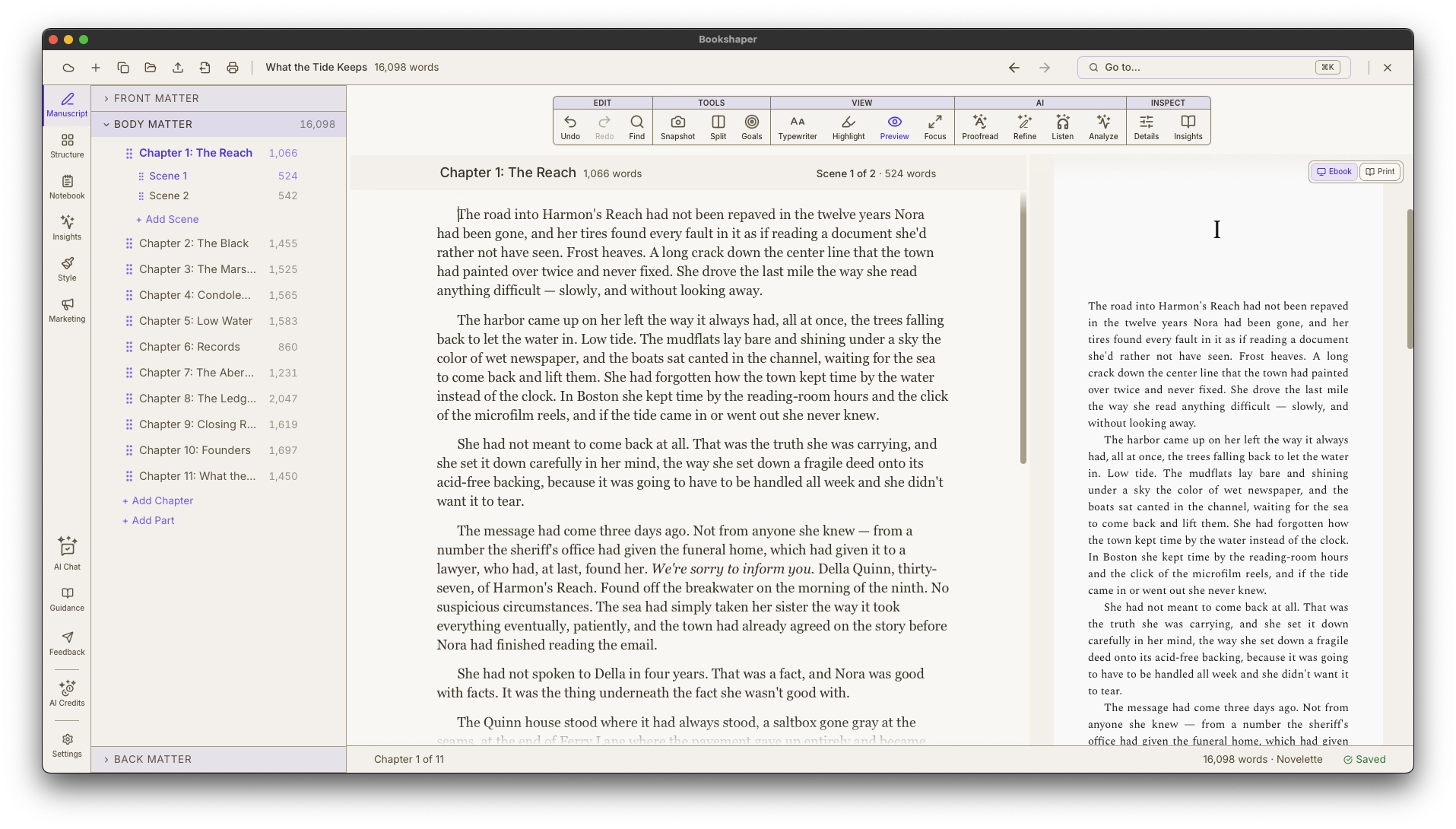
Write scene by scene in a distraction-free editor built for novels and long-form manuscripts. Rich text formatting, continuous autosave, and a manuscript preview pane so you never lose your place or your work.
- Scene-by-scene editing with rich text formatting
- Continuous autosave with 2-second debounce
- Manuscript preview pane for full-chapter context
Plot top-down from macro perspective
Outline
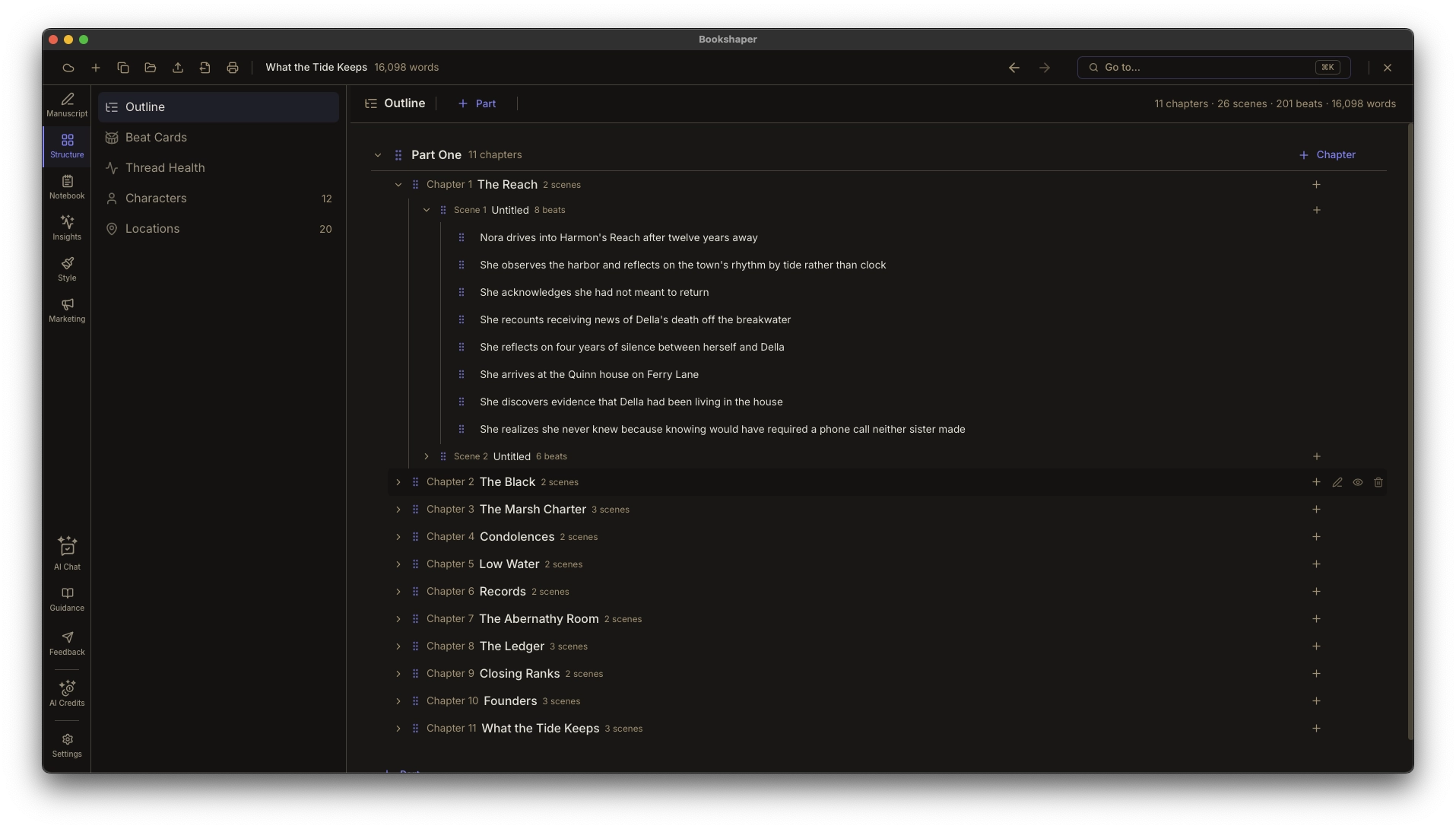
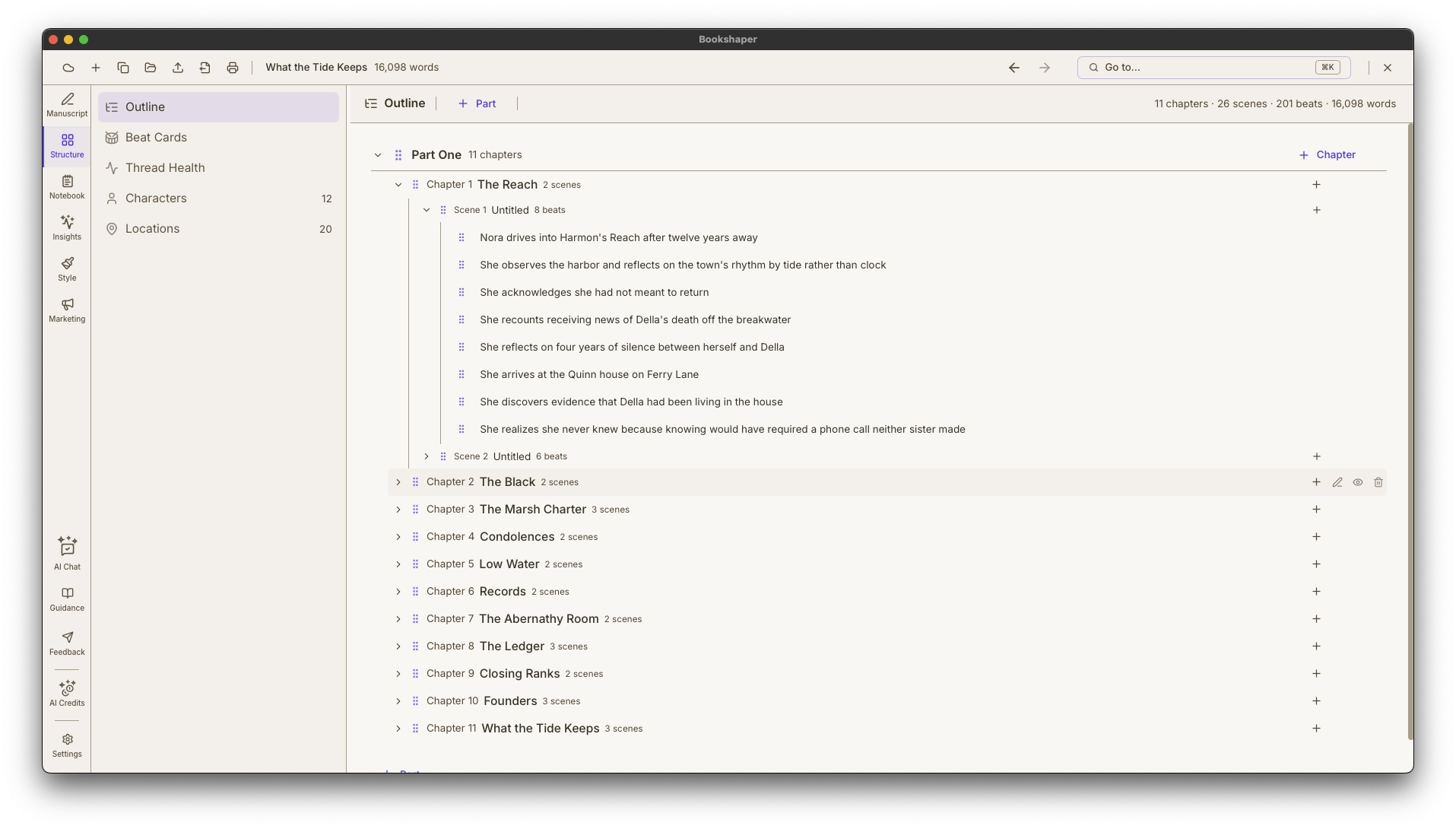
Build your manuscript top-down in one editable tree—parts, chapters, scenes, and beats, each level collapsible. It's the natural home for plotters who shape the whole story before drafting, and it's on every plan.
- Your whole manuscript as one nested, collapsible Part ▸ Chapter ▸ Scene ▸ Beat tree
- Cross-level drag to reorder and re-parent at every level
- Inline rename, exclude-from-export toggles, and open-in-editor at any level
Compose bottom-up from micro perspective
Beat Cards
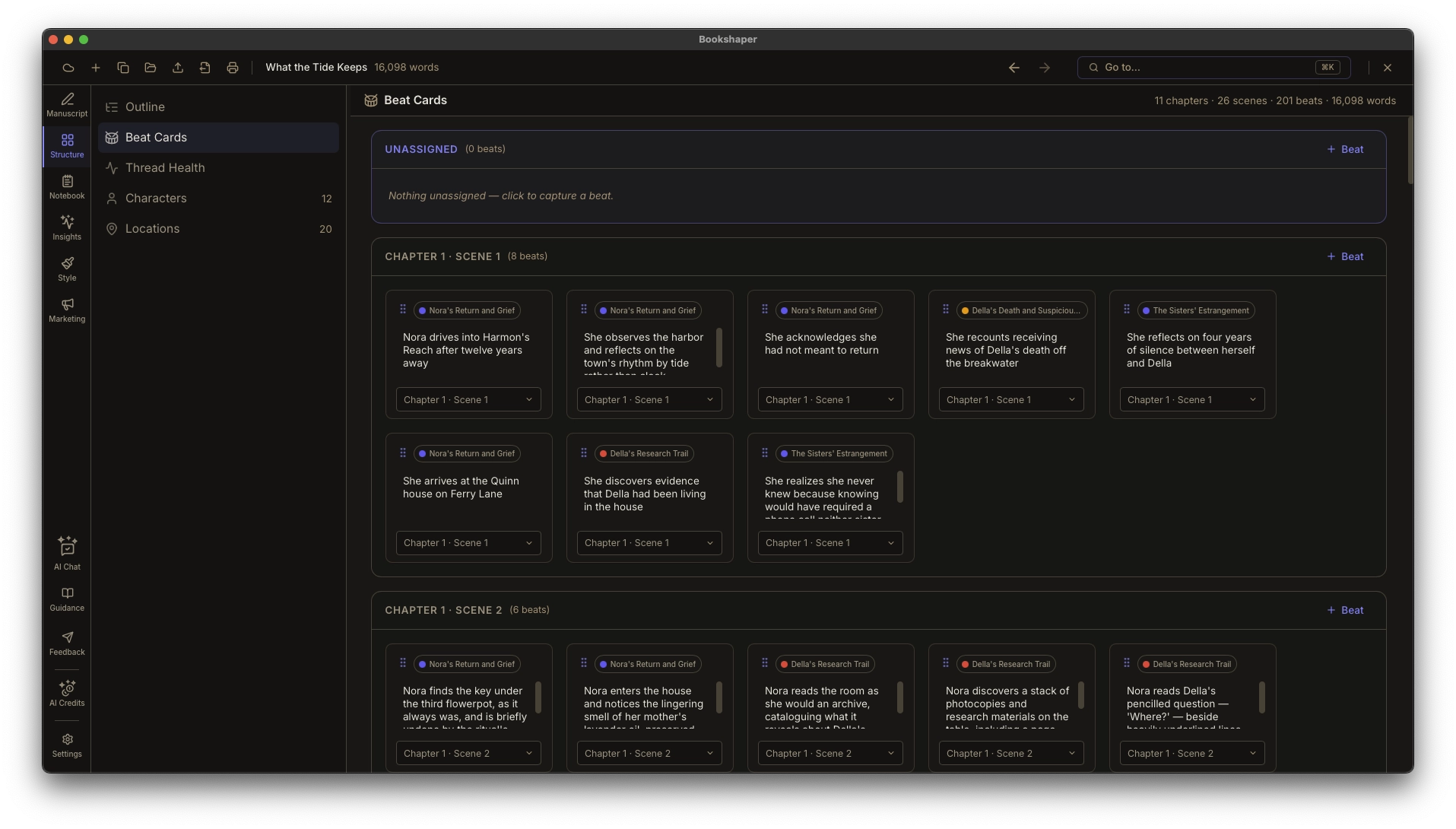
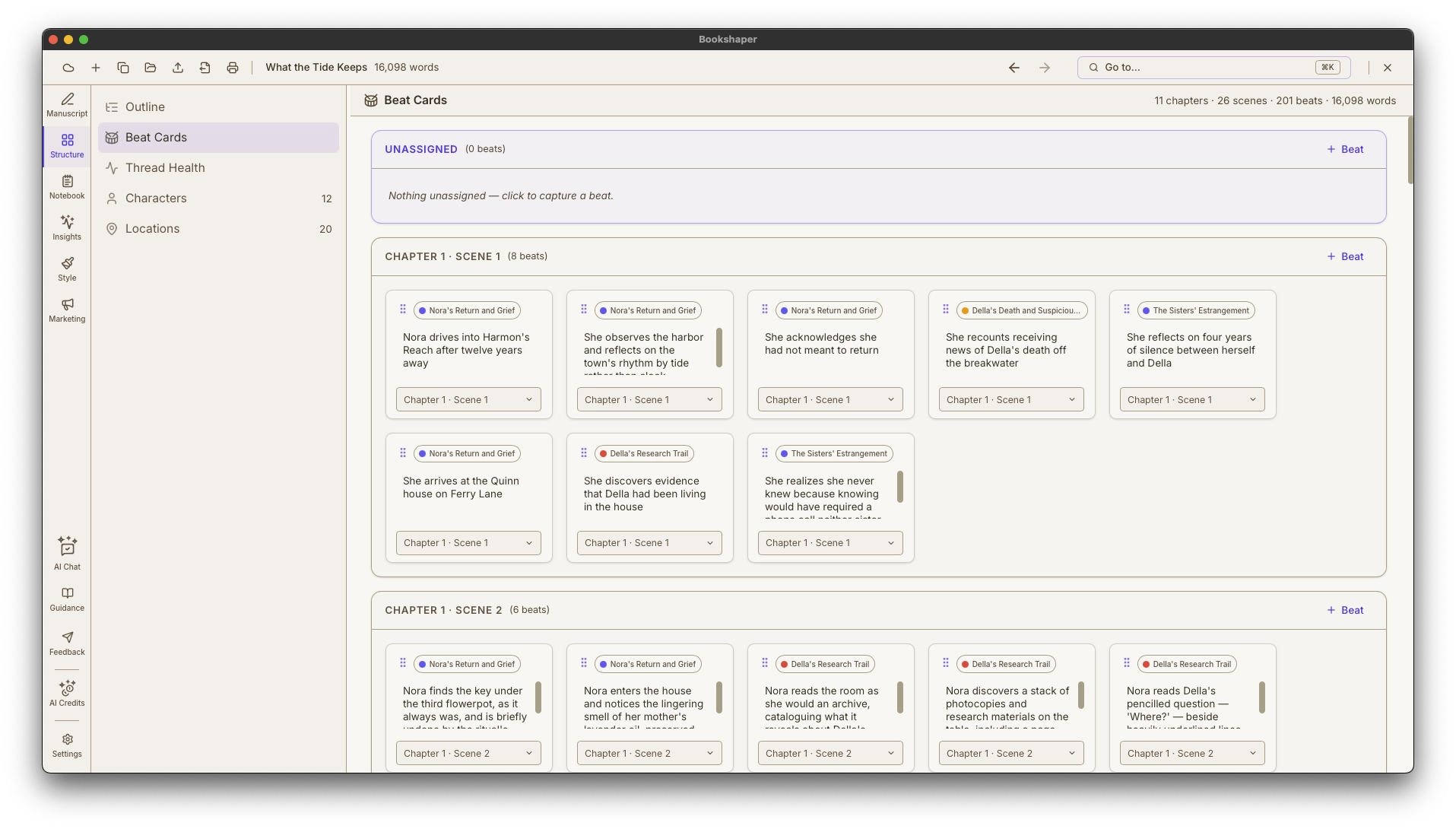
Work the way pantsers do—capture loose beats first, before you know where they go, then spin them into structure. Beat cards live inside their scenes, led by a prominent Unplaced pool, and every card can grow the manuscript outward. Free on every plan, alongside Outline.
- Capture beats first; place each into a scene when it finds a home
- Spin up a new scene—or a whole chapter and scene—right from a card
- A prominent Unplaced pool as the capture-first entry point
See where every plotline goes quiet—no AI required
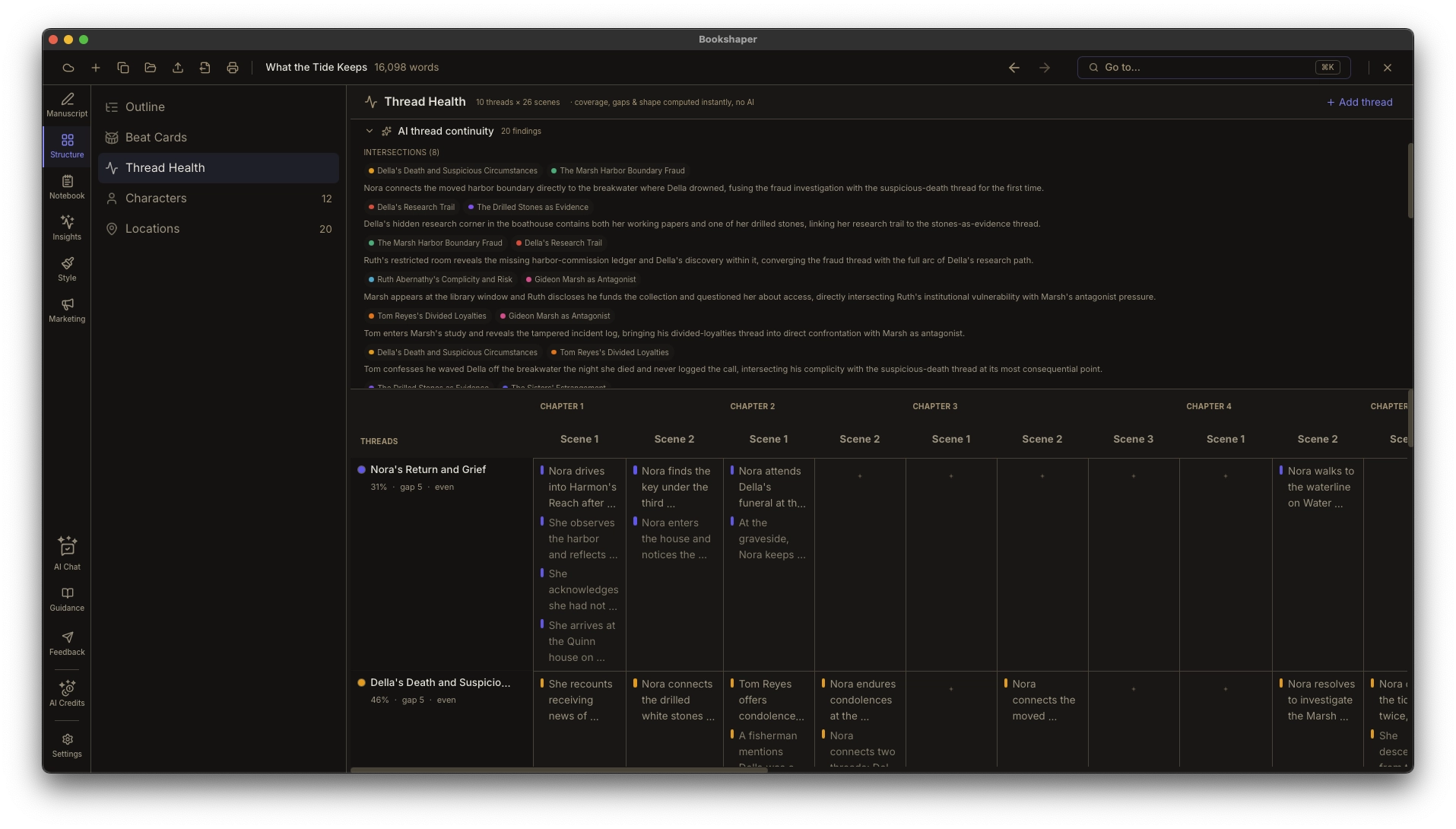
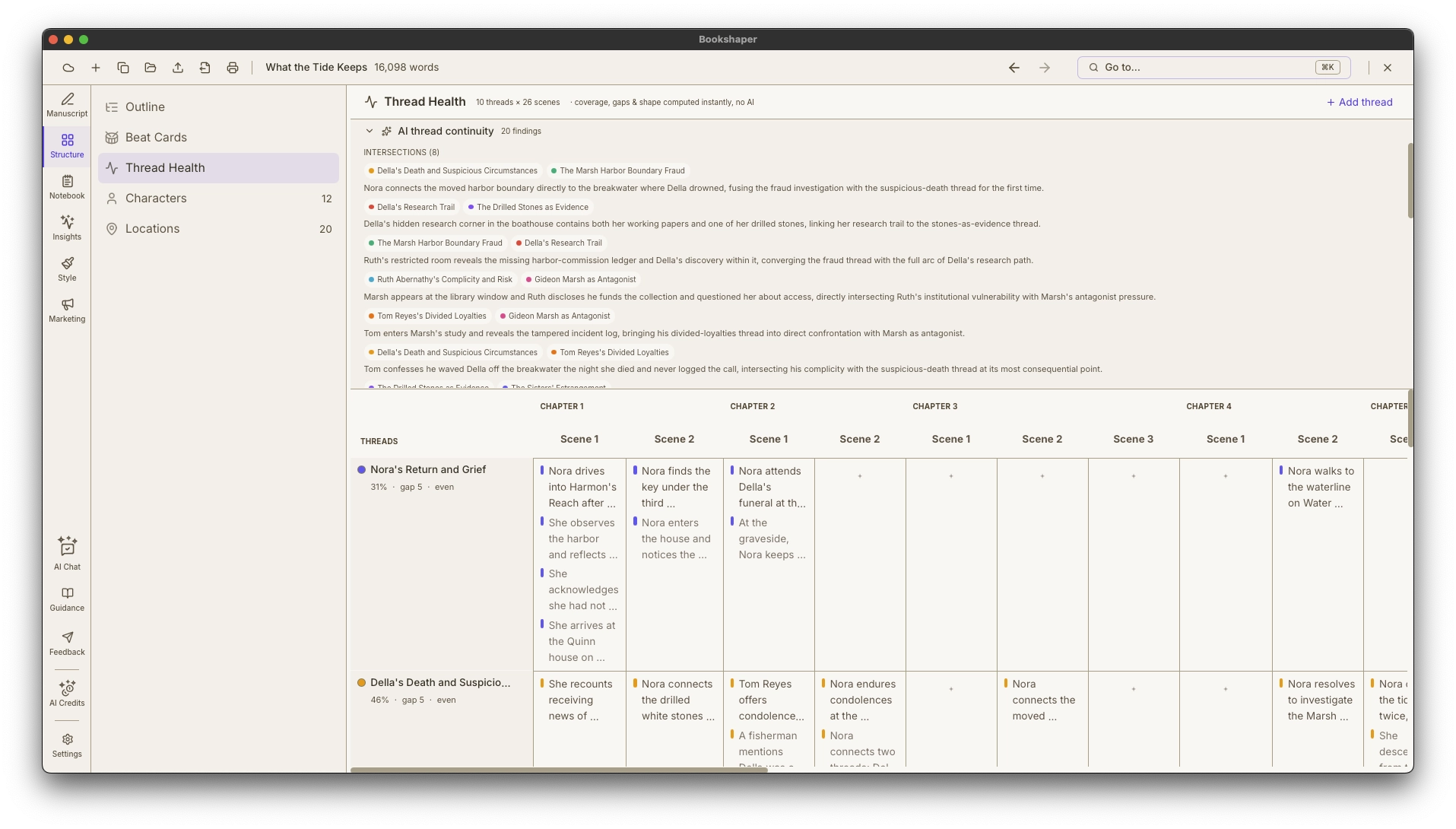
Thread Health
A plot board with something no other one has: the diagnostics. The overview draws every thread as a sparkline across your story with three facts computed straight from your manuscript—coverage, longest gap, and shape—sorted worst-first, so the subplot you dropped is at the top instead of somewhere in a grid. Zero AI, free on every plan. Switch to the board to work: threads as rows, your chapters as columns, a card for every beat. Spot a gap, click the cell, drop a beat in. It reads the same beats as Outline and Beat Cards.
- Overview mode: one sparkline per thread, sorted worst-gap-first, so a dropped subplot surfaces itself
- Coverage, longest-gap, and shape per thread, computed deterministically with no AI and free on every plan
- Board mode columns by chapter, with a zoom control for parts and scenes—not one column per scene
Keep research and notes alongside your manuscript
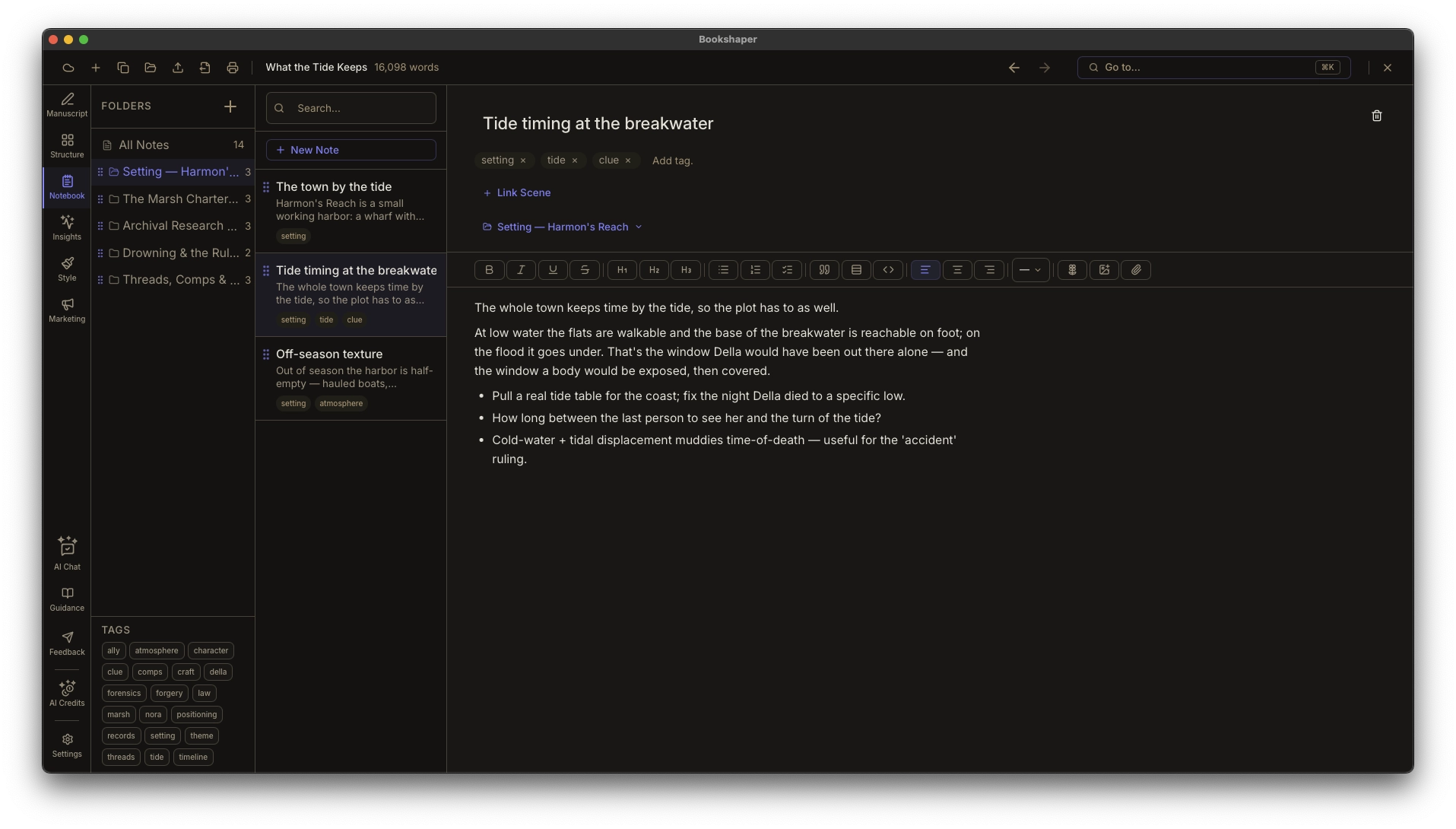
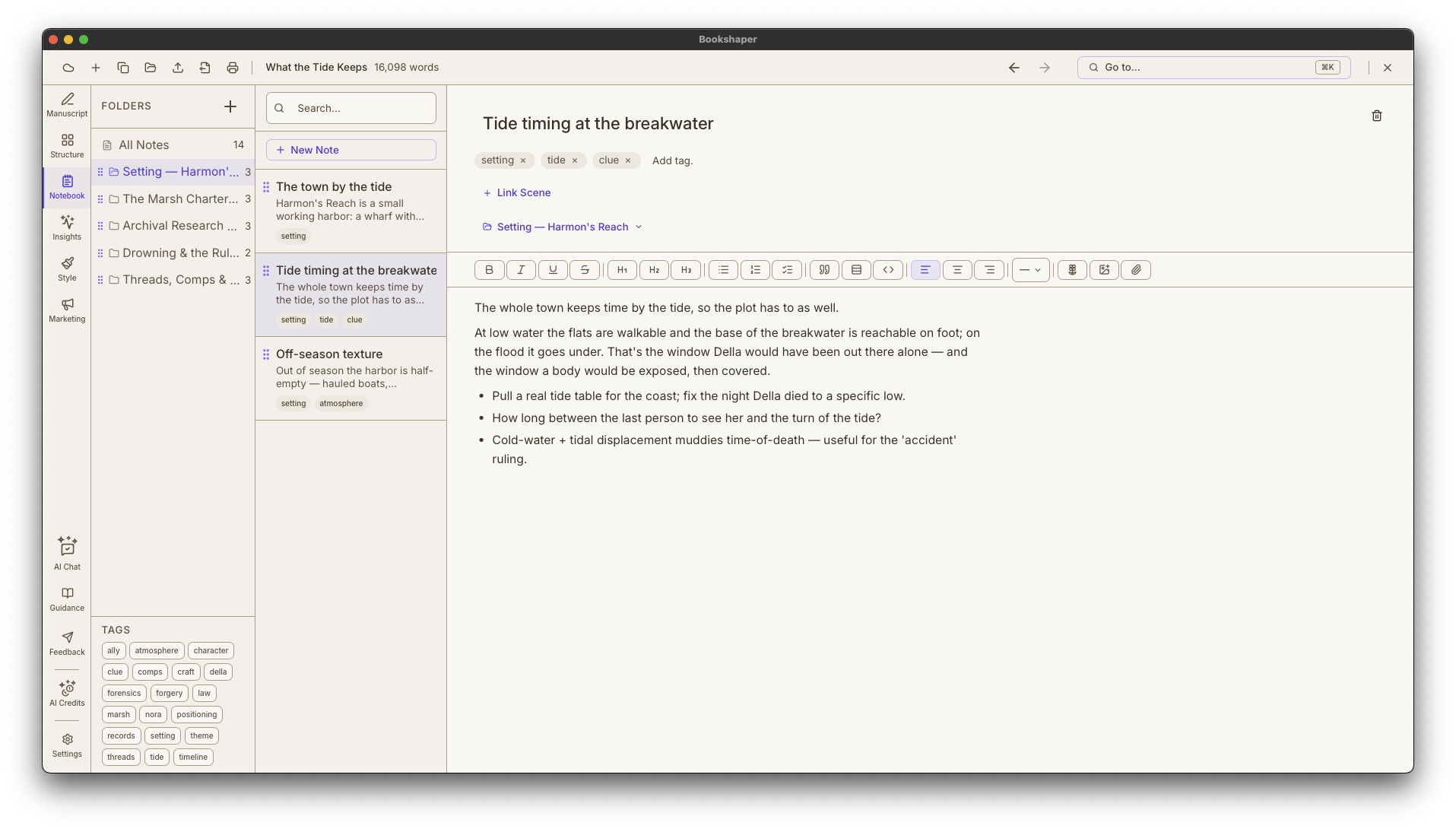
Research Notebook
Capture character backstories, worldbuilding notes, and research organized in folders with tagging and full-text search. Link notes directly to scenes for contextual reference while you write.
- Hierarchical folders and rich-text notes
- Build to-do lists—track research tasks and revision checklists inside any note
- Attach research files—PDFs, images, web archives, and text files with inline preview
Write anywhere; never lose your work
Cloud Sync & Version History
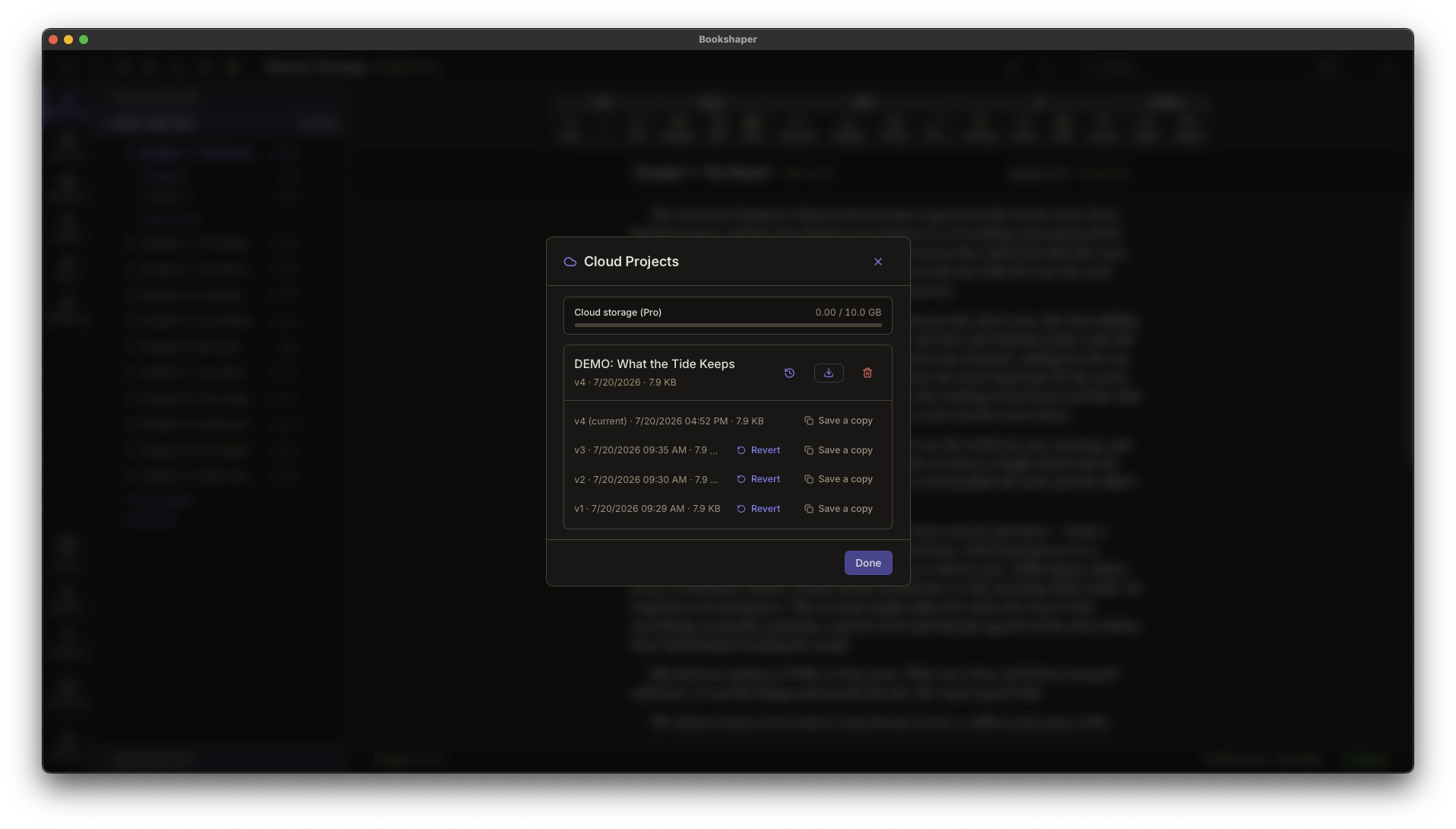
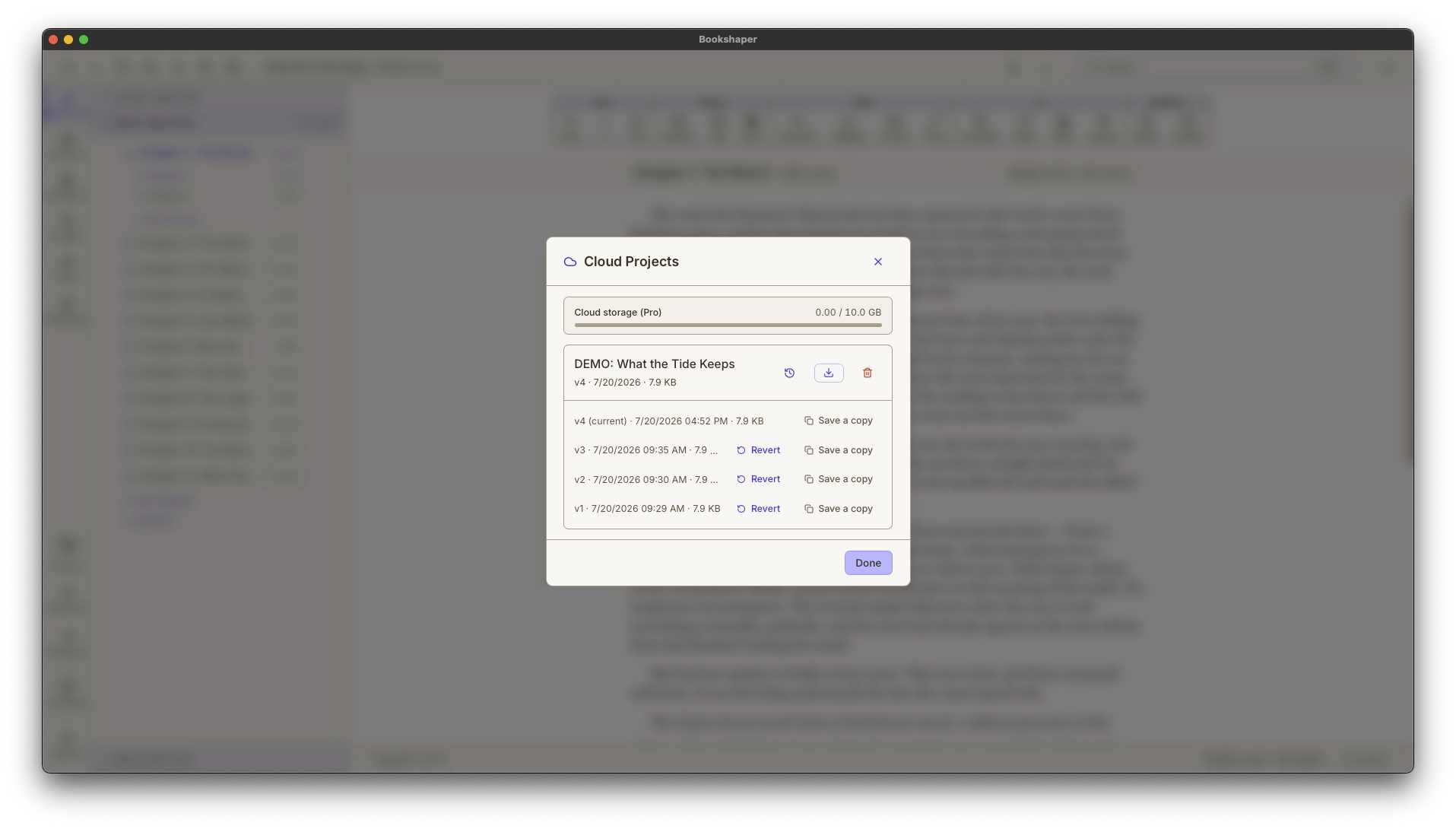
Draft at your desk and pick up on your laptop on the road. Bookshaper syncs your manuscript to the cloud after every save and keeps a running history of recent revisions — so switching devices is seamless and rolling back to an earlier version is one click, not a file-archaeology project.
- Pick up on any device — your manuscript follows you from workstation to laptop and back, synced after every save
- Restore any past version — revert to an earlier revision after a bad edit or an overwrite from another device, or save it off as a separate copy
- Encrypted on your device before upload — the server stores only the encrypted copy, and it stays encrypted in the cloud
Try it free for 7 days — no credit card required. Subscribe only when you’re ready.
Phase 2 · Improve
Refine your draft
Proofread and refine your draft with suggestions calibrated to the way you write.
The sharpest copyeditor never gets tired
Proofread
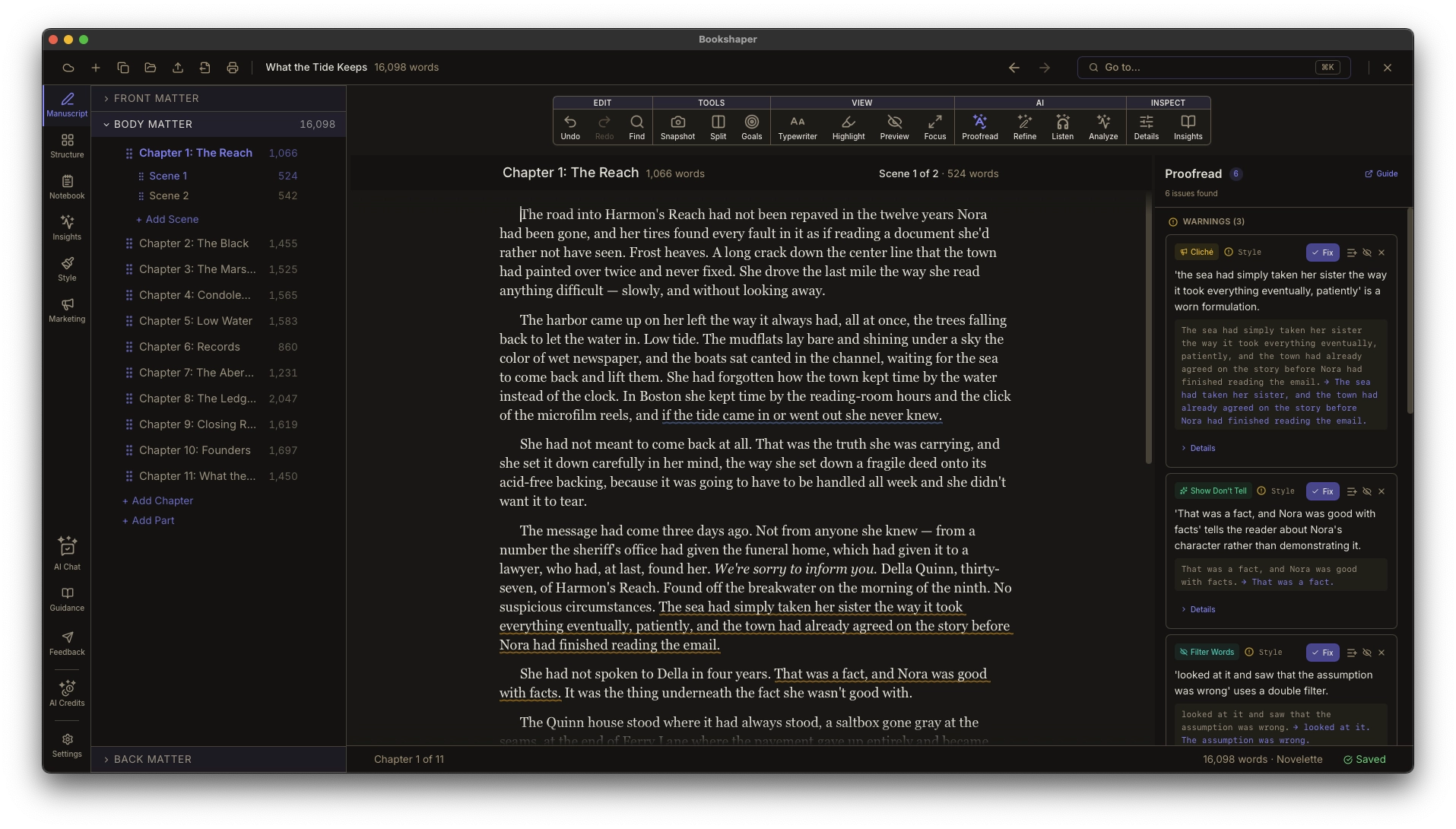
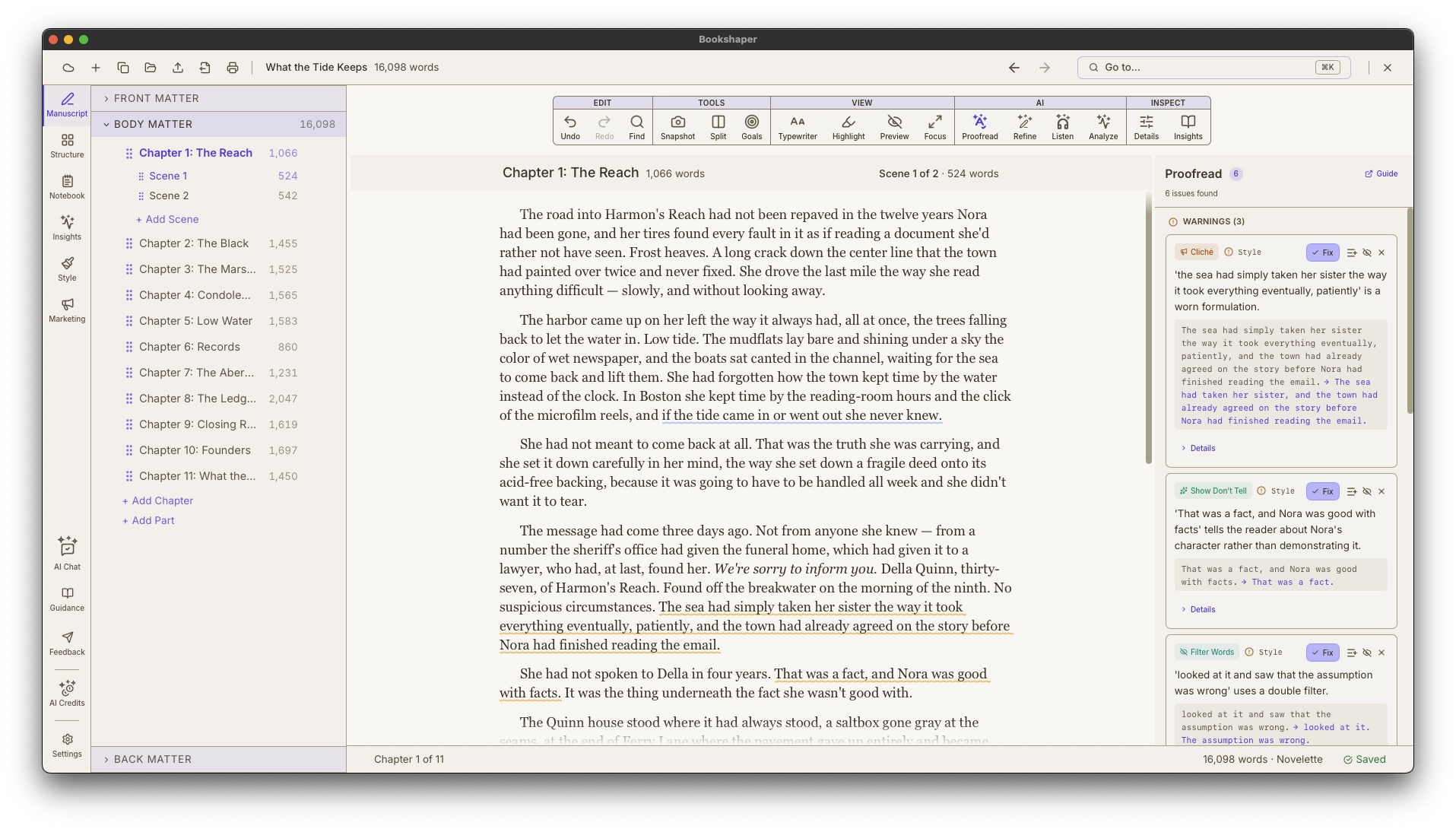
Three layers catch what your eyes miss. Spelling and grammar checks run locally and instantly. Style analysis detects deeper craft issues—show-don’t-tell, clichés, purple prose, filter words, head-hopping, and more. Click any issue to jump to the exact passage. Apply one-click fixes or dismiss with confidence.
- Spelling, grammar, and style analysis in a single panel
- Inline wavy underlines with severity-coded colors—errors, warnings, suggestions
- Click an issue to scroll and highlight the passage in your editor
Sharpen any passage — and keep every character's voice consistent
Refine & Dialogue
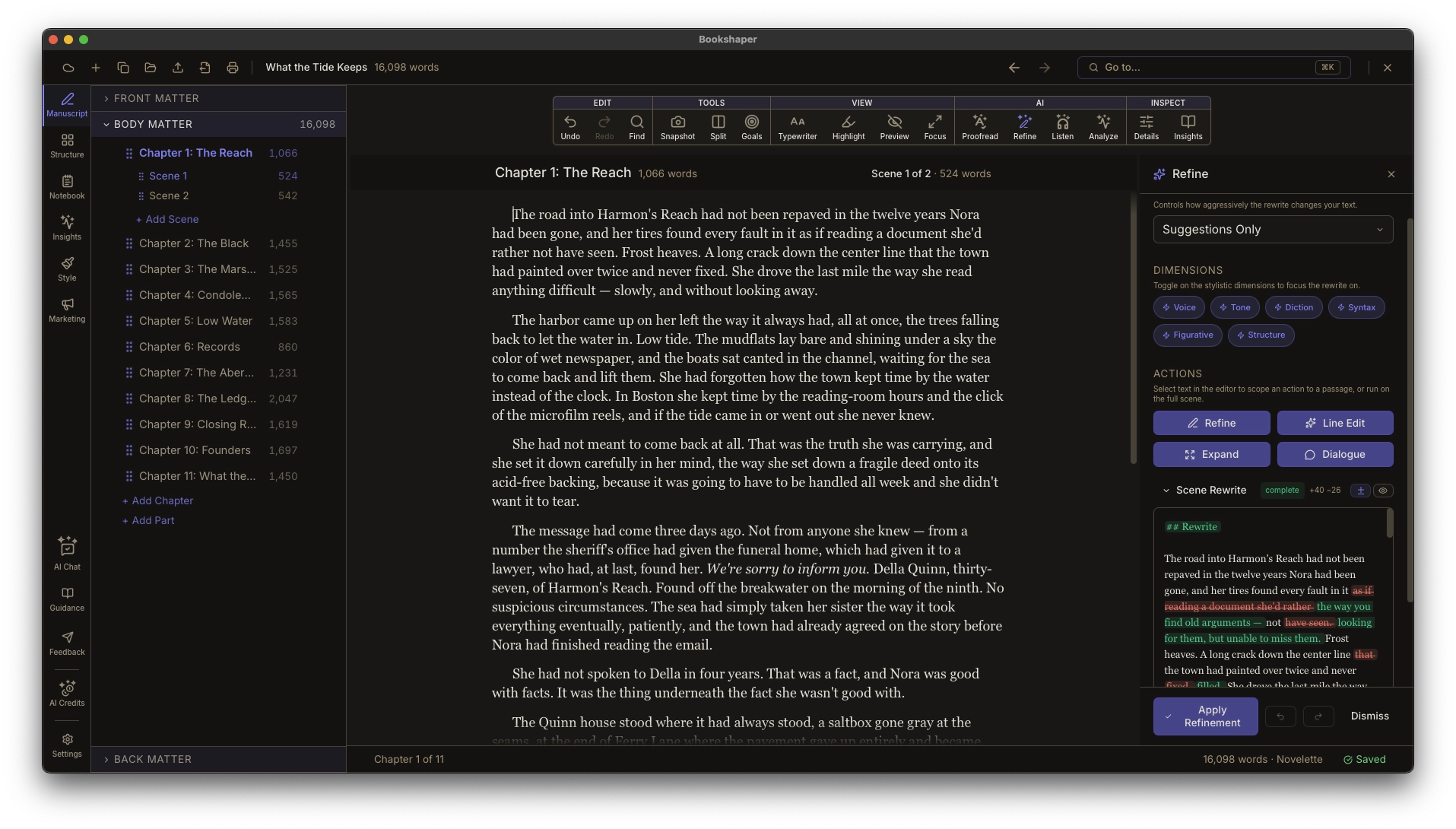
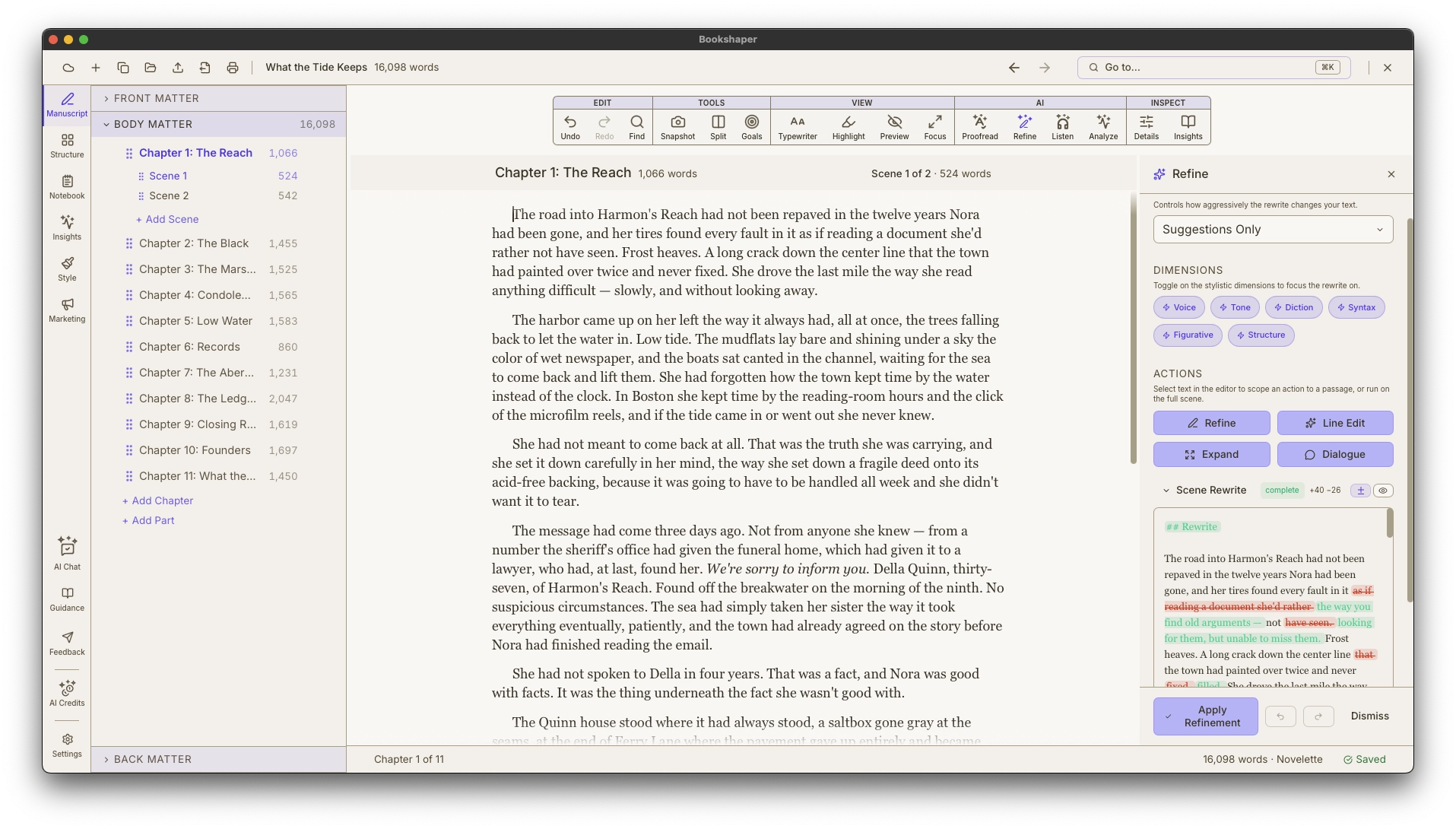
Refine gathers three passage tools in one panel — Expand thin scenes, Revise across six stylistic dimensions, and Line Edit for sentence-level polish — each change proposed as a reviewable diff, never applied automatically. Dialogue is a separate chapter-level pass that harmonizes character voices. When a style profile exists, every suggestion is calibrated against your established patterns rather than generic editorial standards, and each result tells you whether it was styled to your voice or produced generically.
- Refine panel with three tools — Expand, Revise, and Line Edit — all scene-scoped and proposed as reviewable diffs
- Revise reshapes a scene across six dimensions: voice, tone, diction, syntax, figurative language, structural style
- Three Revise modes: meaning-preserving, continuity-preserving, and suggestions-only
Keep your story consistent from page one to the end
Characters, Locations & Continuity
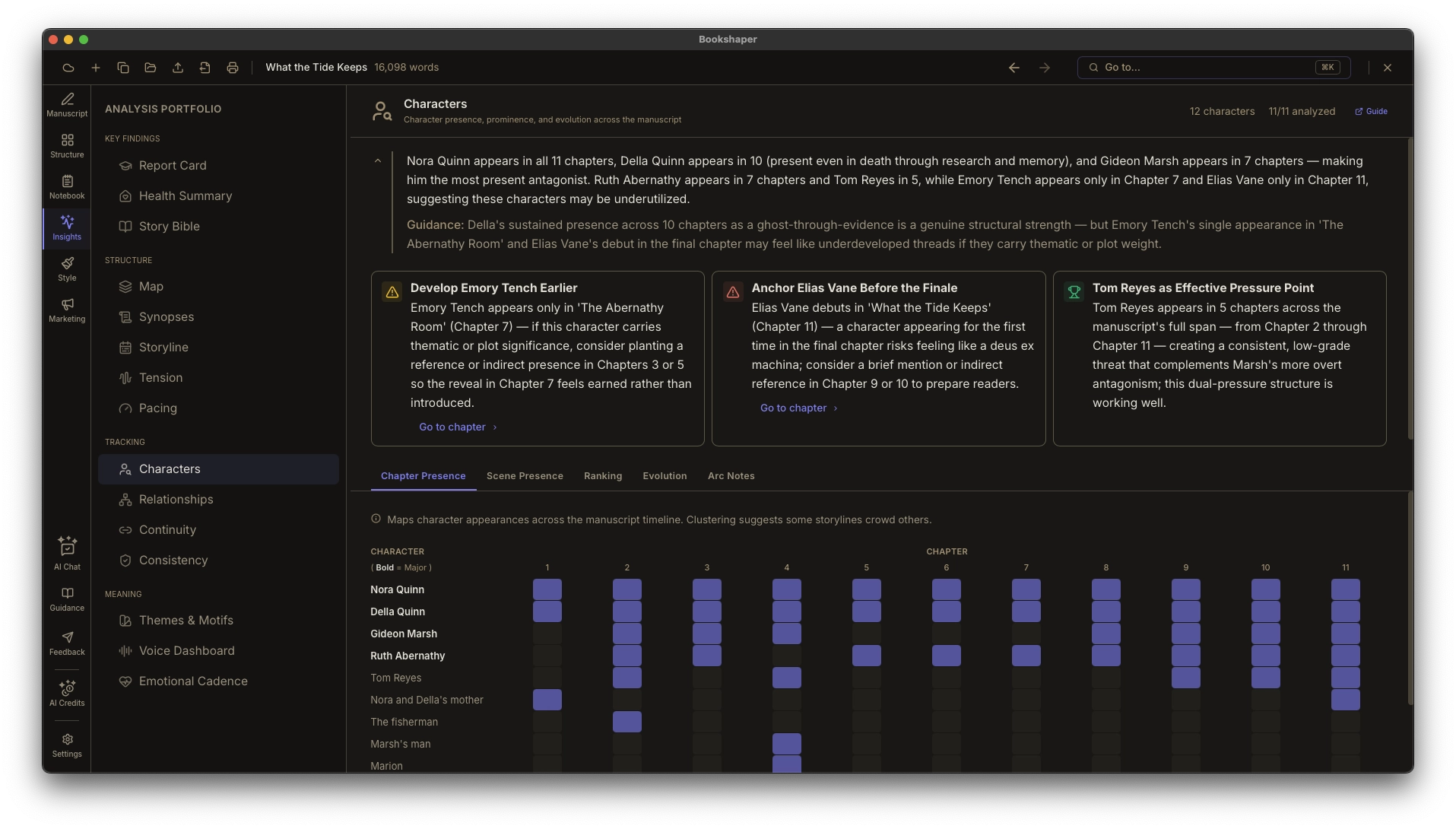
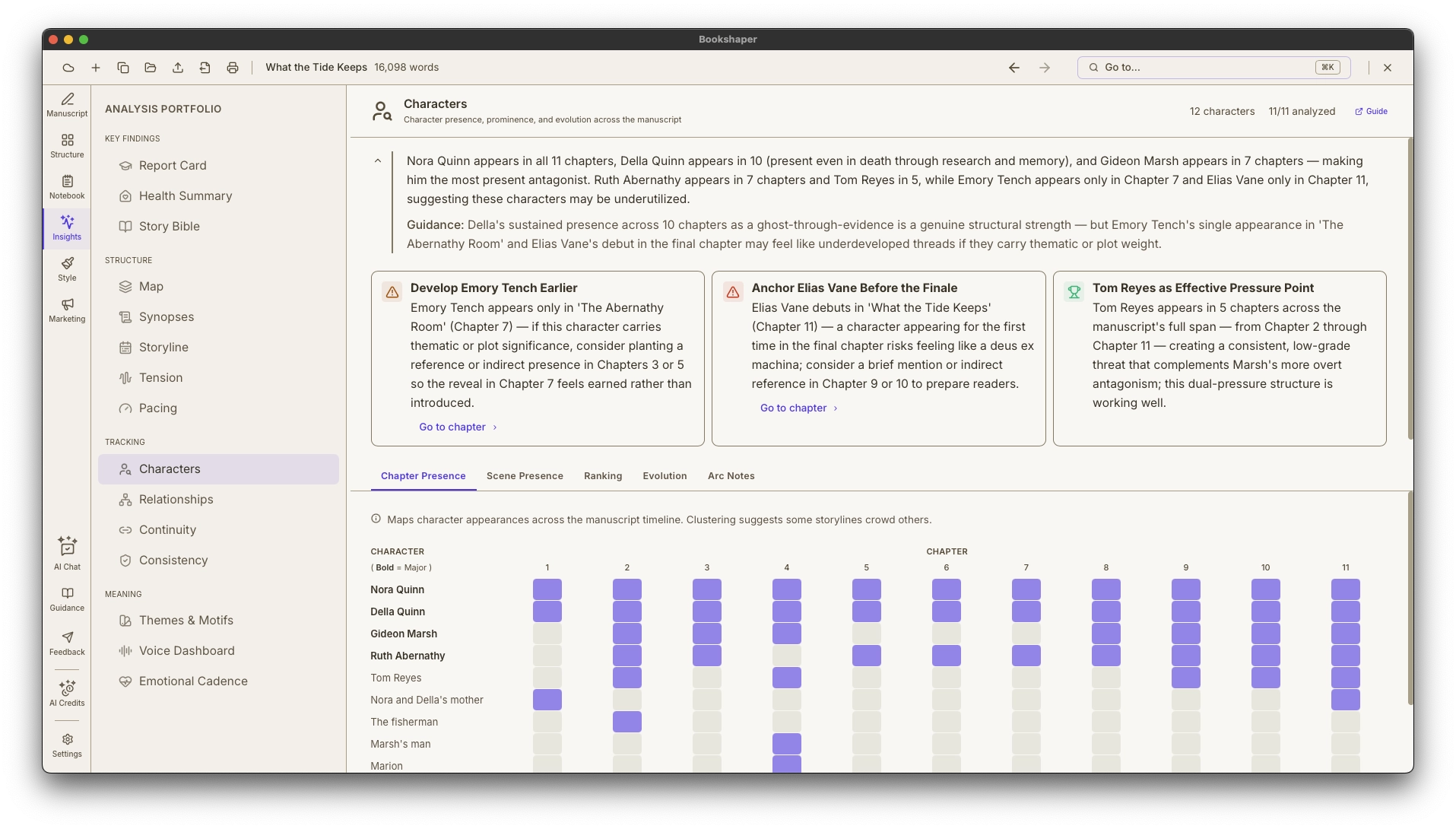
Characters, locations, and relationships are your records—you create, edit, and delete every one of them. Tag scenes with POV, timeline, and purpose, and read your cast back on the Presence tab: the map you build from your own scene tags, beside the analysis's mention-density read of the same question.
- Character profiles with descriptions, notes, and aliases you own outright — the analysis reads your cast, it never writes into the record
- Presence—two maps of the same cast: the one built from your own scene tags, which needs no analysis at all, and the analysis's mention density (mentions, not proof of presence)
- Relationships—character-to-character and character-to-place connections you add, edit, and remove yourself
See the shape of your manuscript
Visual Dashboards
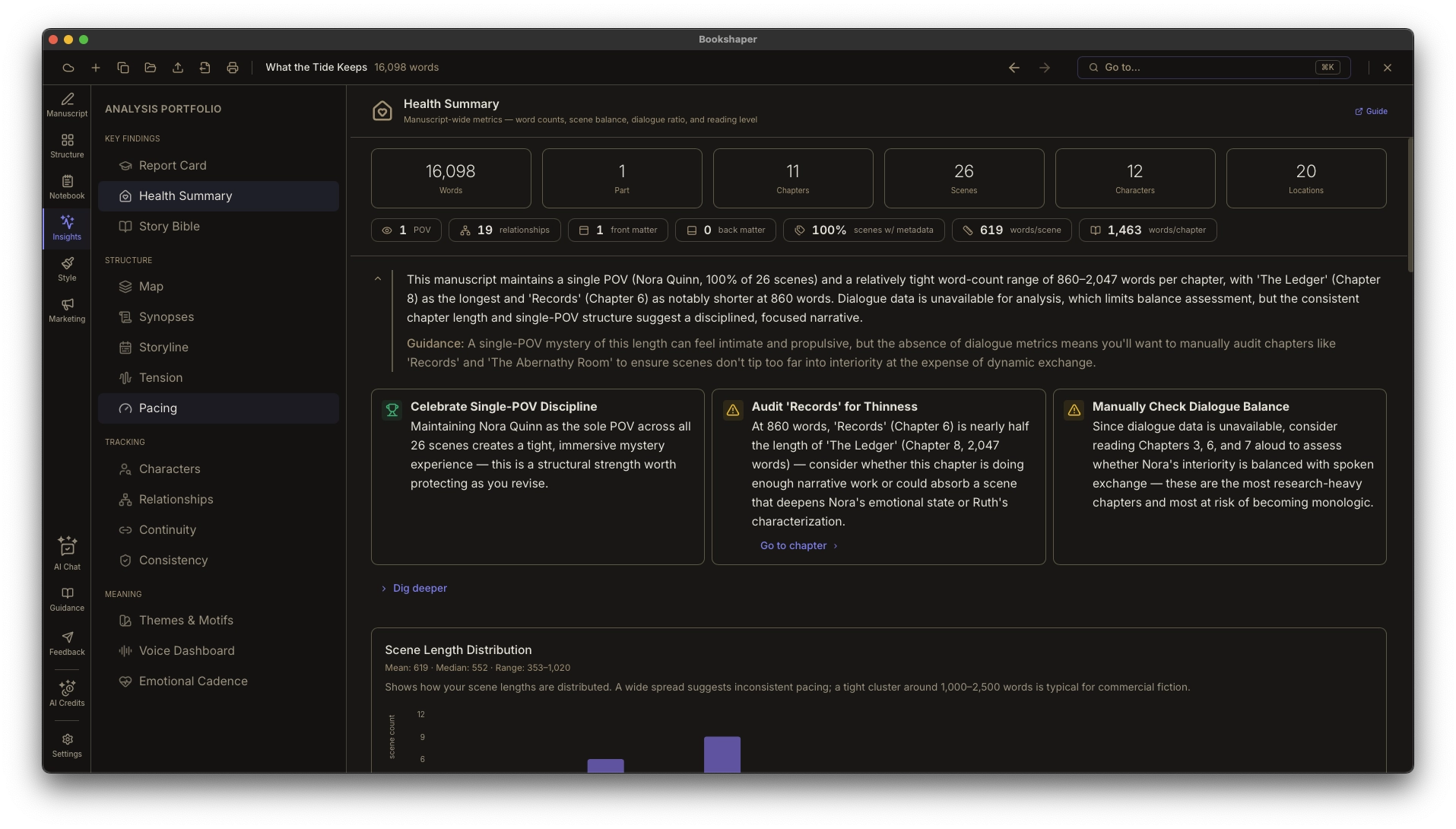
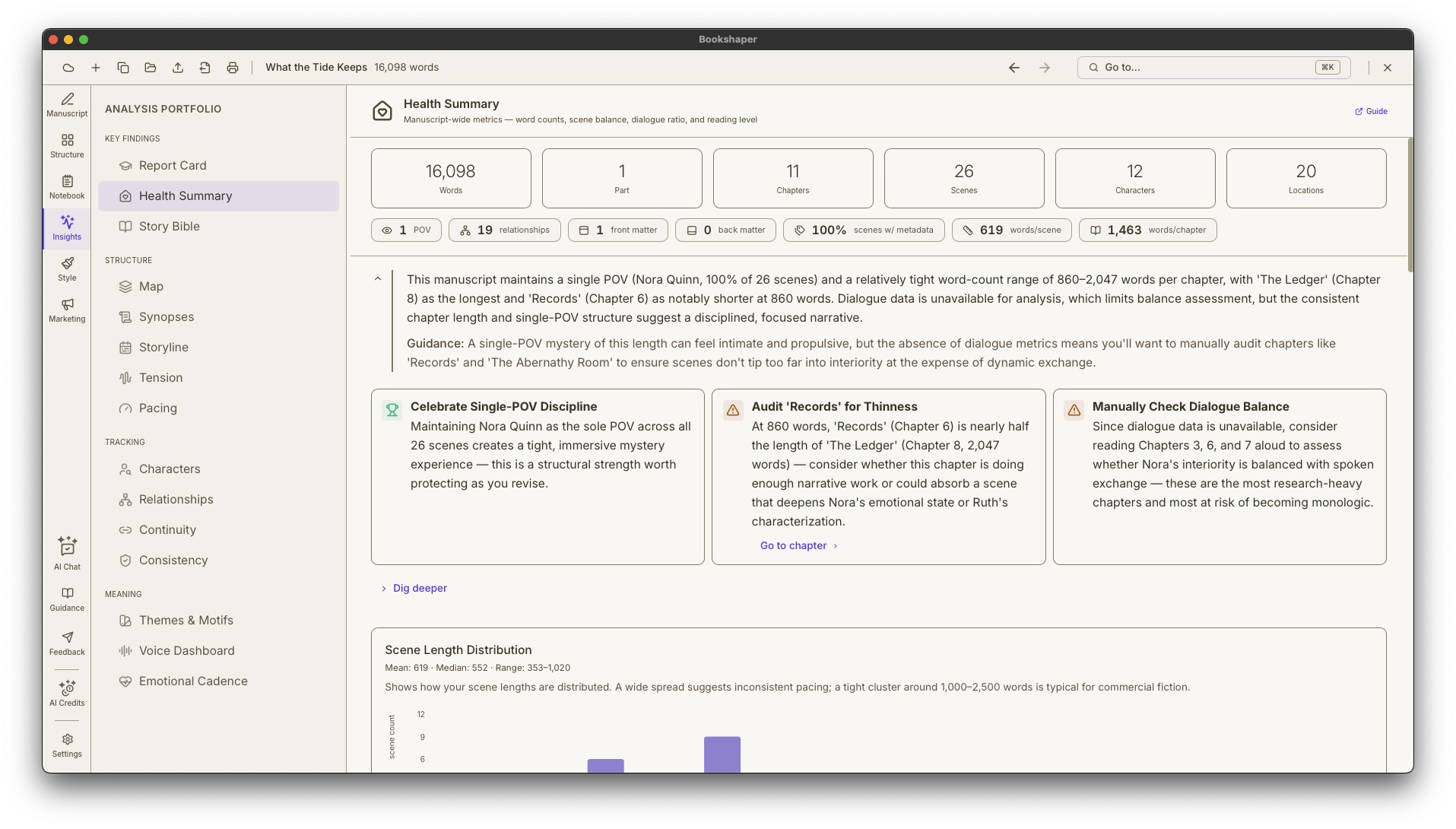
Interactive charts you can explore yourself. See the shape of your story through word count distribution, chapter balance, POV patterns, and dialogue ratios—and click any data point to jump straight to that scene.
- Health summary dashboard with stats and visual breakdowns
- Word count analytics and scene length distribution
- Chapter balance bar charts with genre benchmarks
Try it free for 7 days — no credit card required. Subscribe only when you’re ready.
Phase 3 · Publish
Package your book
However you publish — uploading to a store or querying agents — turn your finished draft into the files and the submission package the gatekeepers expect.
Design your book’s look without a separate tool
Formatting & Templates
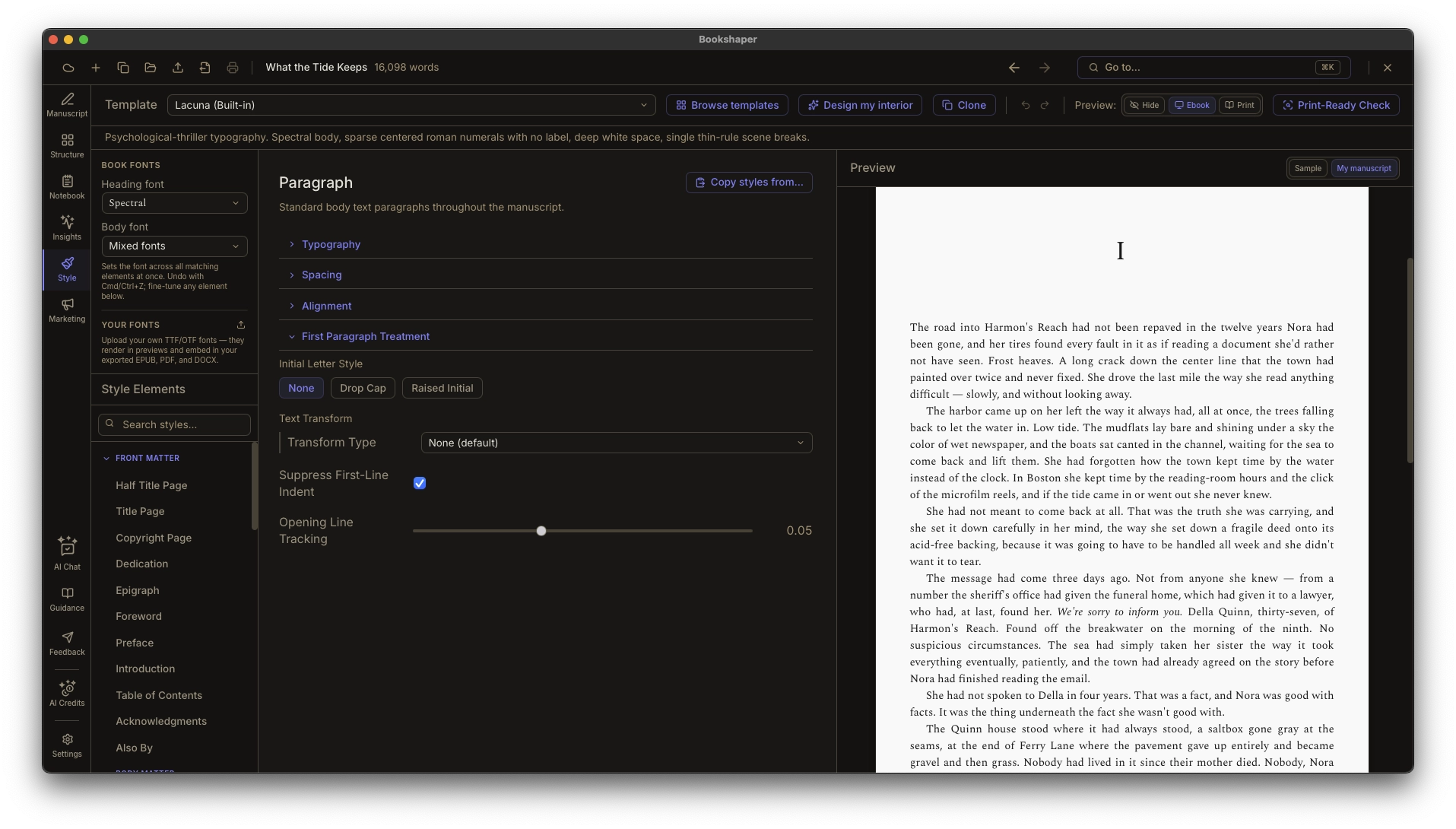
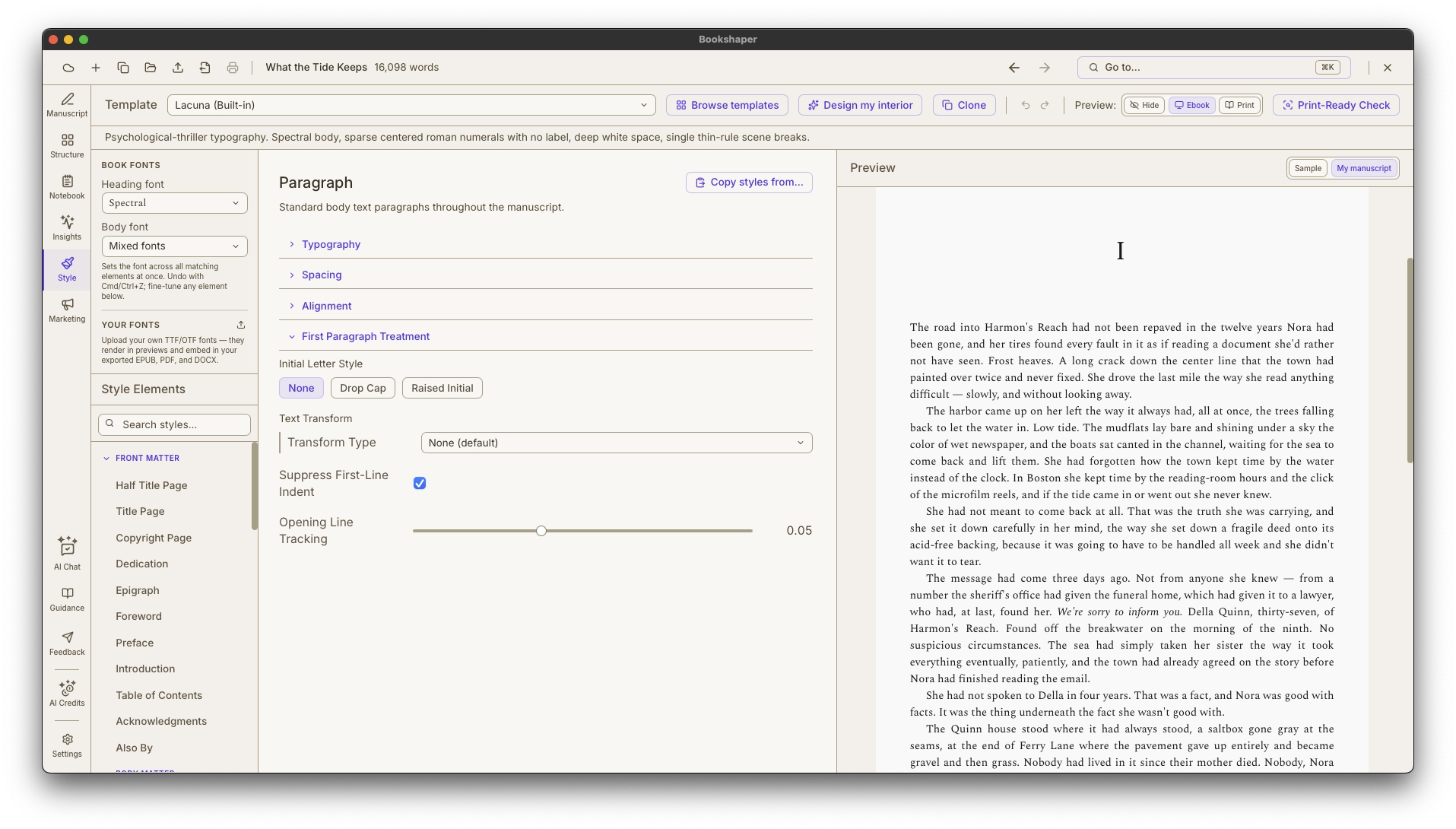
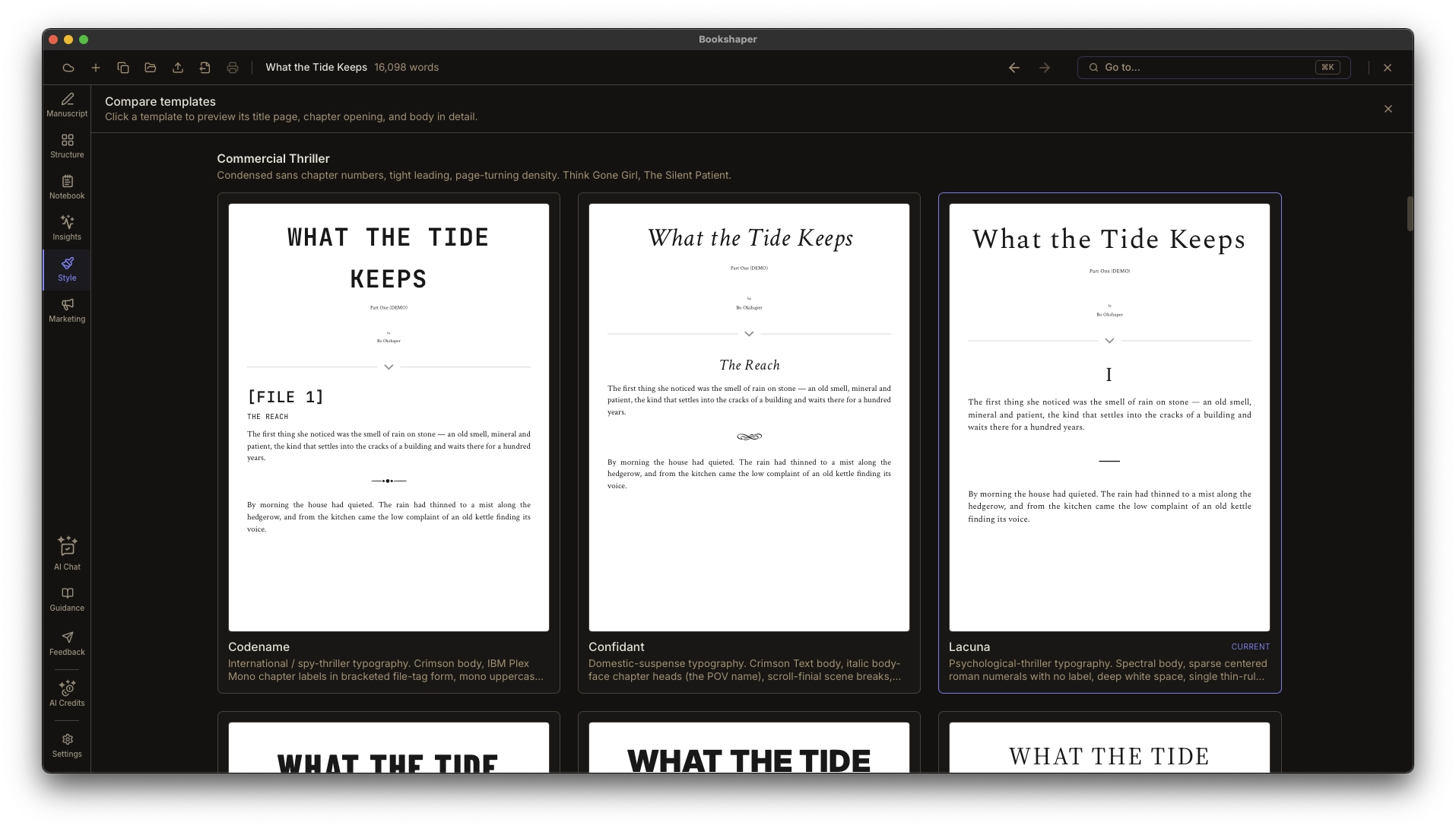
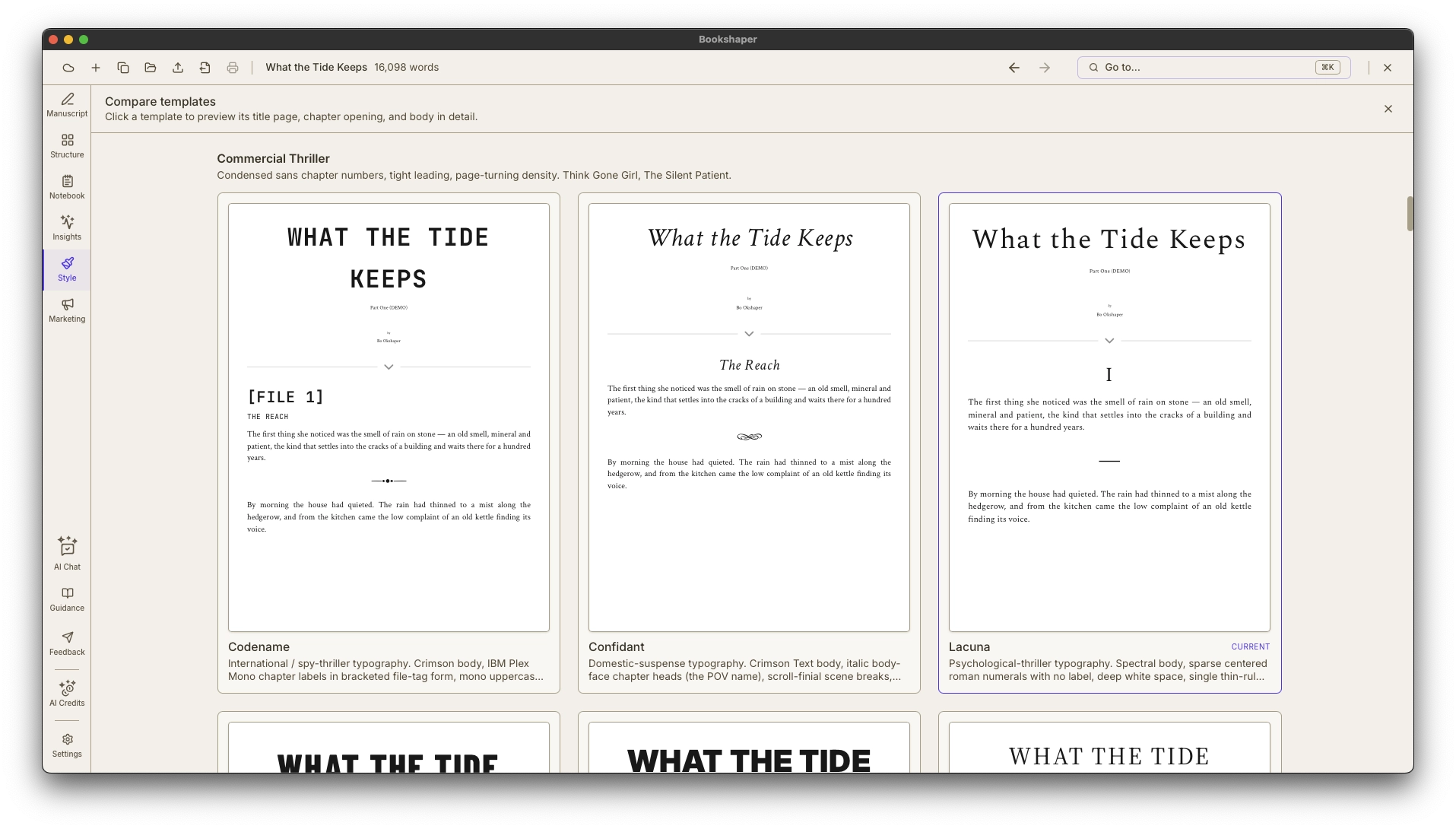
Pick a starting point from 62 built-in templates organized by genre and era—Modern Literary Fiction, Commercial Thriller, Contemporary Romance, Epic Fantasy, Cozy Mystery, YA / Crossover, Victorian Classic Reprint, Mid-Century Pulp / Noir, Memoir & Narrative Nonfiction—plus submission and accessibility formats—or let Design My Interior art-direct one for you. Tell it your genre and it recommends a template, scene-break ornament, and body/display font pairing—and a trim size—each with a short rationale for why it fits your book, staying coherent with your Cover Studio design when one exists. Few writing tools pair art direction with a real typesetting engine like this. Then customize typography, spacing, margins, running headers, ornamental decorations, and hyperlink appearance across dozens of style targets—everything stays editable after you apply a recommendation. Preview in real time for both print and ebook formats.
- Design My Interior—art direction that recommends a genre-aware template, ornament, and font pairing (plus a trim size), each with a plain-language rationale, and keeps your interior coherent with your Cover Studio cover; everything stays editable after you apply it
- 62 built-in templates across 9 genre / era categories, plus submission and accessibility formats
- Side-by-side template comparison preview before you commit
Design a store-ready cover without leaving your book
Cover Studio
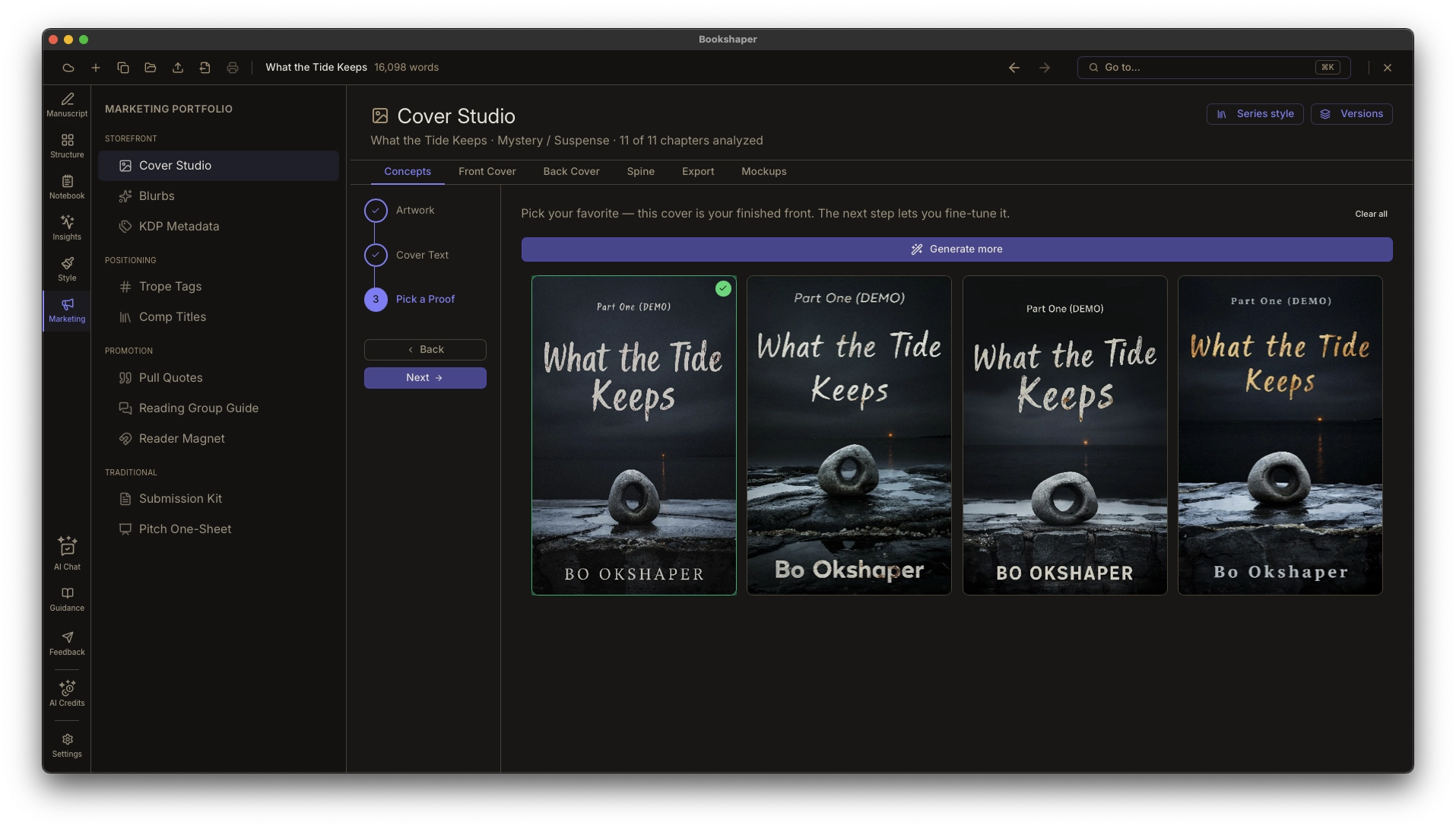
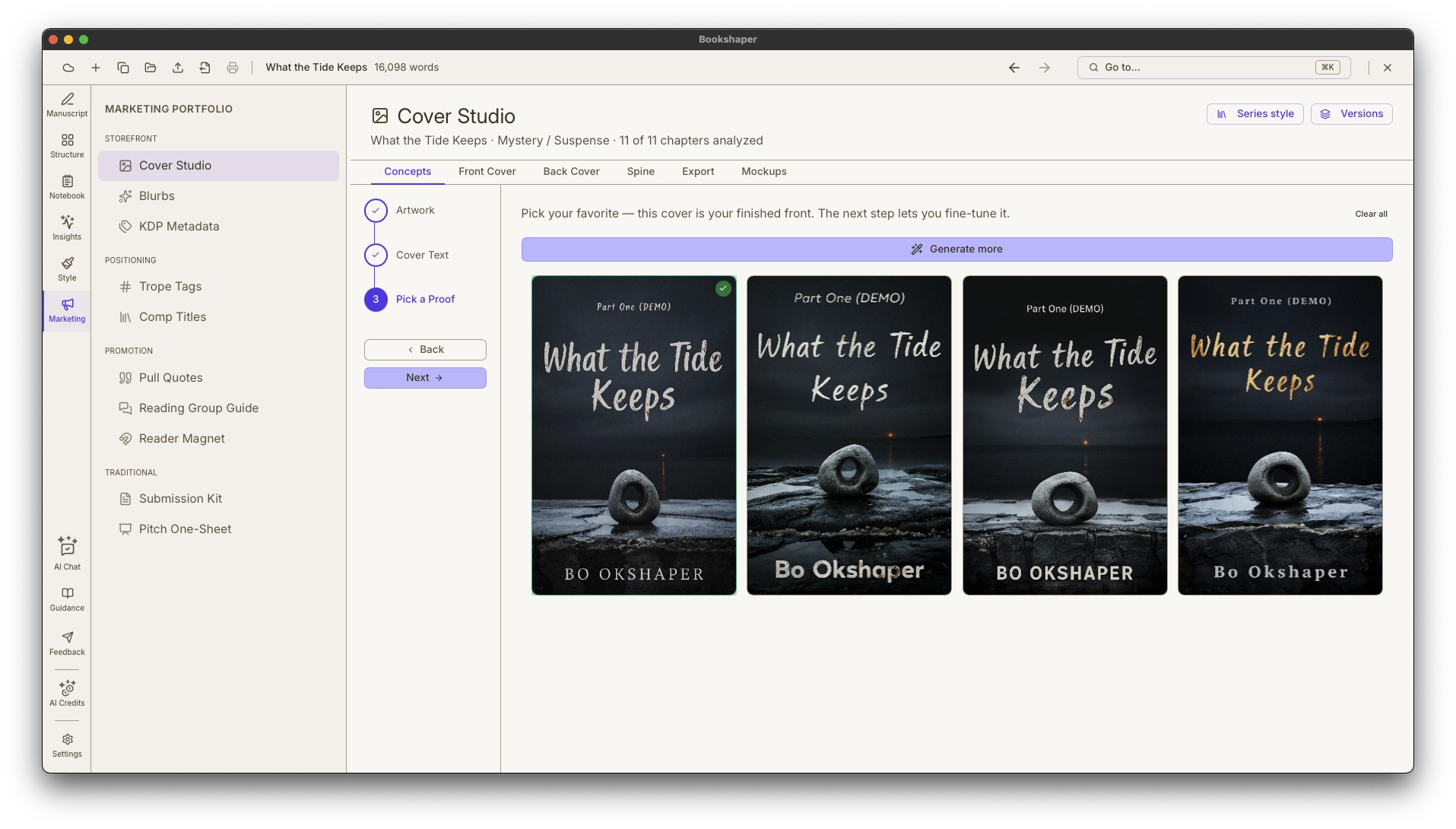
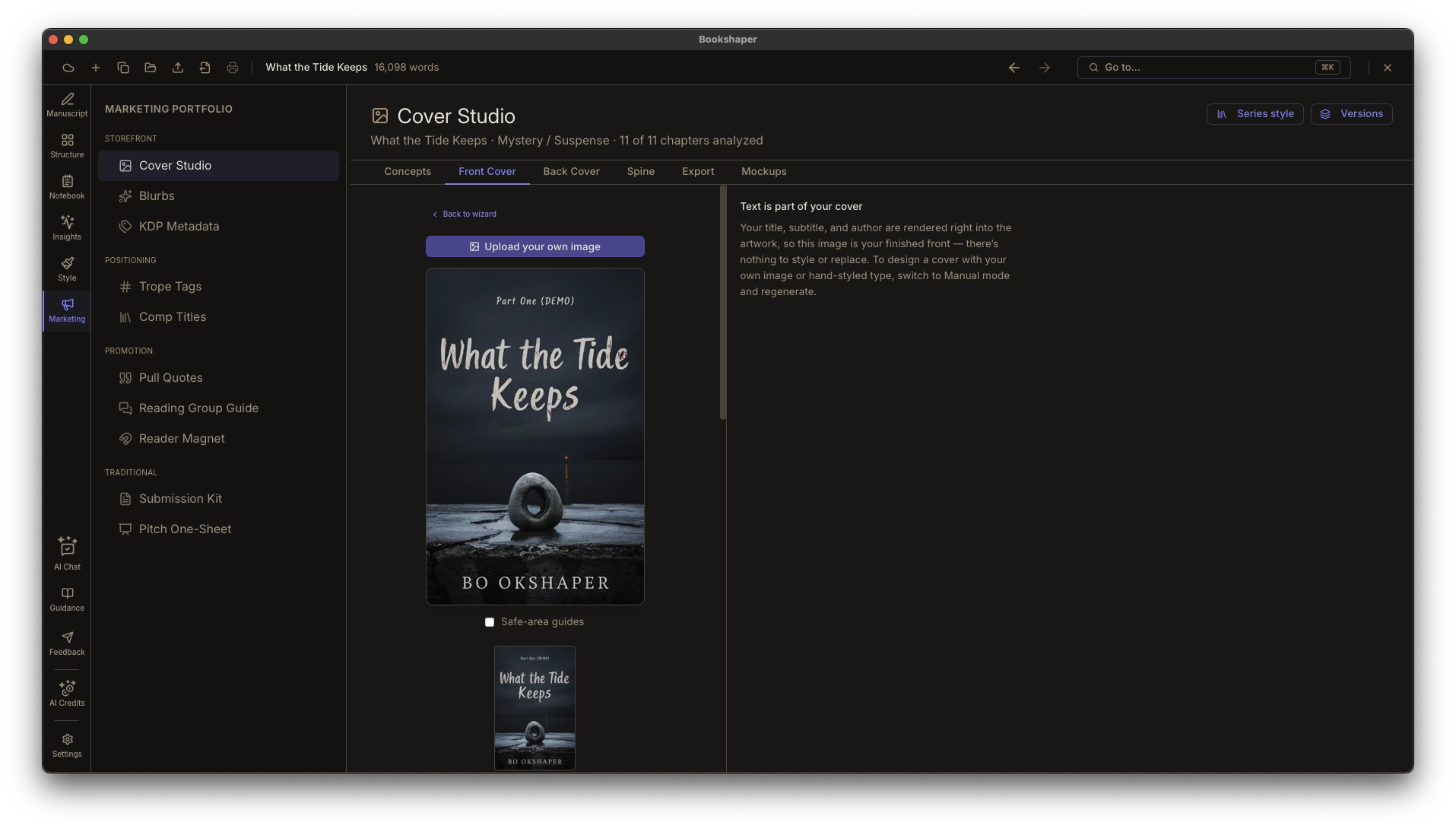
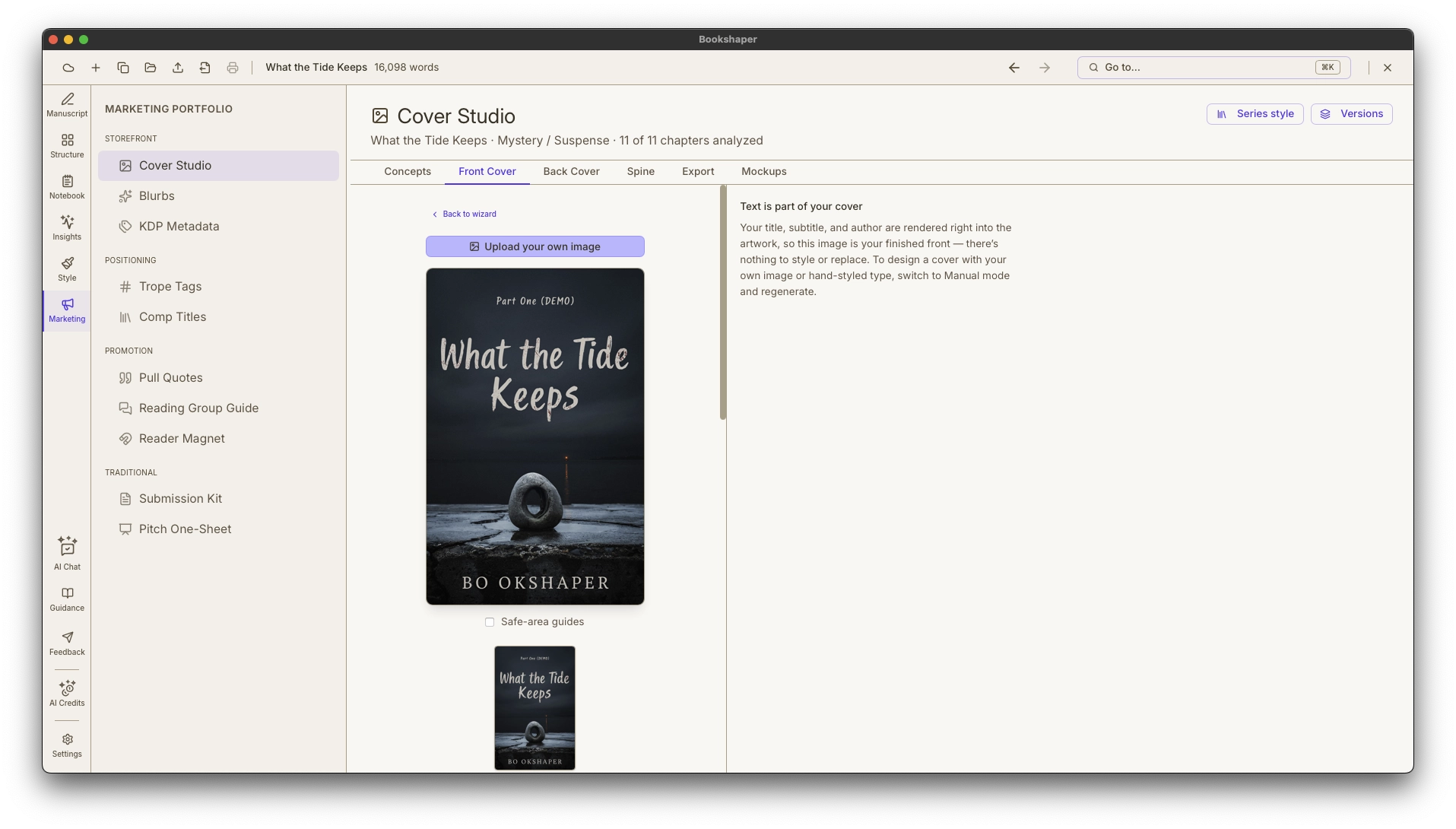
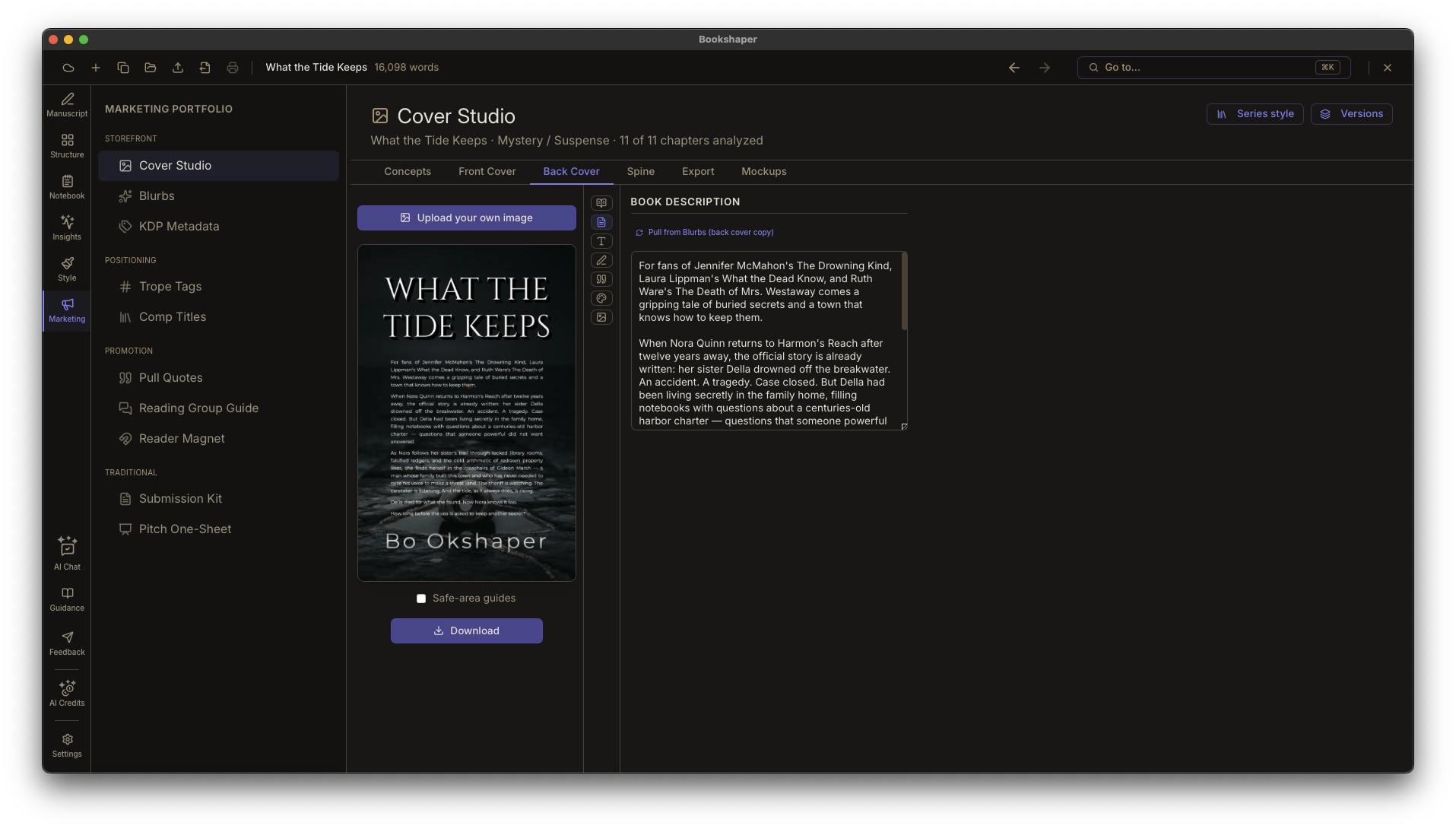
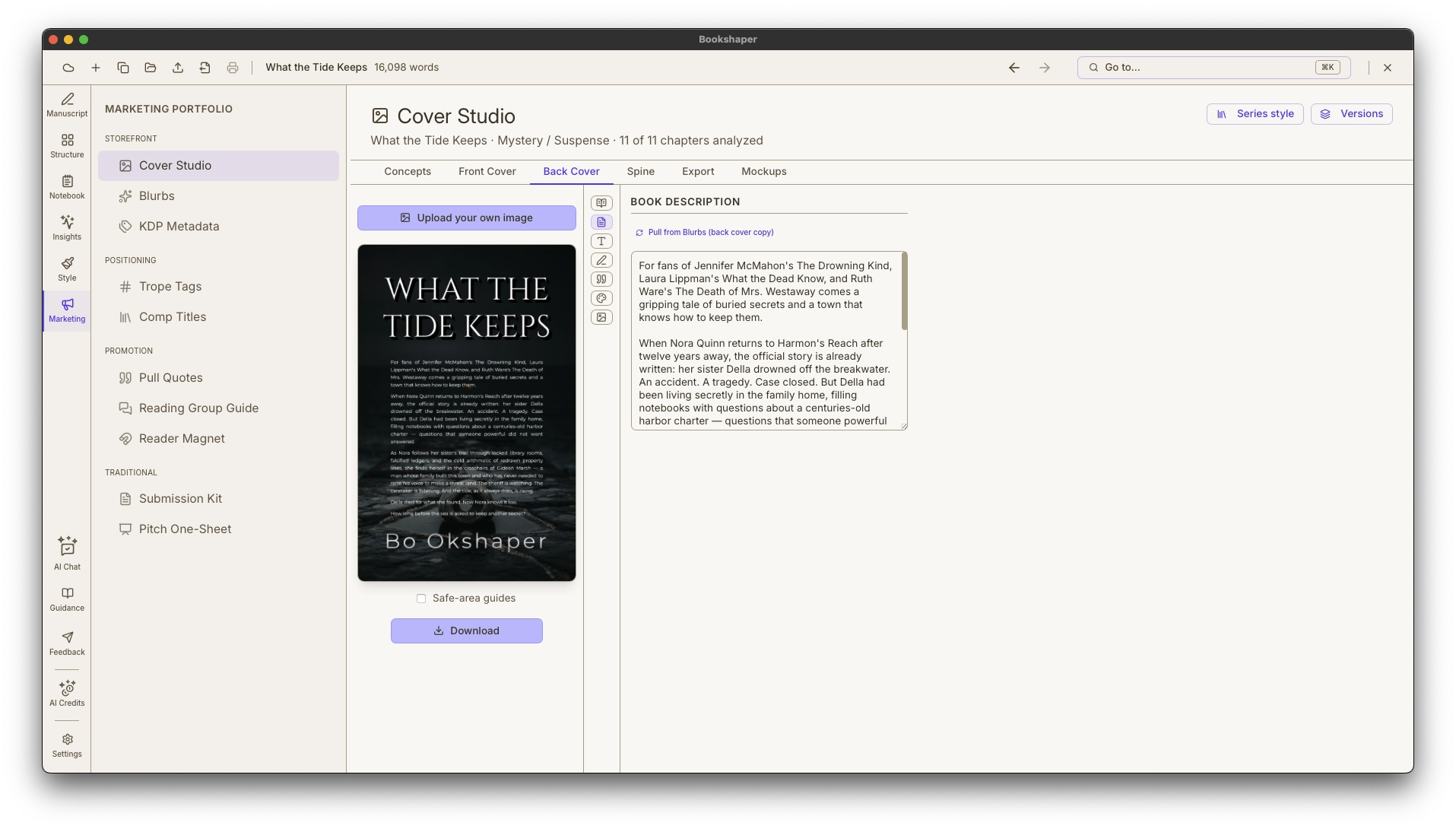
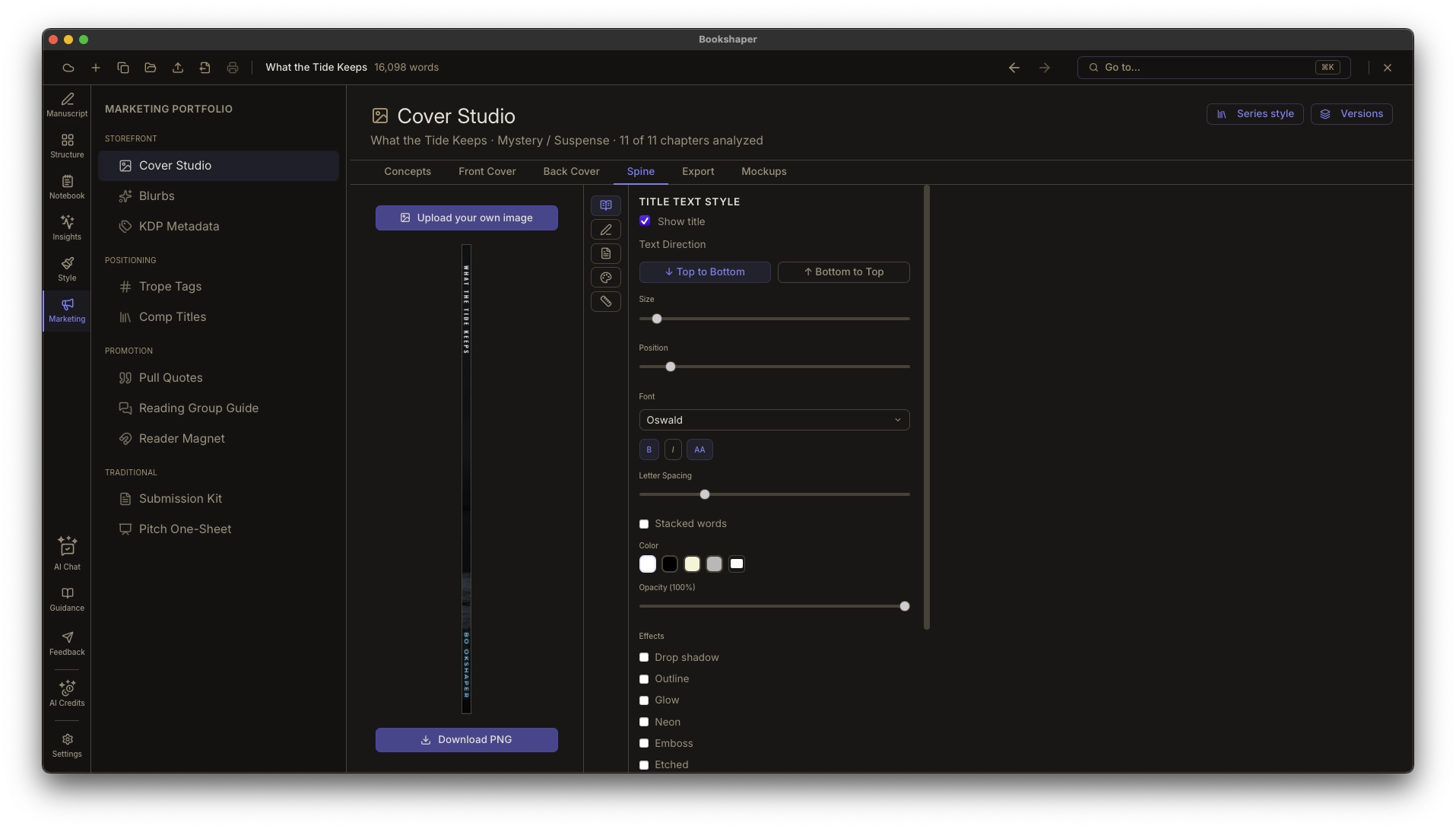
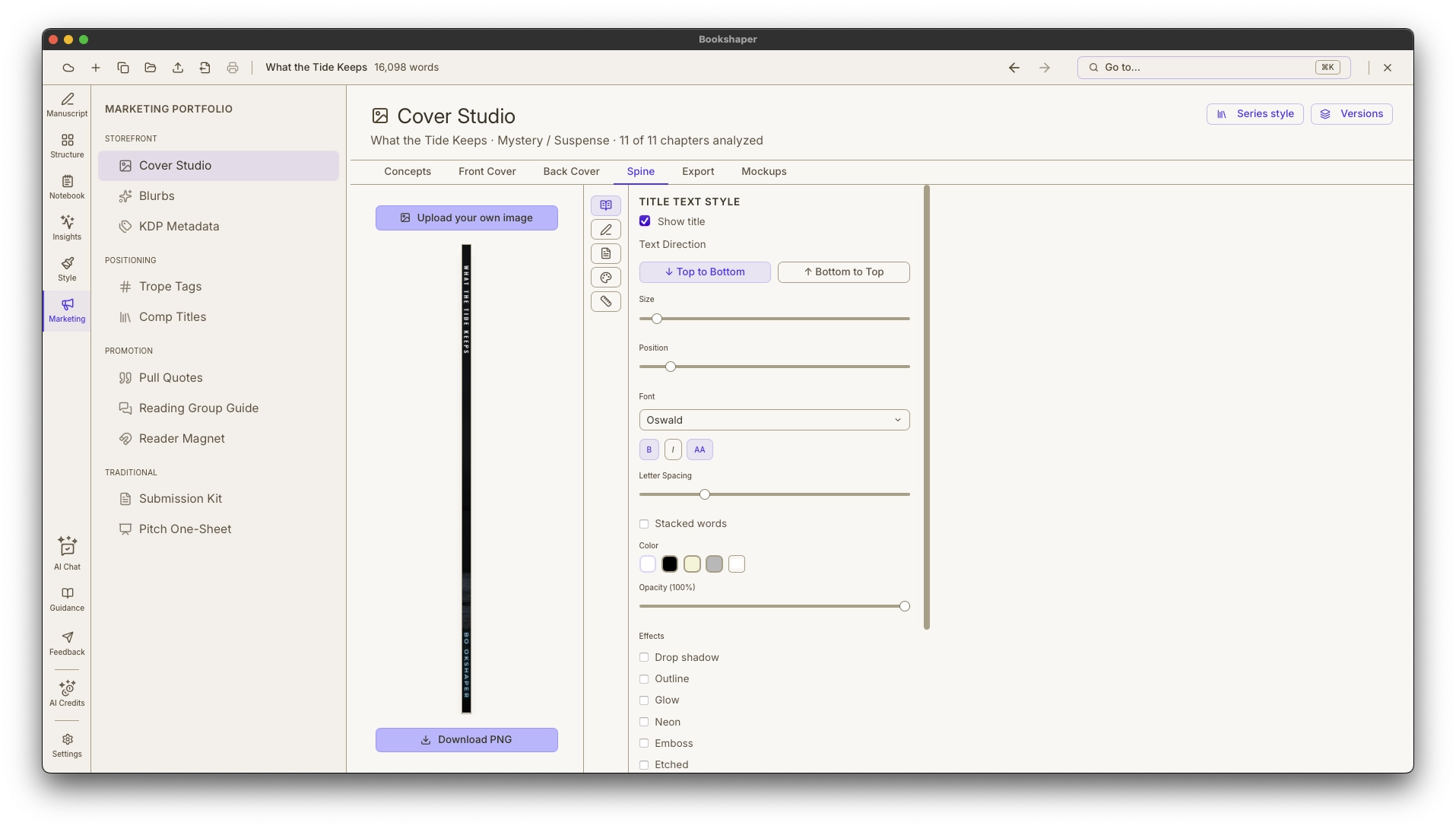
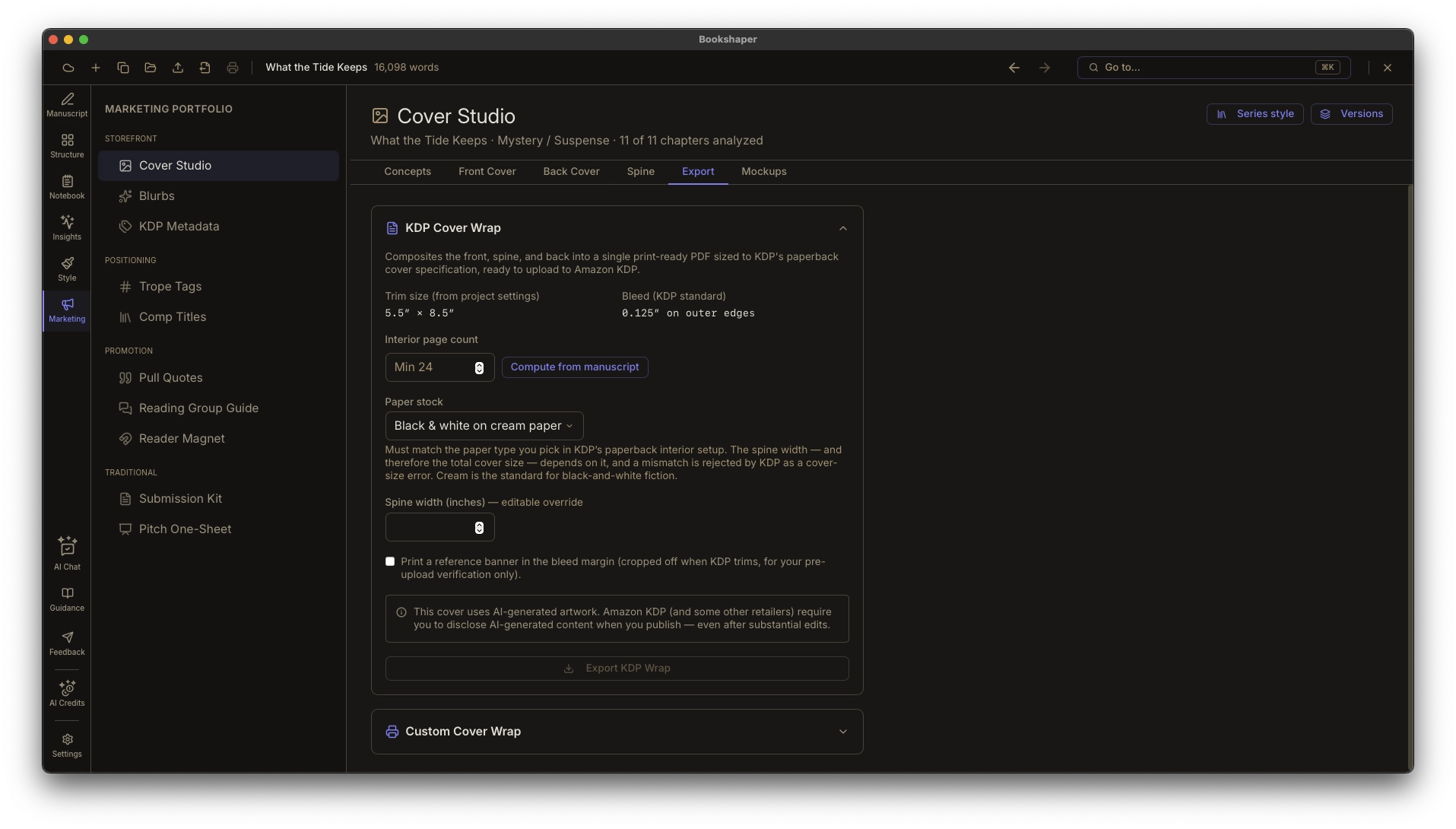
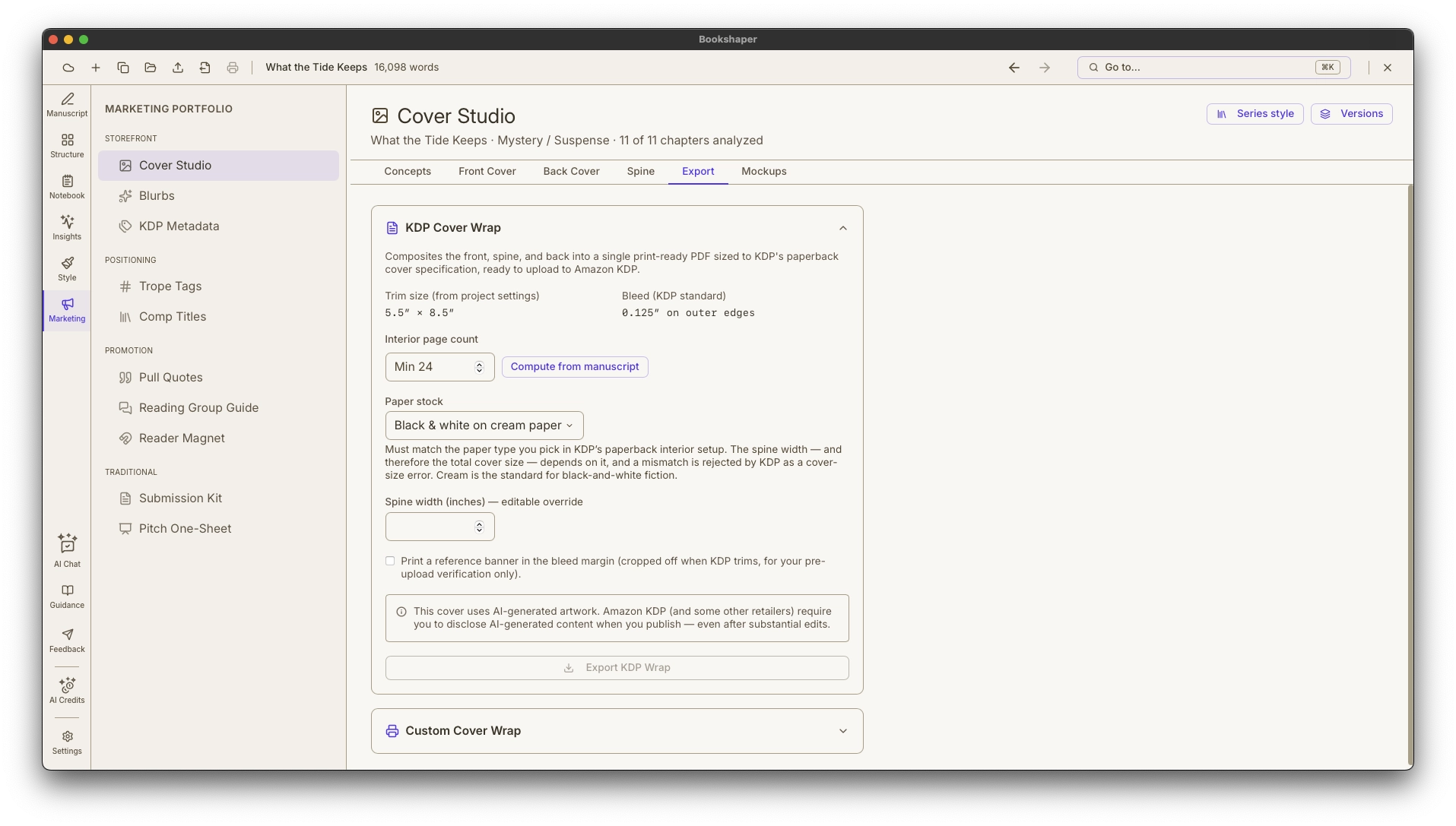
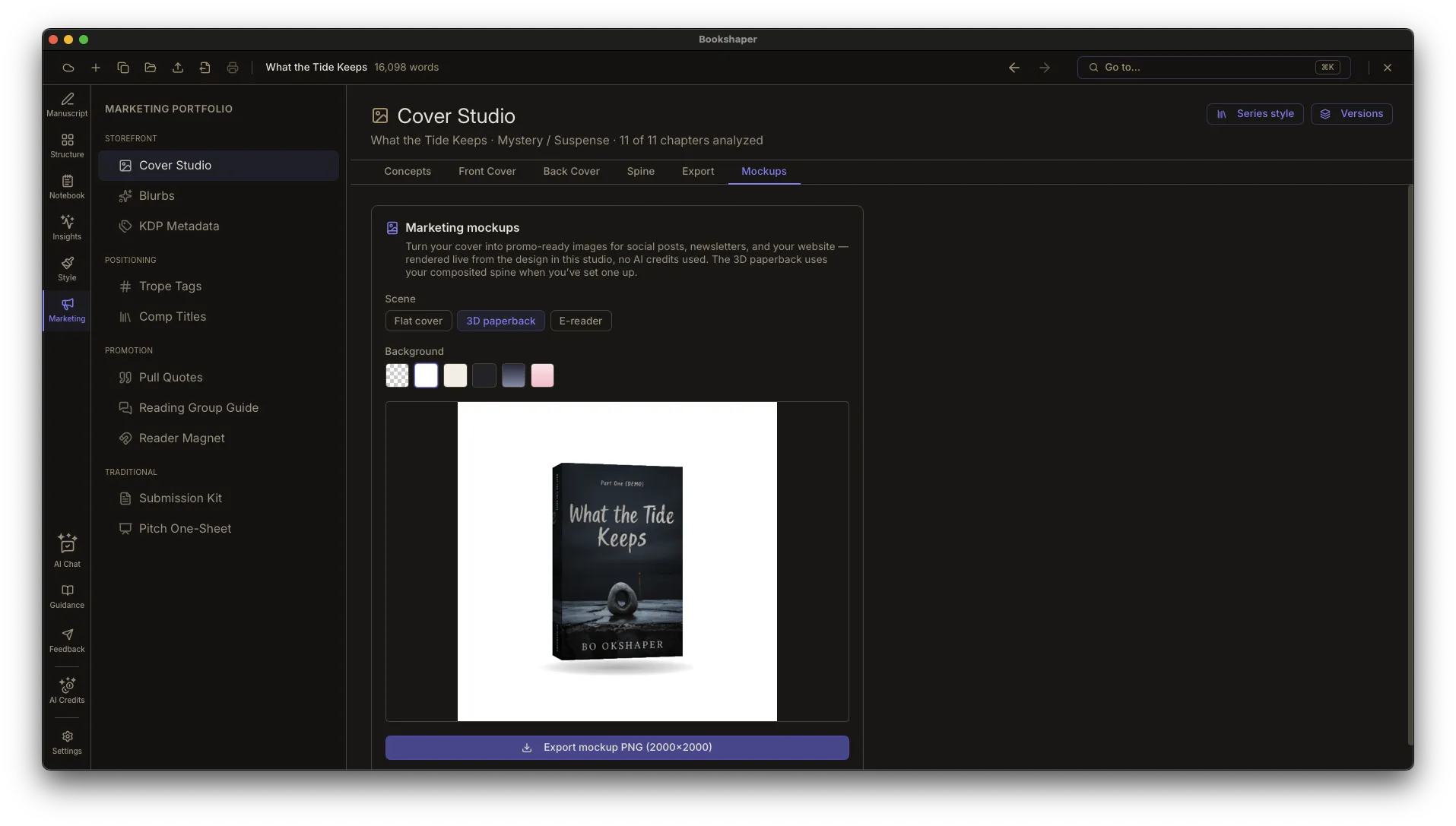
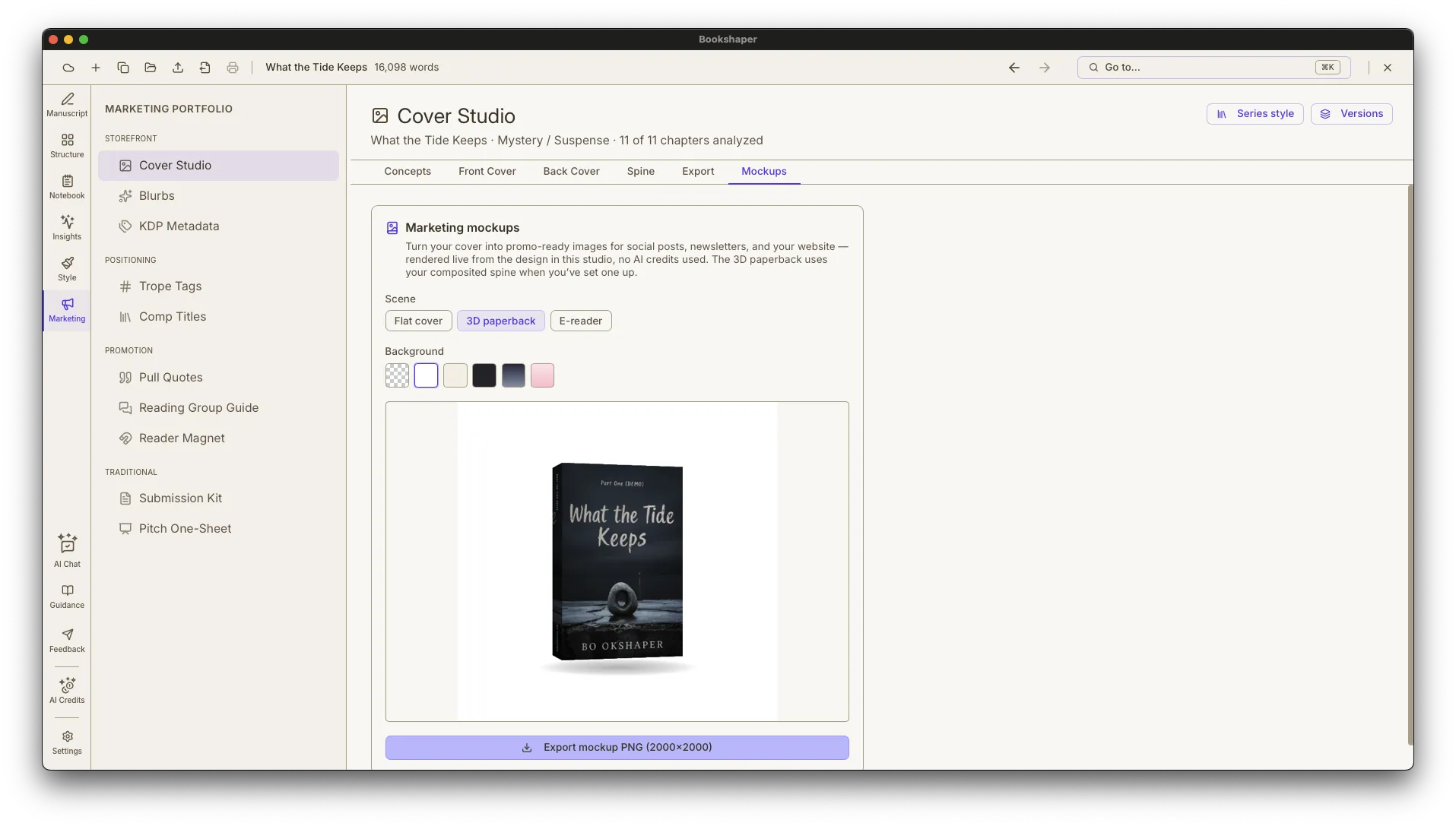
Design book covers in Cover Studio with front cover, back cover, and spine—art-directed by genre in one click, or start from AI-generated concepts, bring your own artwork, or build a pure typographic cover on a solid or gradient background. A guided four-step wizard turns a few plain-language inputs into a grid of nine low-cost cover proofs—pick your favorite and Cover Studio makes it your cover art with a genre-styled title treatment already applied, then hands you a pre-populated editor to finish; flip on Advanced mode any time for the full brief and concept controls. Steer the concept with the mood, palette direction, and imagery style you want, then finish with traditionally-published title effects like foil, texture, and curved type. Save named versions of a design to A/B-test directions and restore whichever wins, or save a design's style as a series kit and apply it to your next book for a matching series look in one click—art and text stay per-book. Then check it at Amazon-search thumbnail size and export a print-ready KDP wrap PDF, an IngramSpark or other custom-template wrap sized to any printer's own template generator, or an ACX-ready audiobook cover in one click. Turn the finished design into one-click 3D marketing mockups—paperback, e-reader, and flat cover scenes on transparent or branded backgrounds—for social posts and your website, no AI credits used.
- Cover Studio—design front covers, back covers, and spines with your own artwork or a typographic design on a solid or gradient background (every plan); AI-generated concepts are a Pro feature
- Guided AI cover wizard (Pro)—a four-step flow (Concept Preferences, Pick a Proof, Text Treatment, Fine-Tune) turns a few plain-language inputs into a grid of nine low-cost cover proofs; pick your favorite, Cover Studio makes it your cover art and auto-applies genre-styled title treatments placed in the art's open space, optically sized to fit, and kept legible against the image—never over a face—then drops you into a pre-populated editor to hand-tune the finish—with Advanced mode one click away for the full brief and hands-on controls
- Pro covers—on the Pro plan, generate finished covers with your title, subtitle, and author rendered right into the artwork in a single pass, then pick a favorite; no separate text step, and an automatic spelling-and-layout check keeps the type crisp
Catch the page-layout flaws print services reject
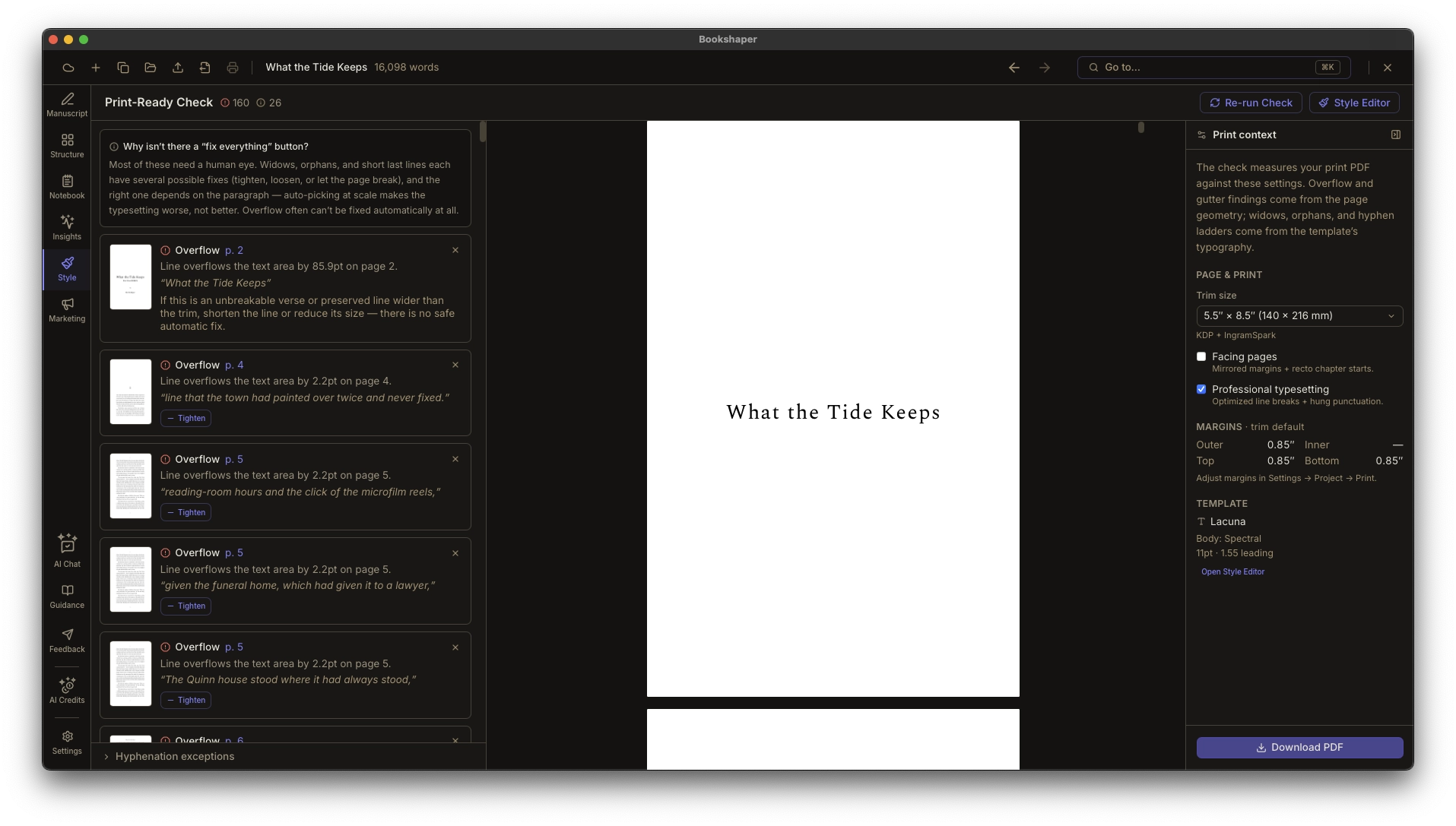
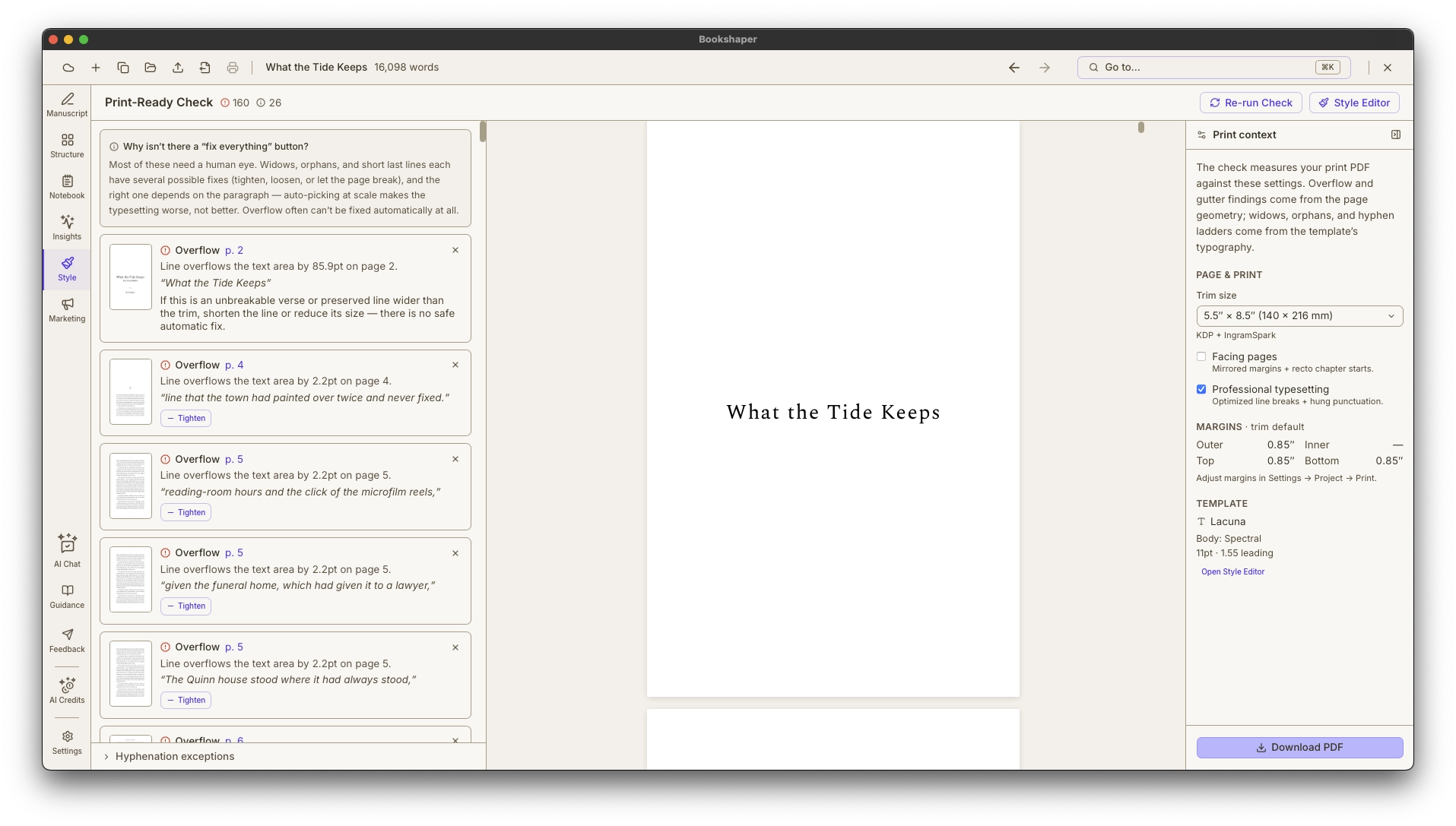
Print-Ready Check
Print-Ready Check compiles your real print PDF, scans every page, and hands you a fix-it list for the typographic flaws that separate a polished book from an amateur one — with one-click fixes applied to print only, so your ebook keeps flowing naturally and is never touched. It reads the compiled layout the way a typesetter would, because our print engine sets the same pages you export.
- Compiles your actual print PDF and scans every page — findings are measured against the exact file you'll upload, not a guess
- Detects widows and orphans (a lone line stranded at the top or bottom of a page), hyphen ladders (a stack of line-ending hyphens), overflowing lines that intrude into the binding gutter print services reject, short last lines, and short pages
- One-click fixes — tighten or loosen a paragraph, turn off its hyphenation, or relax the widow/orphan rule — applied to print only, so the reflowable ebook is never altered
From manuscript to publication-ready file
Export & Publishing
Import from Markdown, Word (DOCX), EPUB, HTML, or plain text—or point Bookshaper at an unzipped EPUB or Kindle package folder—then export to EPUB, PDF, or DOCX with full typographic control. Point your ebook at real storefronts: set per-retailer buy links for the book itself and for a linked Also-By catalog, add your About-the-Author profile, then export a separate ebook edition for each store—Kindle, Apple Books, Kobo, Barnes & Noble, or a universal-link Standard edition—so every buy link in the file sends the reader to the store they're already shopping instead of a generic landing page. A one-click preflight report checks your book against KDP and IngramSpark specs before you export. The same manuscript and settings always produce the same output—no surprises.
- Import from Markdown (including Ulysses exports), Word (DOCX), EPUB, HTML, and plain text, or from an unzipped EPUB or Kindle package folder
- EPUB export with reflowable text, CSS styling, and font embedding
- Born-accessible EPUB — ACE-validated output with accessibility metadata and accessible, dyslexia-friendly body styles (including Atkinson Hyperlegible), so your book clears the EU Accessibility Act bar retailers increasingly require
Agent-ready query letters, synopses, and bios
Submission Kit
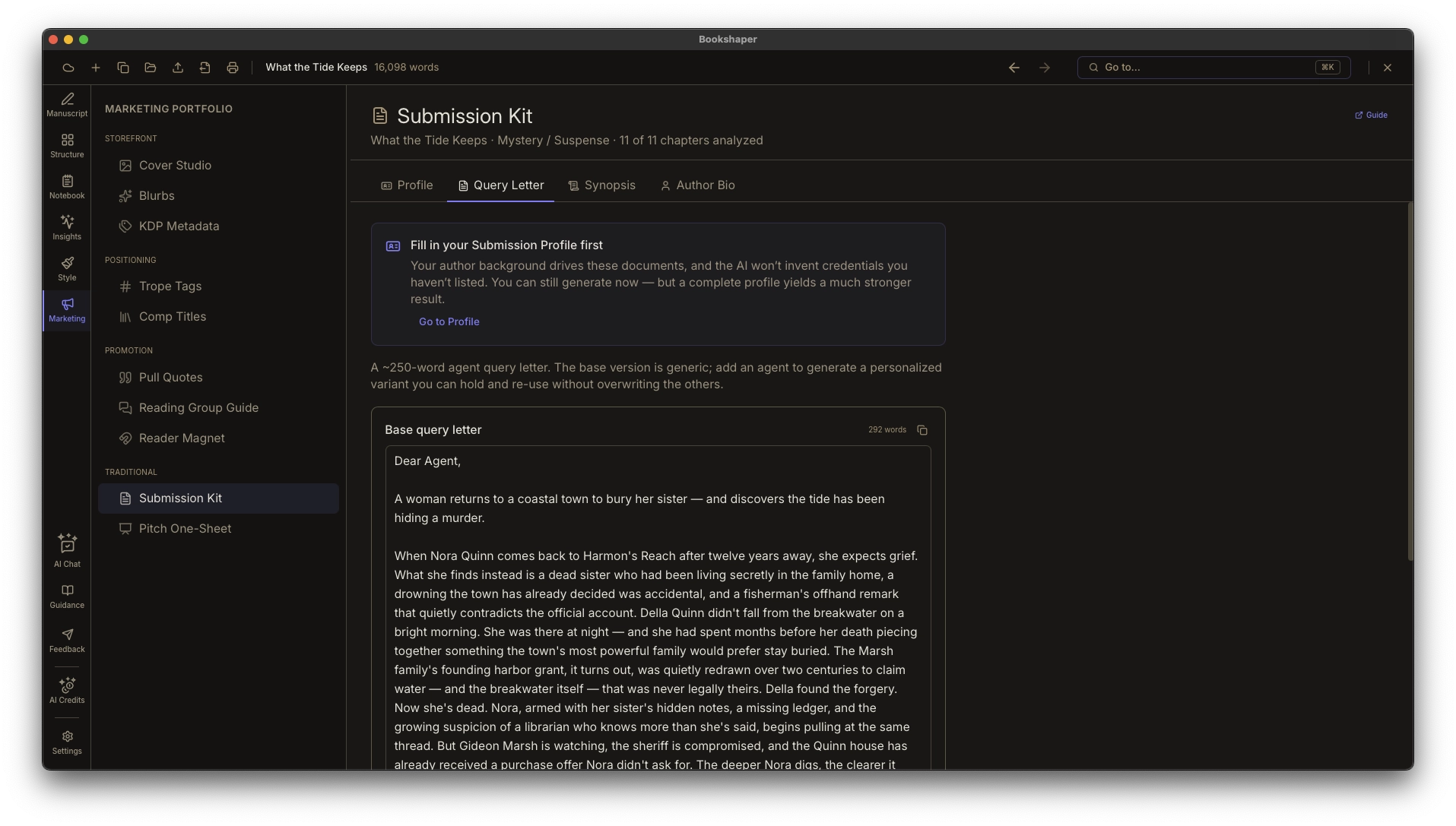
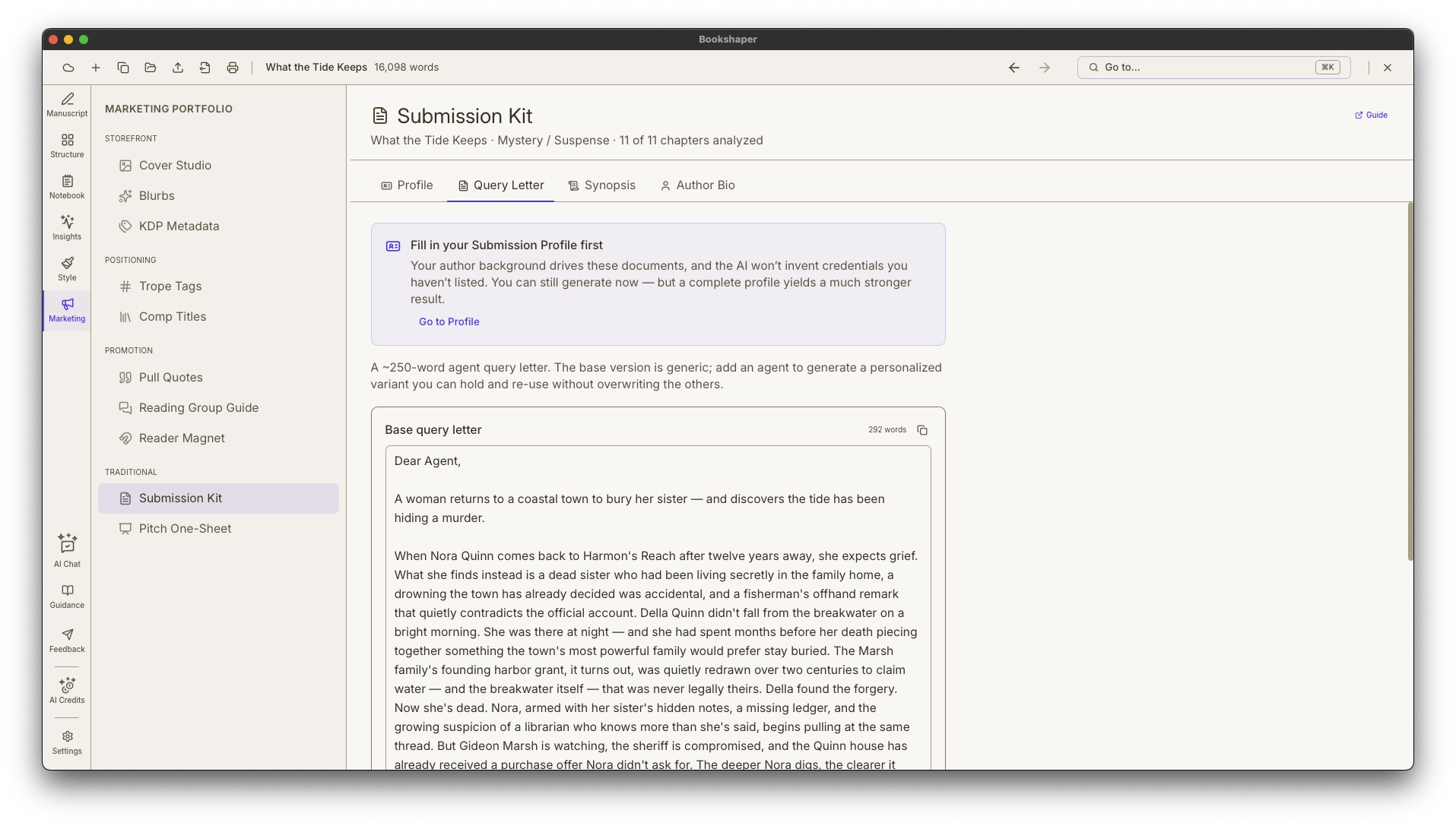
Pursuing traditional publishing means assembling a submission package — a query letter, a short pitch that withholds the ending, a synopsis that reveals it, and an author bio — and tailoring it to every agent on your list. Bookshaper builds the package from your manuscript’s own metadata, then saves per-agent variants alongside your project so you’re never re-pasting your manuscript into another tool or rewriting the same letter from scratch.
- ~250-word query letters drafted from your manuscript, with per-agent personalization saved to your project
- A short pitch for the query letter, plus one- and two-page synopses that include the ending agents require
- 75- and 150-word author bios for the variety of forms agents ask for
A one-page sales sheet built from what you already have
Pitch One-Sheet
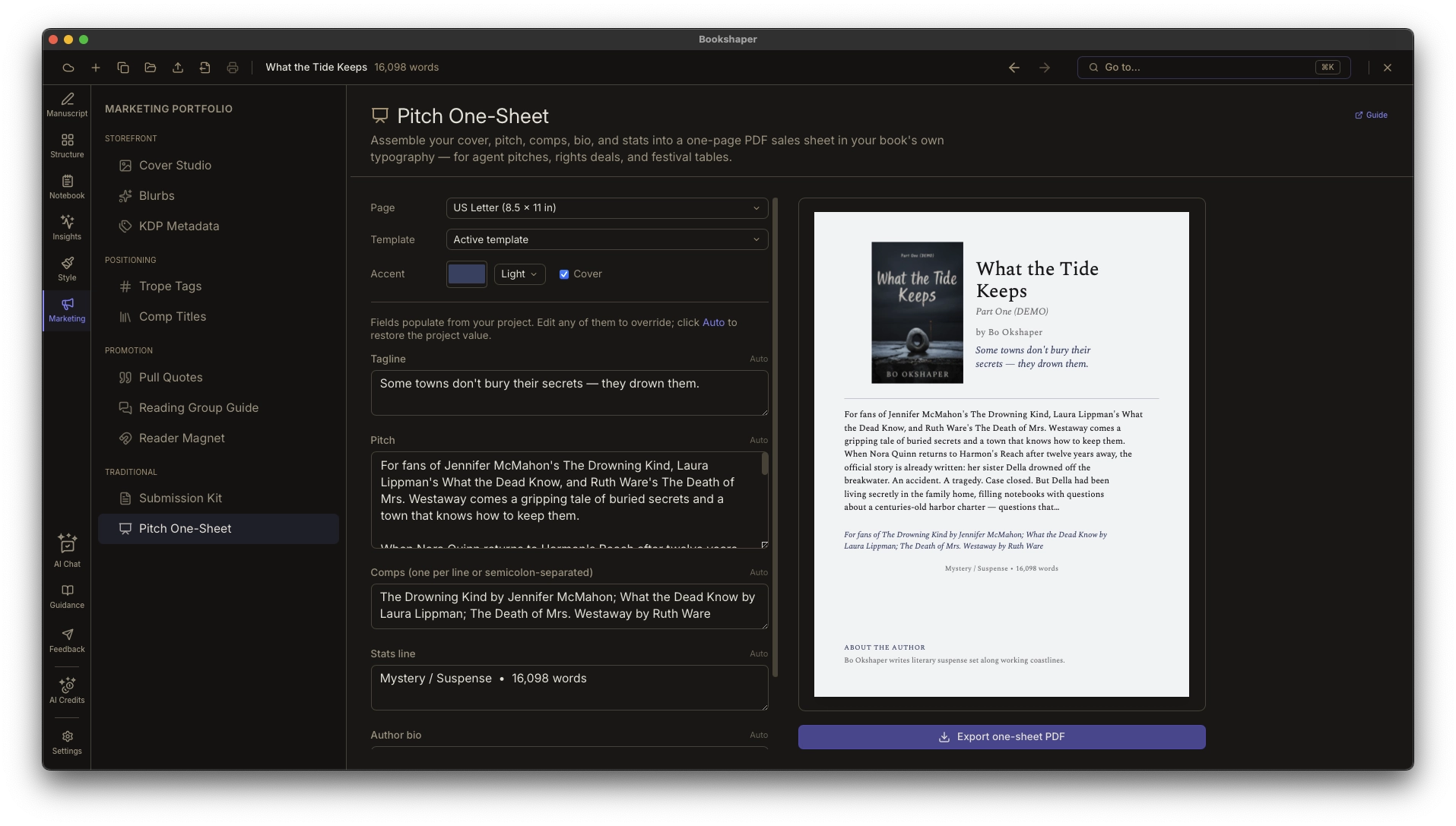
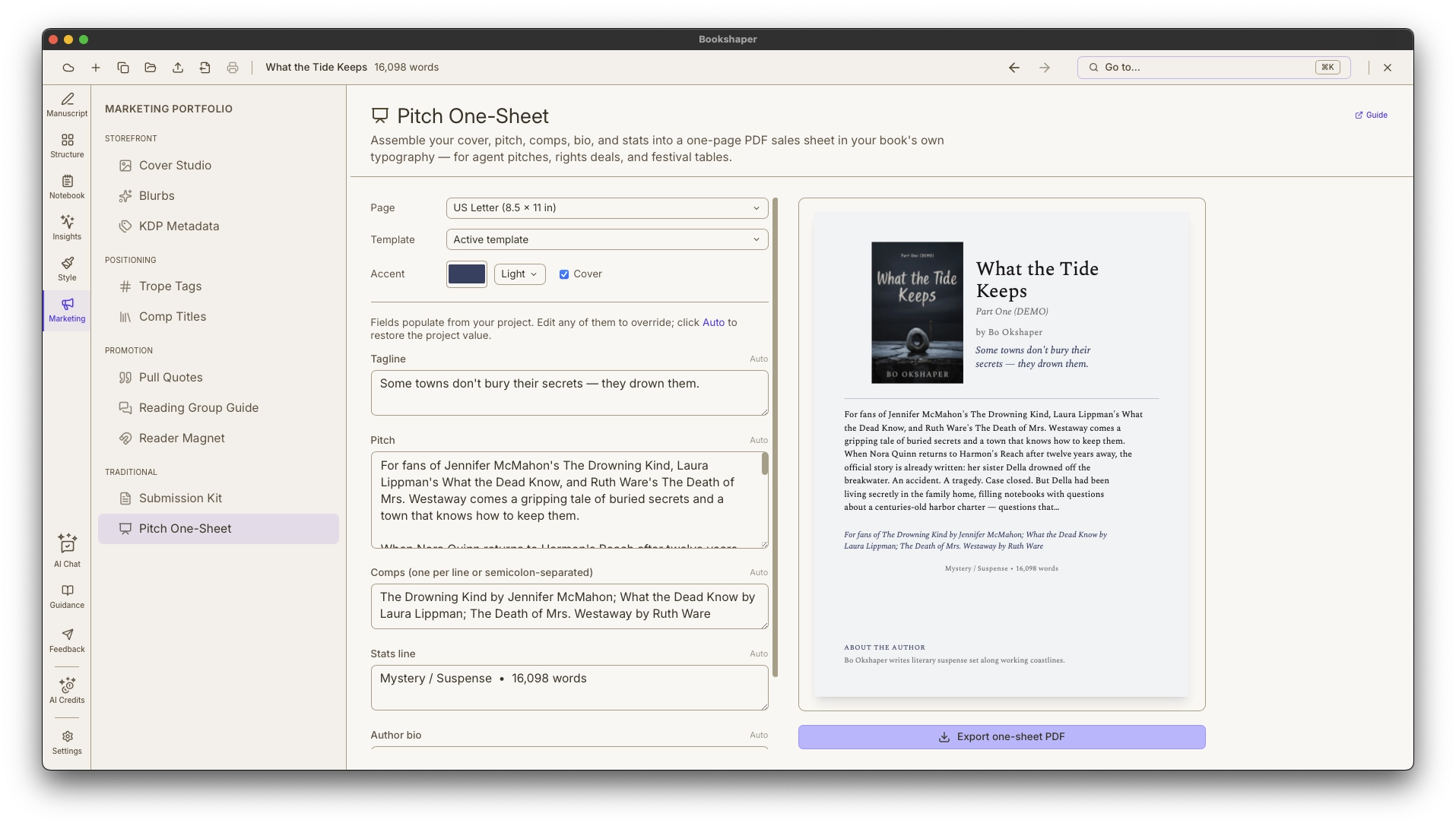
Agents, foreign-rights buyers, festival tables, and librarians all expect a one-sheet — and today it’s a Canva job where you re-enter everything that already lives in your project. The Pitch One-Sheet assembles it for you: your cover, tagline, a short pitch, your pinned comp titles, author bio, and a stats line, laid out on a single Letter or A4 page in your book’s own typography and ornament. Nothing is re-generated — the sheet is a view over assets you’ve already made — and any field can be overridden inline. Export a print- and email-ready PDF in one click.
- Auto-populates from your project — cover (Cover Studio), tagline and pitch (Blurbs), comps (Comp Title Finder), author bio (Submission Kit), and genre / word count / POV / ISBN stats
- Laid out in your book’s own body and display typefaces and ornament via the 41-target style-template system
- Override any field inline, with one-click reset back to the project value
Try it free for 7 days — no credit card required. Subscribe only when you’re ready.
Phase 4 · Market
Build your readership
Generate the storefront metadata, positioning, and reader-facing extras that drive discovery and sales — all from the book you already wrote.
Amazon-ready metadata generated from your manuscript
KDP Storefront Metadata
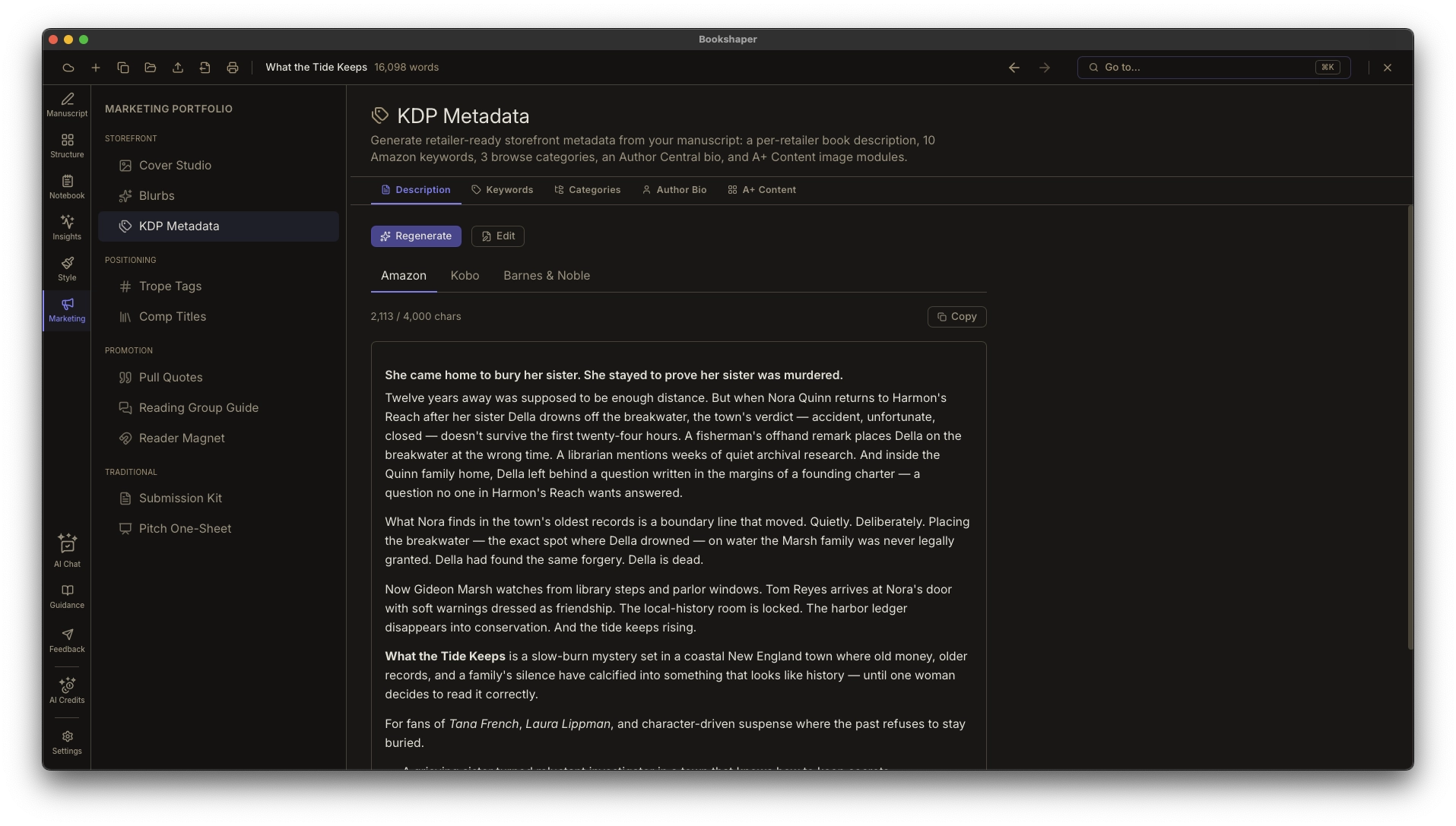
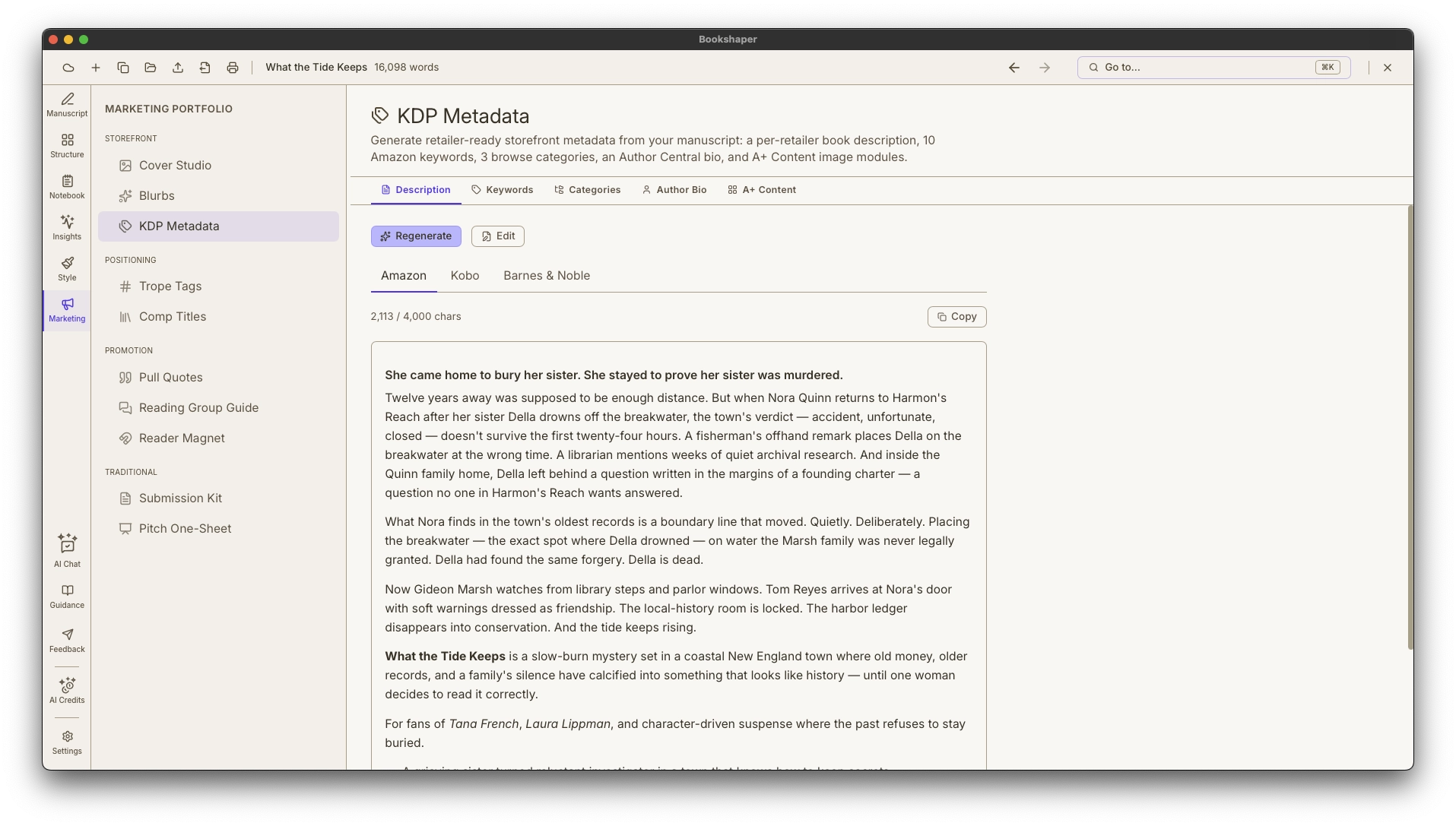
Most authors stitch their Amazon storefront together across three or four separate tools that don't see the manuscript. Bookshaper does. One pass turns your book into a complete KDP submission package: a per-retailer product description, ten manuscript-derived keywords, three browse-category recommendations grounded in a real Amazon path, an Author Central bio, and A+ Content image modules sized exactly to Amazon's spec.
- Per-retailer book descriptions — Amazon (HTML allowlist), Barnes & Noble (smaller subset), Kobo (plain text), all from one AI pass
- Live preview matches each retailer's storefront rendering, including warnings for tags the retailer will strip
- 20 keyword candidates drawn from your genre, themes, characters, and chapter synopses — each with a one-line rationale so you can judge fit
Back-cover copy and hooks written from your story
Marketing Blurbs
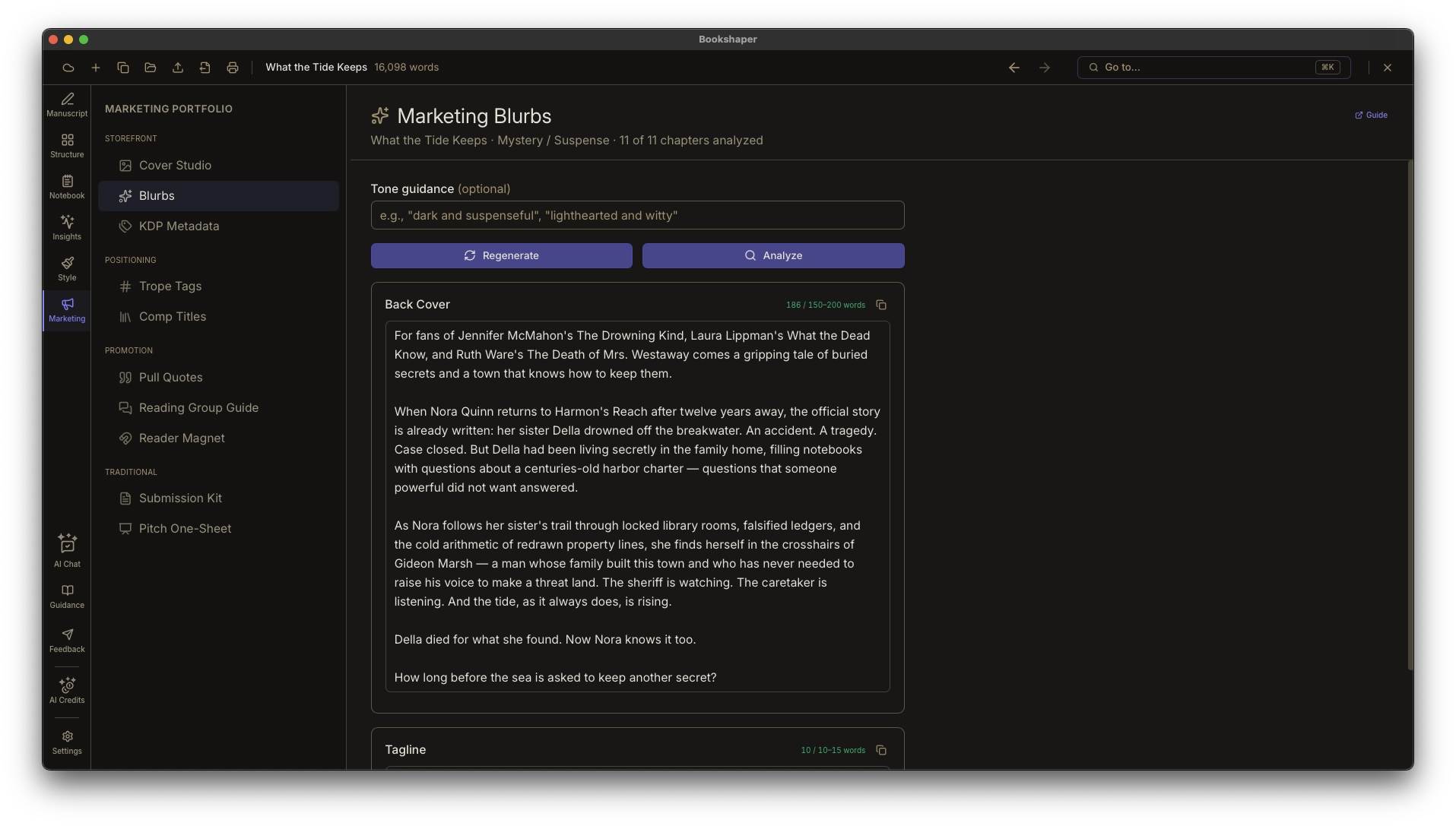
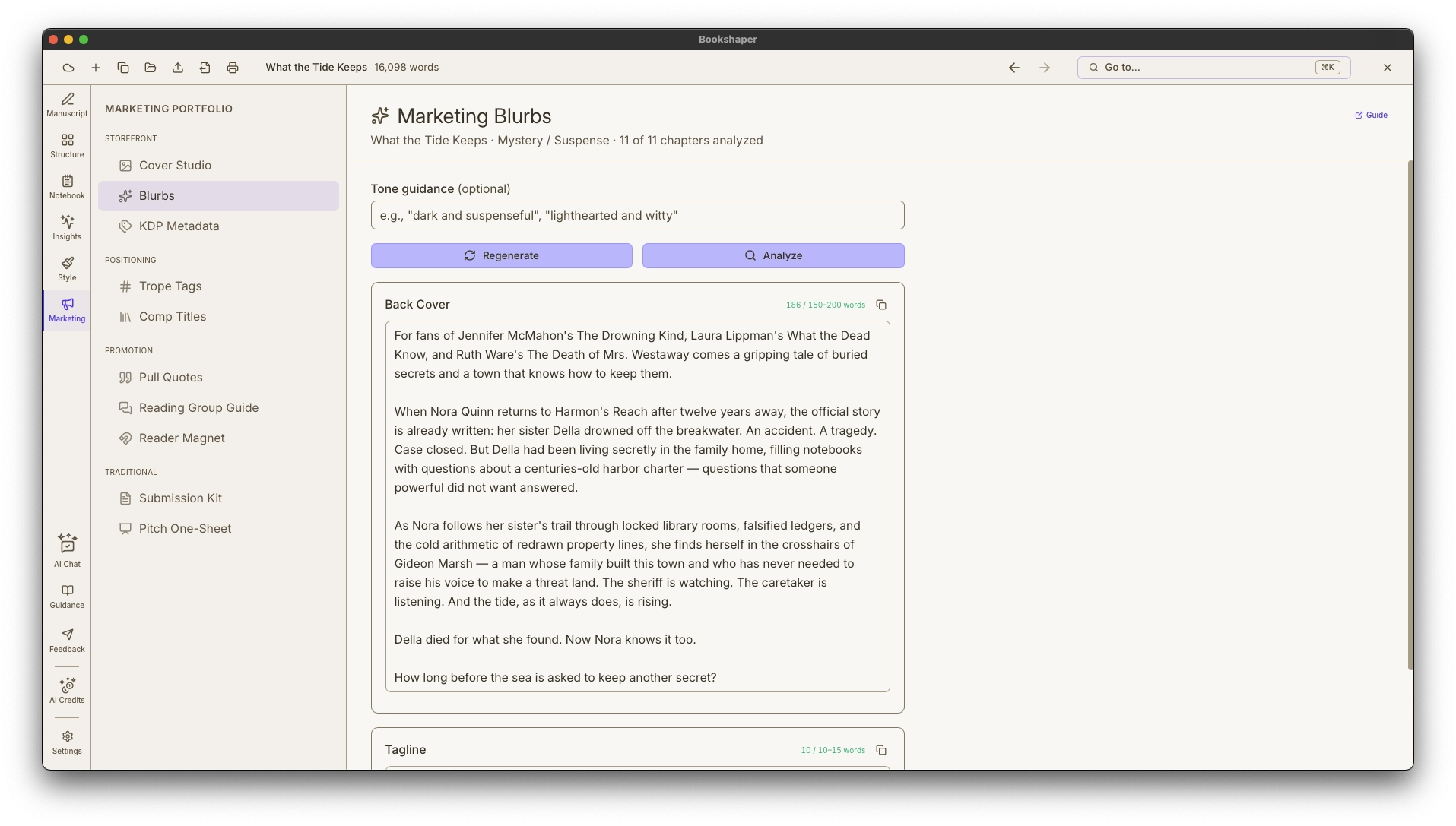
The blurb is the hardest paragraph in publishing to write — the one that has to sell the whole book in a hundred words. Most authors agonize over it or pay a copywriter who has never read the manuscript. Bookshaper drafts it from your manuscript’s own metadata: genre, characters, and synopses. Generate back-cover copy and a short tagline, then run the built-in blurb analysis to see what’s landing and what to tighten — with a score, the strengths, and specific suggestions, not just a wall of text.
- Back-cover copy and tagline generated from your manuscript’s genre, themes, characters, and stakes
- “For fans of…” opening hooks built from your pinned comp titles and confirmed tropes
- Built-in blurb analysis scores the draft and calls out strengths and weak spots
Place your book in the market
Positioning & Discoverability
Every query letter and storefront listing needs the same thing: a clear sense of where your book sits. Bookshaper derives it from your manuscript’s own metadata — the comparable titles you can cite and the discoverability tropes readers search by — so you position your book accurately without pasting it into another tool.
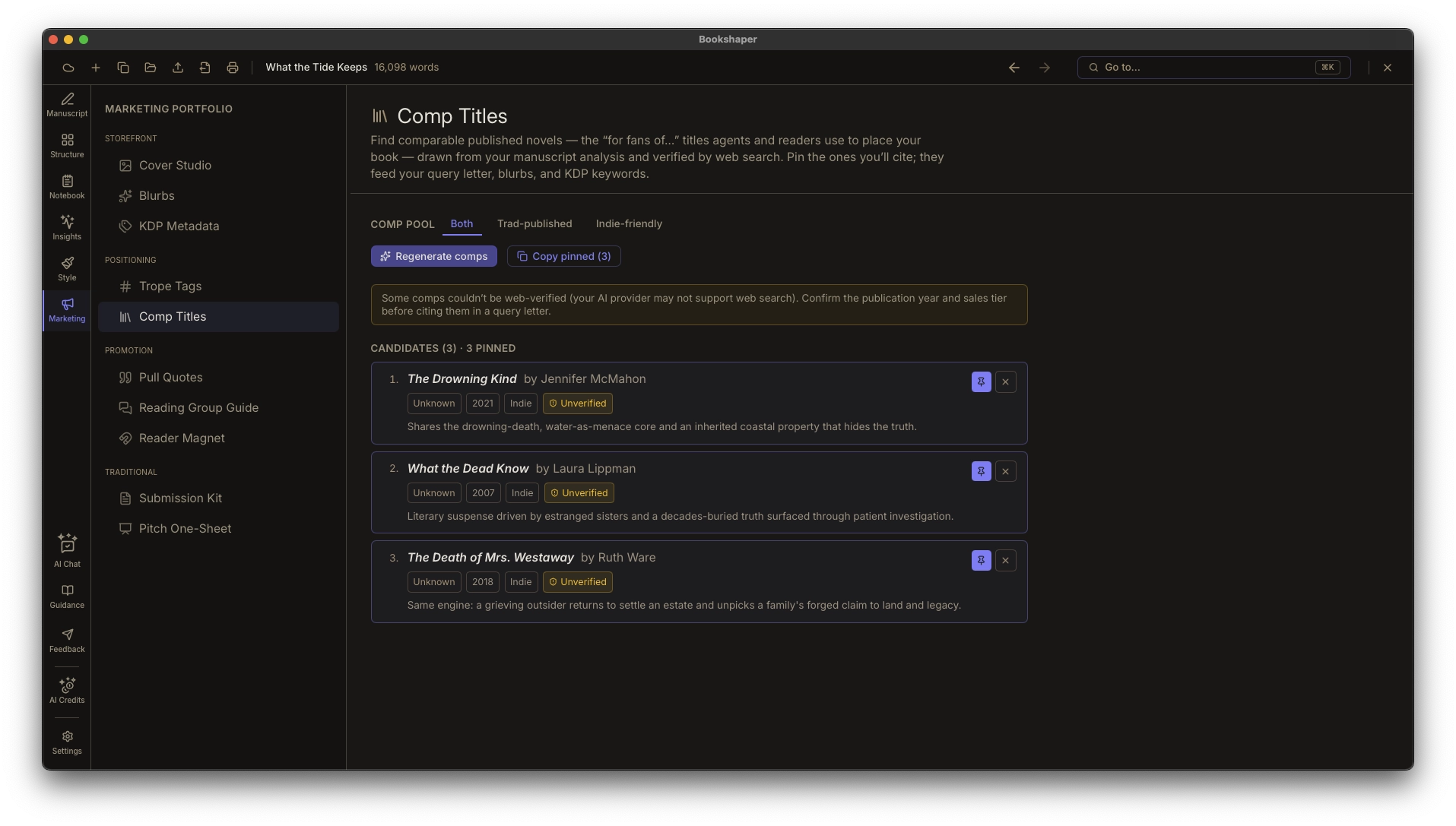
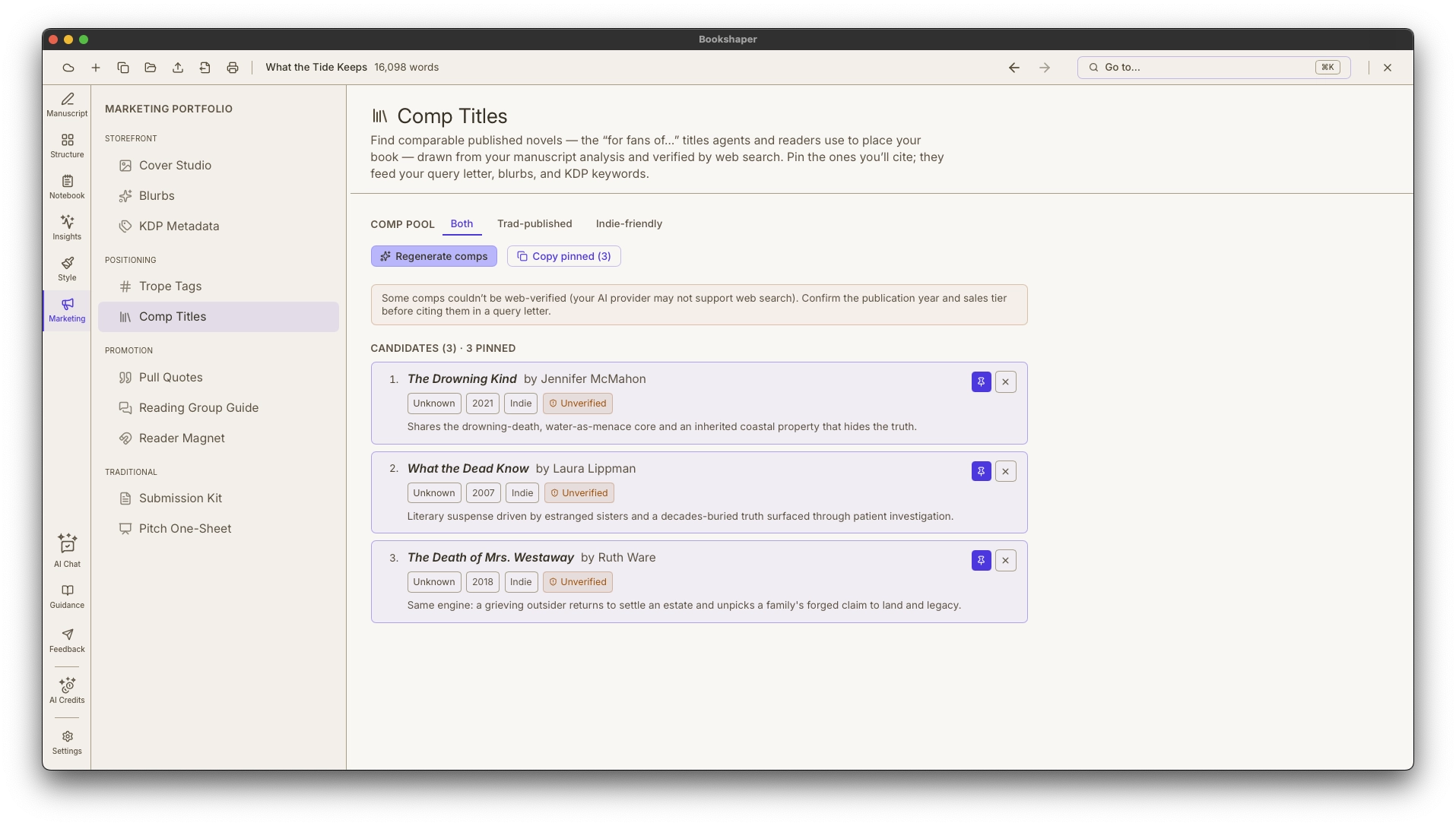
- Ranked comp titles drawn from your manuscript's themes, pacing, POV, and voice — no re-ingest
- Every comp web-verified for real publication year, publisher, and sales tier (NYT bestseller, midlist, indie darling)
- Publishing-path toggle — trad-published comps for query letters, indie comps for storefront marketing
Pull-quote image cards that look like your book
Pull Quotes
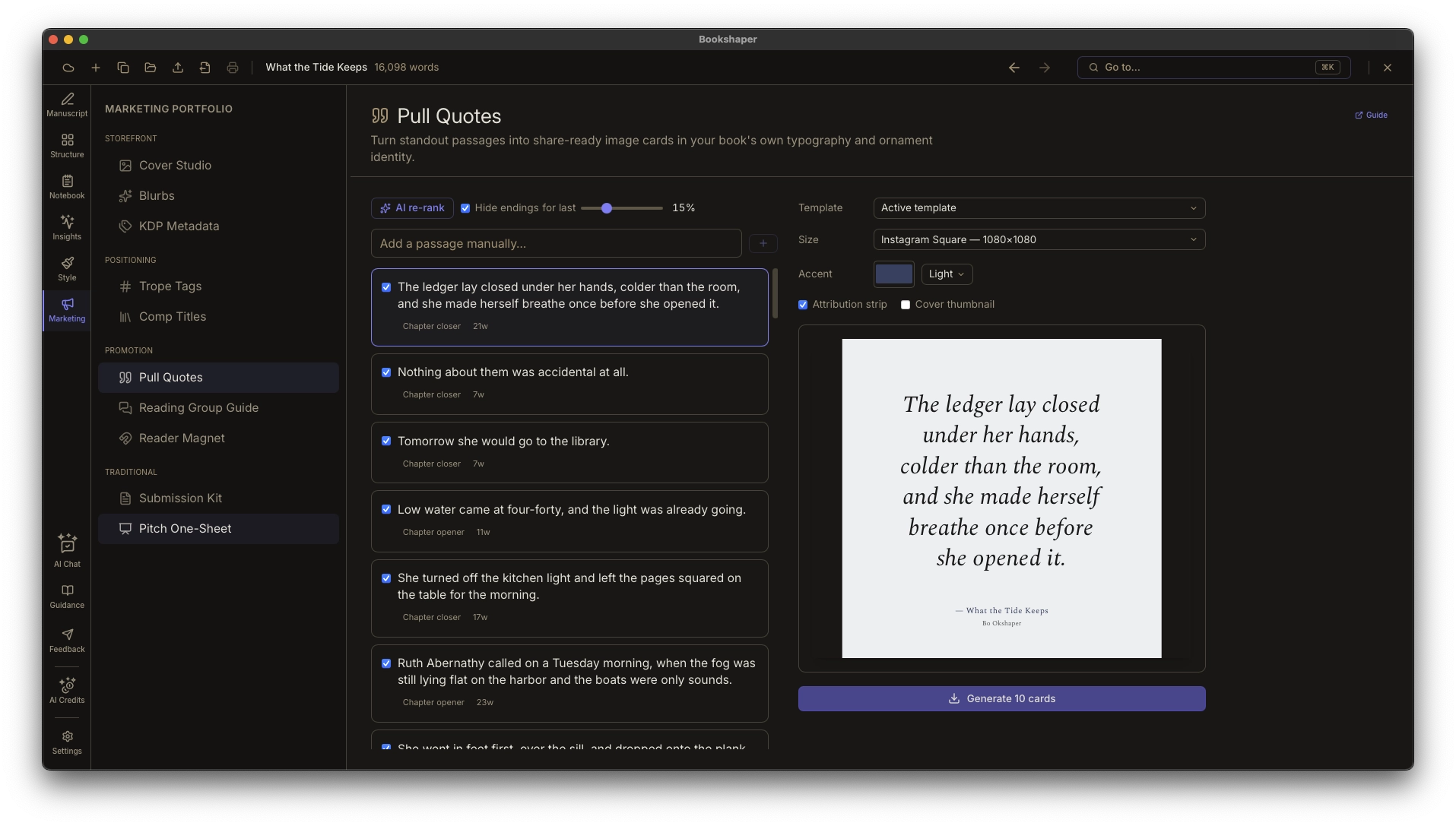
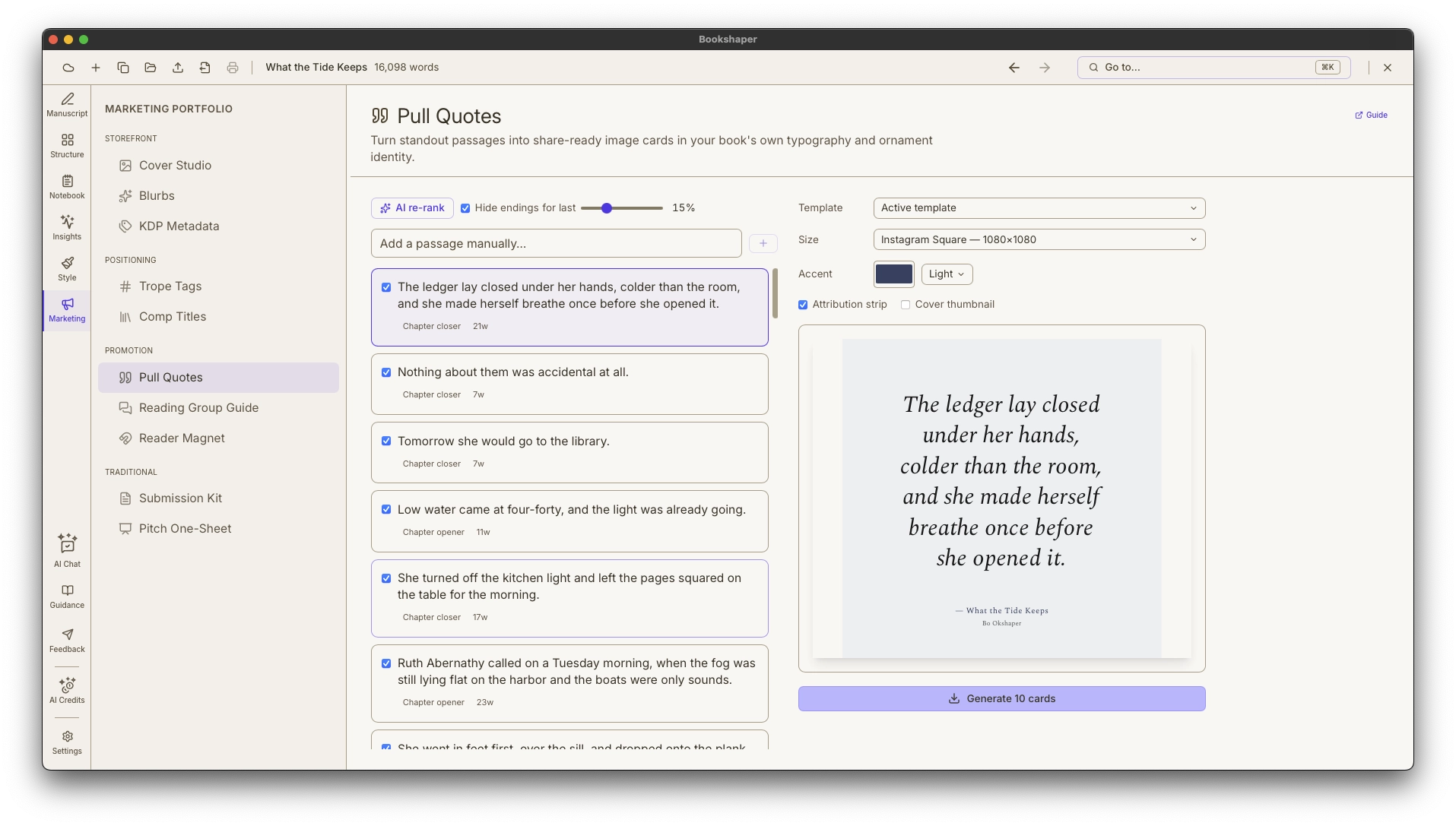
Most authors build their BookTok and Bookstagram pull-quote cards one at a time in a generic design app. Pull Quotes surfaces your most quotable passages automatically — scene and chapter closers, high-tension beats, lines you mark while writing — and sets them in your book’s own body typeface and ornament glyph, the exact typography from your interior. Pick a size, generate a folder of correctly-sized PNGs, and drag them into your scheduler. Because the cards use your own style template, the typography matches your book instead of a stock design.
- Auto-surfaces candidate quotes from your opening line, chapter openers and closers, scene closers, and high-tension beats — no hunting through the manuscript
- Right-click any line in the editor to mark it as a quote candidate
- Optional one-tap AI re-rank orders the pool by what reads as the most share-worthy
Companion content, styled like your book
Bonus Content for Readers
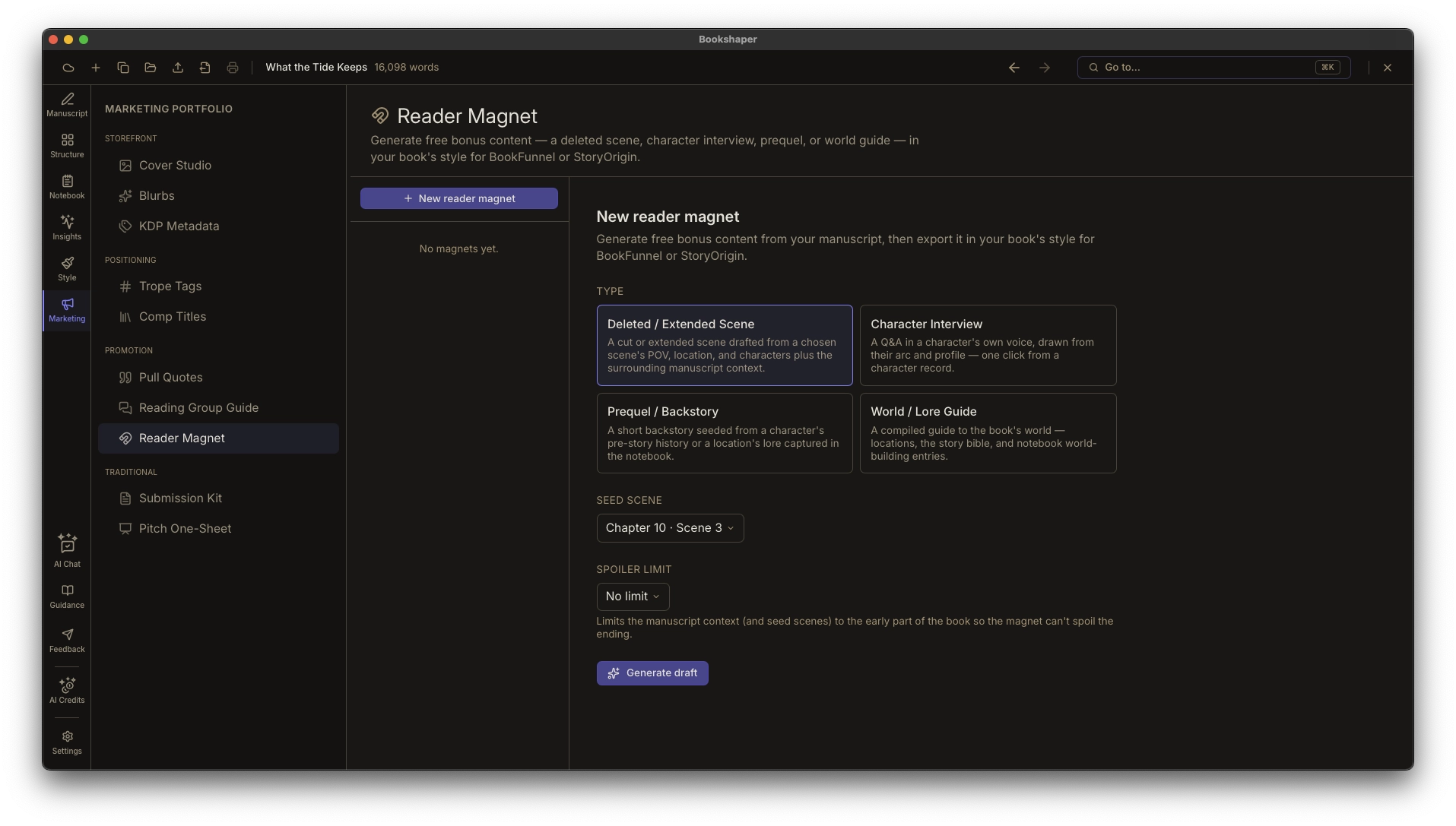
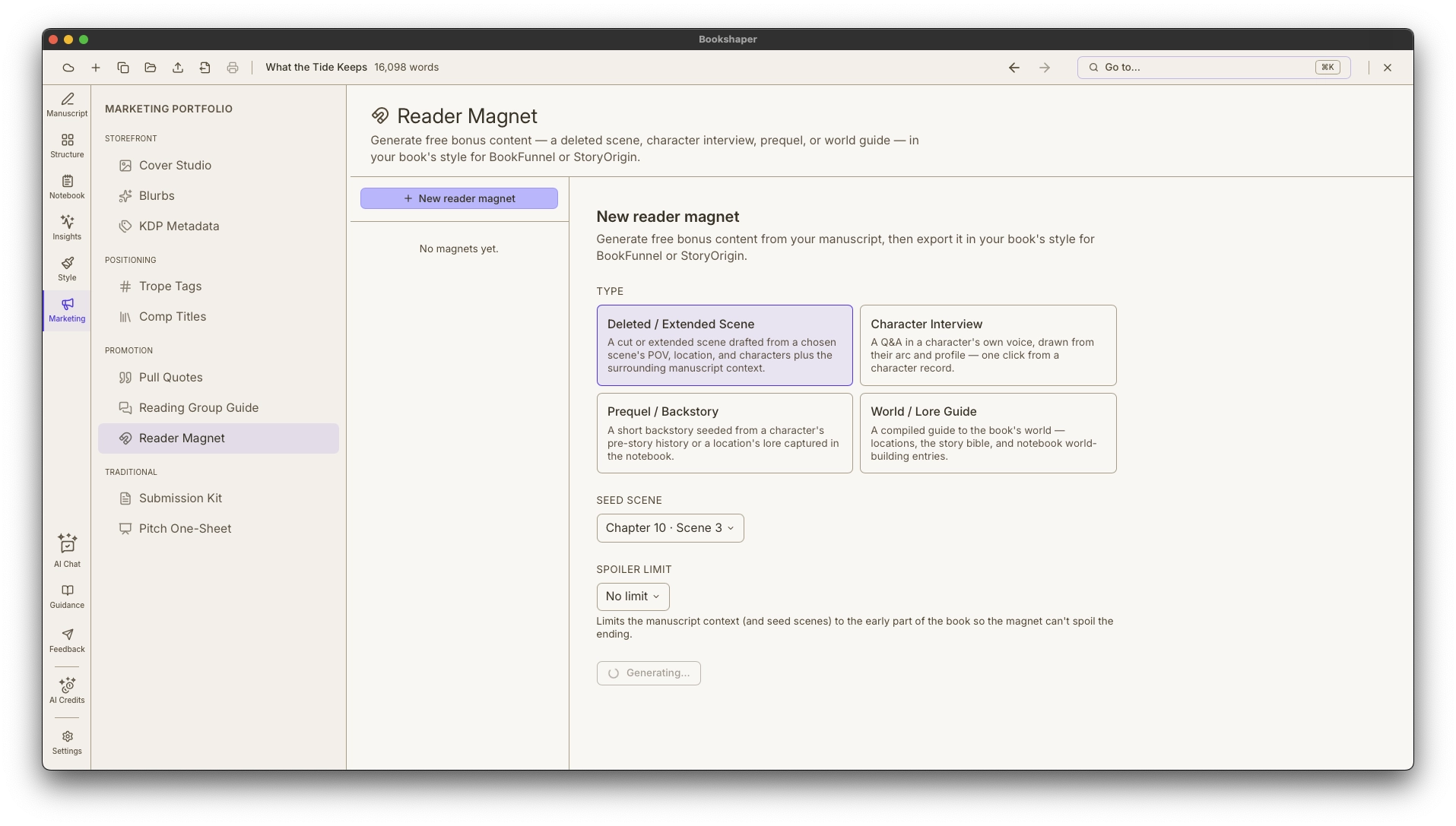
The extras that build and reward a readership — the free deleted scene that grows your mailing list, the book-club guide that keeps clubs talking — usually mean writing in Word and hand-styling an export that never matches the book. Bookshaper drafts both from the project state you already built and exports them through the same EPUB/PDF pipeline as your book, so they inherit your typography, ornaments, and palette.
- Reader magnets in four flavors: deleted/extended scene, character interview, prequel/backstory, and world/lore guide
- Auto-derived from your manuscript — a character interview is one click from a character record; a world guide compiles from your locations and notebook
- Reading-group guide: about a dozen discussion questions grouped into Themes, Characters, and Structure